What counts as a headshot, how it differs from a portrait, and the main types you'll need for work.
By Miu, founder of HeyAIHeadshot · Published October 4, 2026 · Updated October 29, 2026
Headshot meaning: what is a headshot photo?
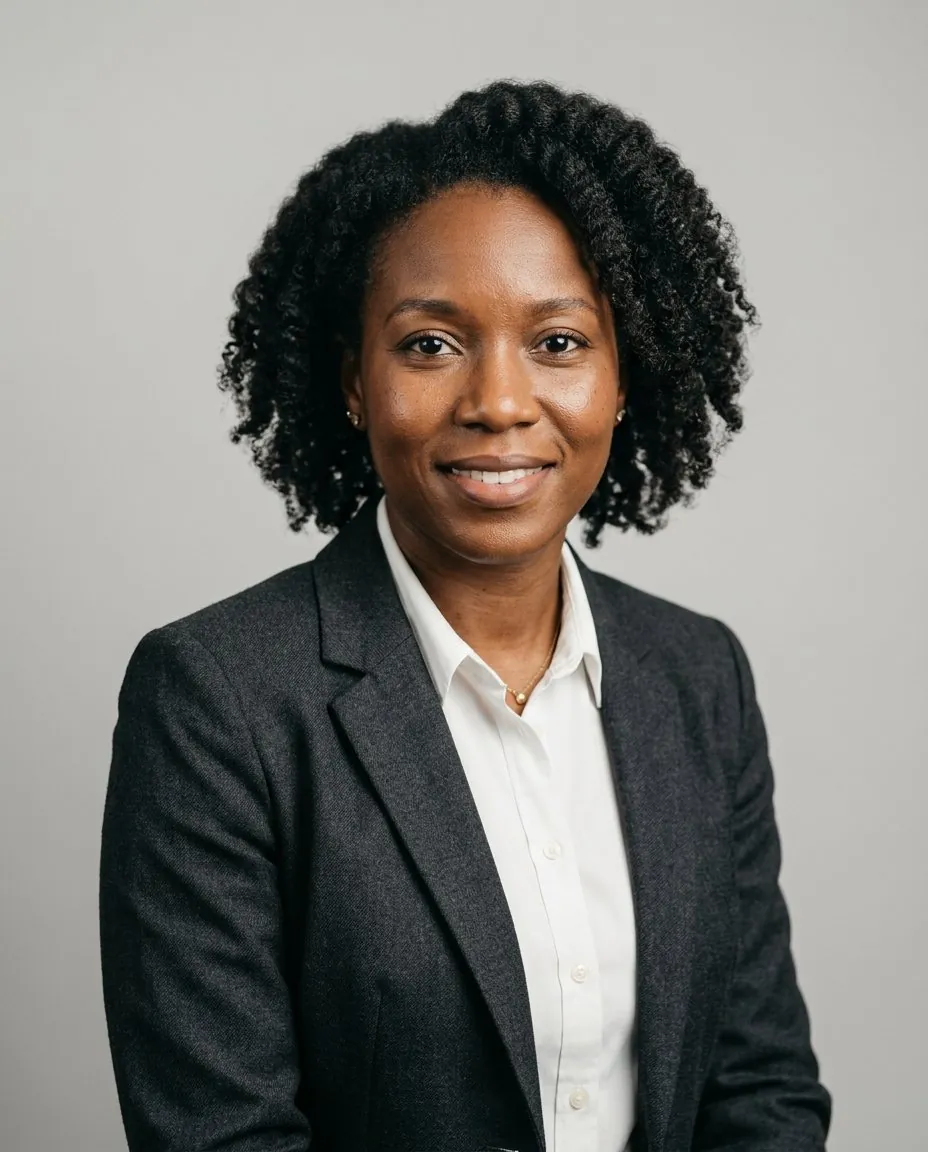
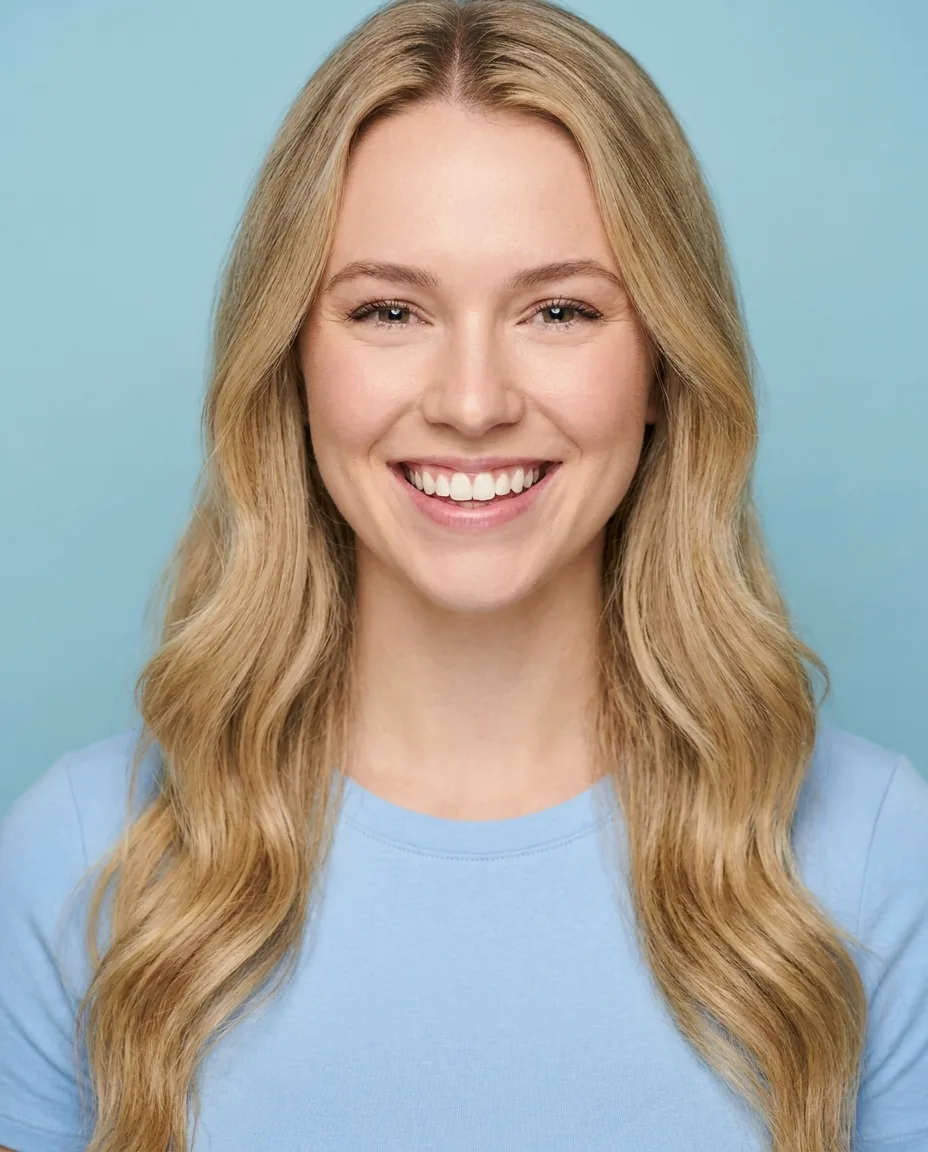
A headshot is a close-up photo of a person's face and shoulders, used to represent them professionally on LinkedIn, a company website, a résumé or a casting call. Unlike a casual photo, the face is the subject: it fills much of the frame, the light is even and the background stays simple.
What is a professional headshot?
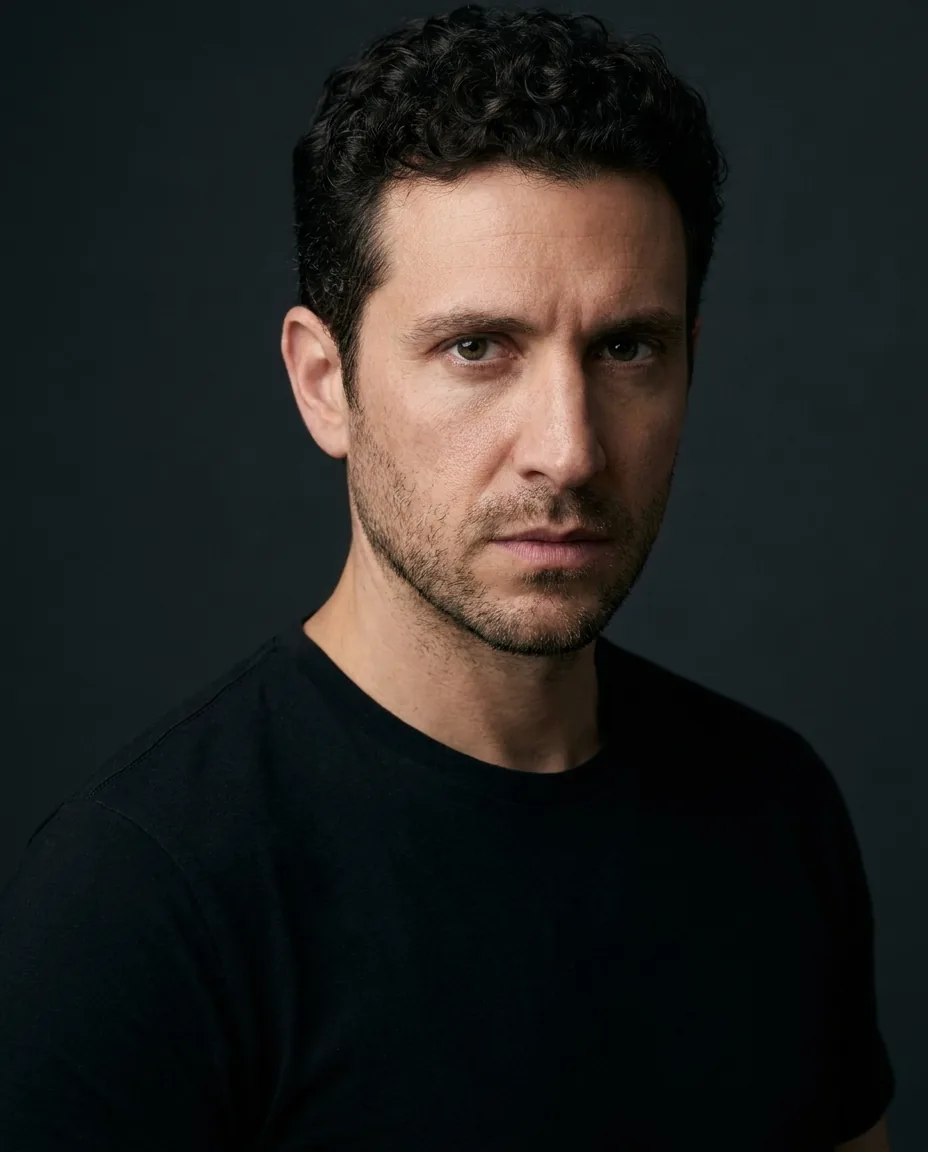
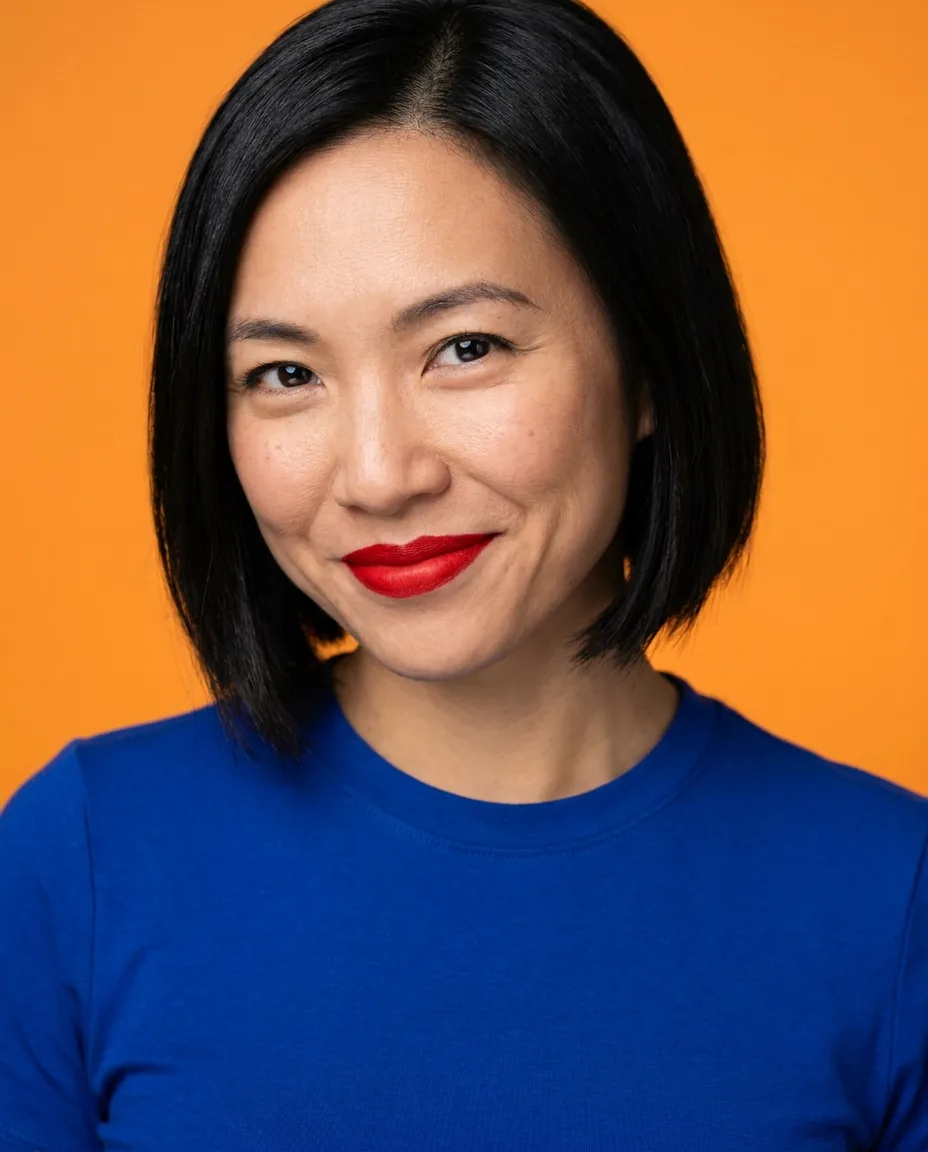
A professional headshot is a headshot made for work: framed from the chest up, lit evenly, set against a simple background and showing you in clothes you would wear on the job. Its purpose is to make you look recognizable, competent and approachable in a small space.
What separates it from a nice photo of you is consistency and restraint. Most professional headshots share these traits:
Your face is large and sharp. People should recognize you from a thumbnail.
Soft, even light. No harsh shadows under the eyes or a bright window blowing out one side of your face.
A quiet background. Gray, white, a dark studio tone or a blurred office. Nothing that pulls the eye away.
Work clothes in solid colors. What you would wear to meet a client in your field.
A natural expression. Usually a slight, relaxed smile and eyes toward the camera.
Light retouching only. Fix stray hairs and blemishes, but keep your real skin and features.
You can get one from a photographer, take it yourself or make it with AI. See professional headshots for styles by profession, or corporate headshots if your whole team needs matching photos.
Headshot vs. portrait vs. profile photo
A headshot is about recognition, a portrait is about character or mood, and a profile photo is whatever picture you put on an account. On professional sites, the best profile photo is almost always a headshot.
Aspect
Headshot
Portrait
Profile photo
Purpose
Show who you are, clearly
Tell a story or set a mood
Represent you on an account
Framing
Chest up
Anything from face to full body
Anything, cropped to a small square or circle
Background
Simple or blurred
Often part of the story
Anything
Where it's used
Profiles, bios, badges
Editorial, art, family photos
Social, work and messaging apps
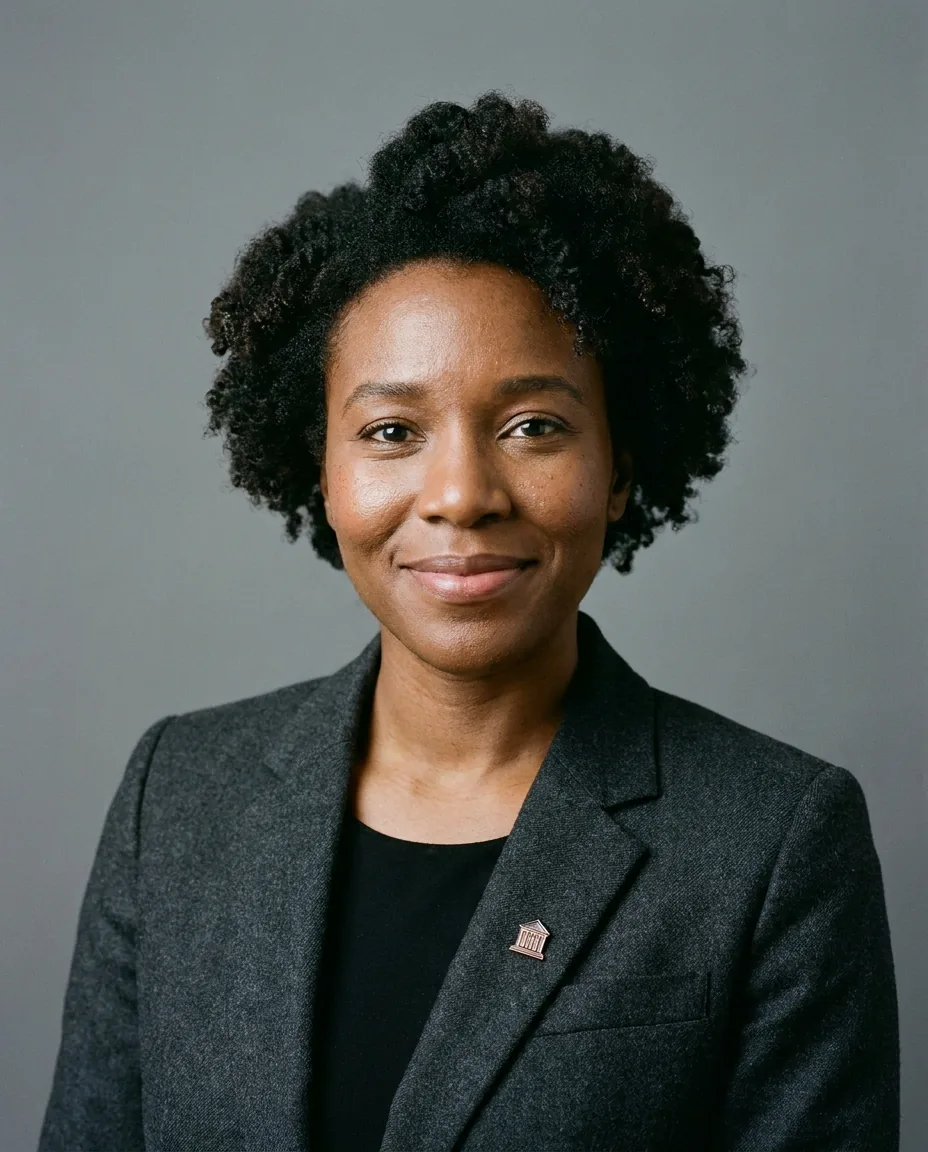
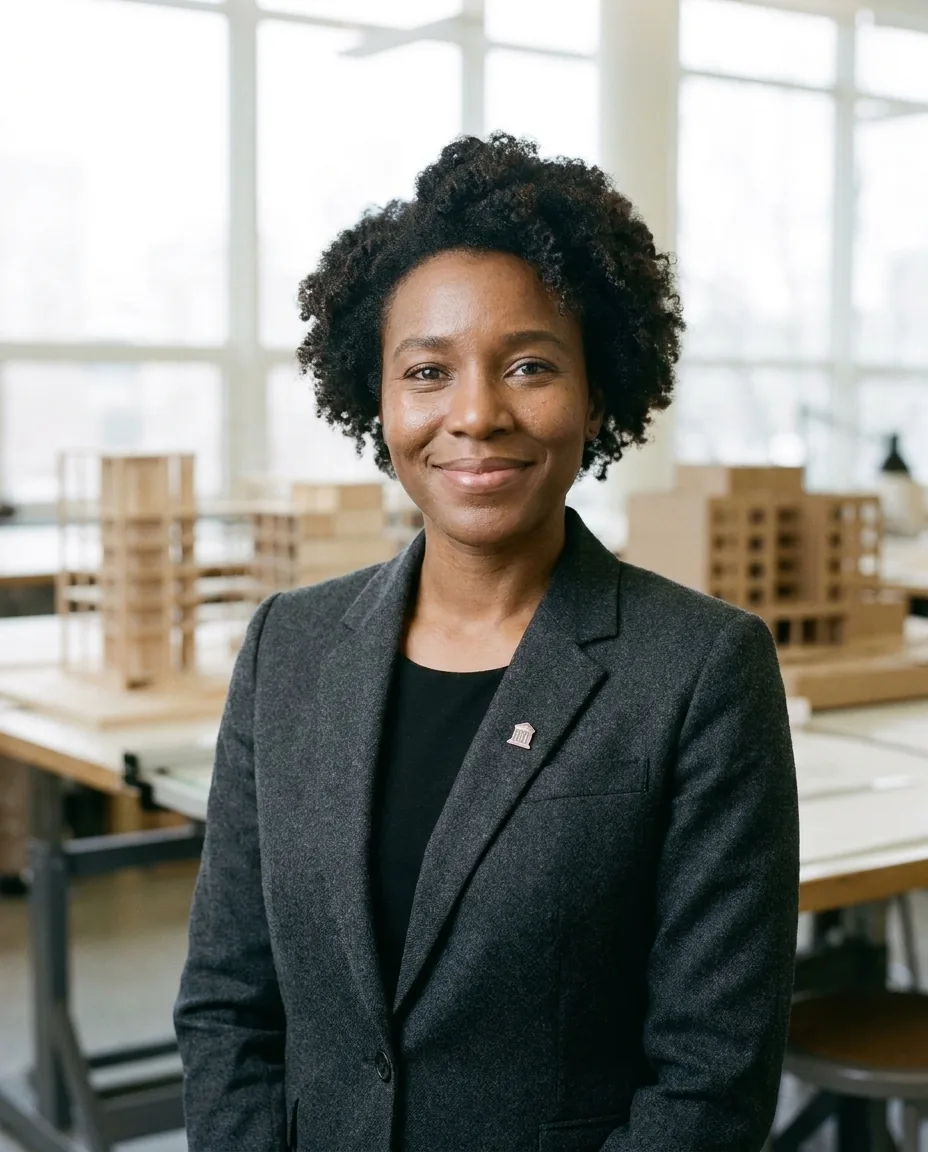
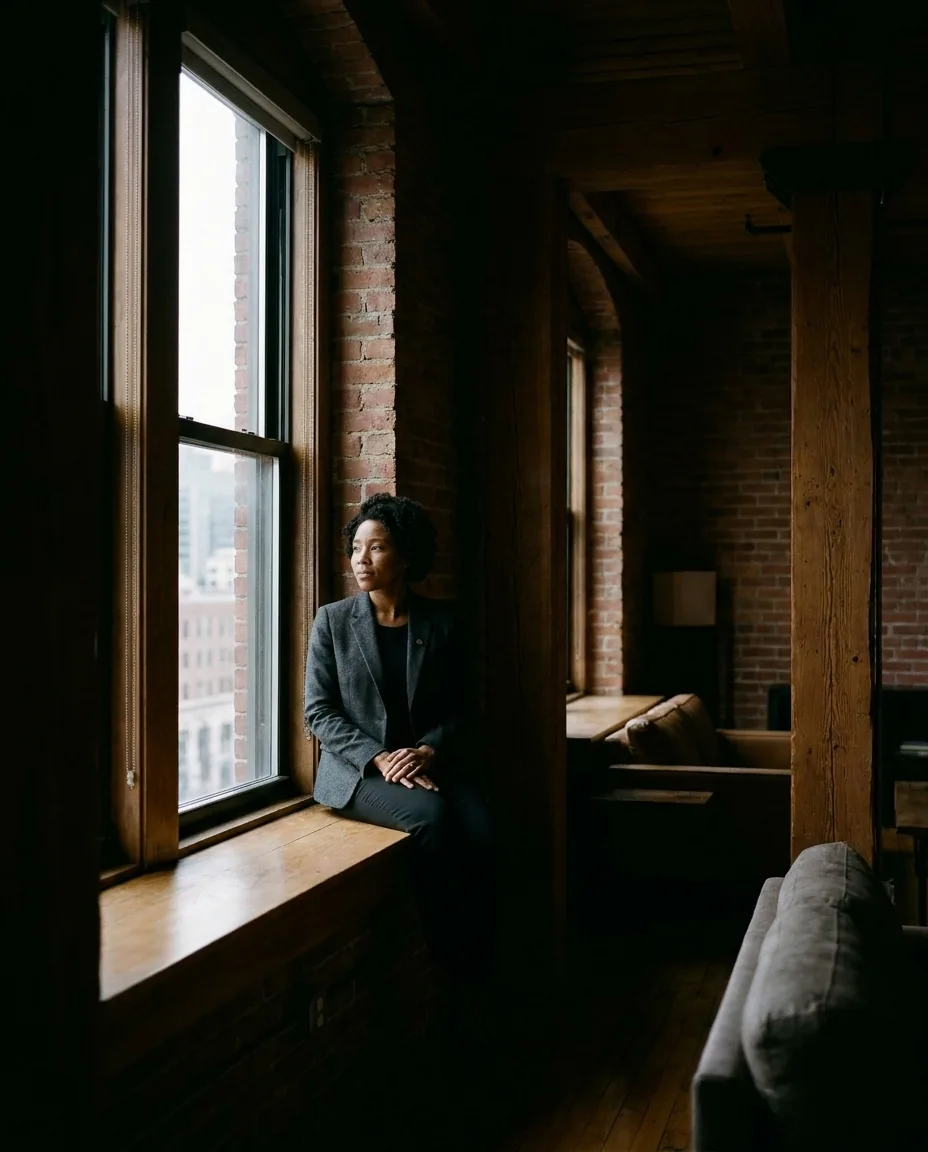
Here is the same person in all four. Only the first two work as a professional headshot:
HeadshotChest up, even light, simple background. Built to be recognized.
Environmental headshotStill face-first, but shows where you work.
PortraitMood and setting first; the face can be small.
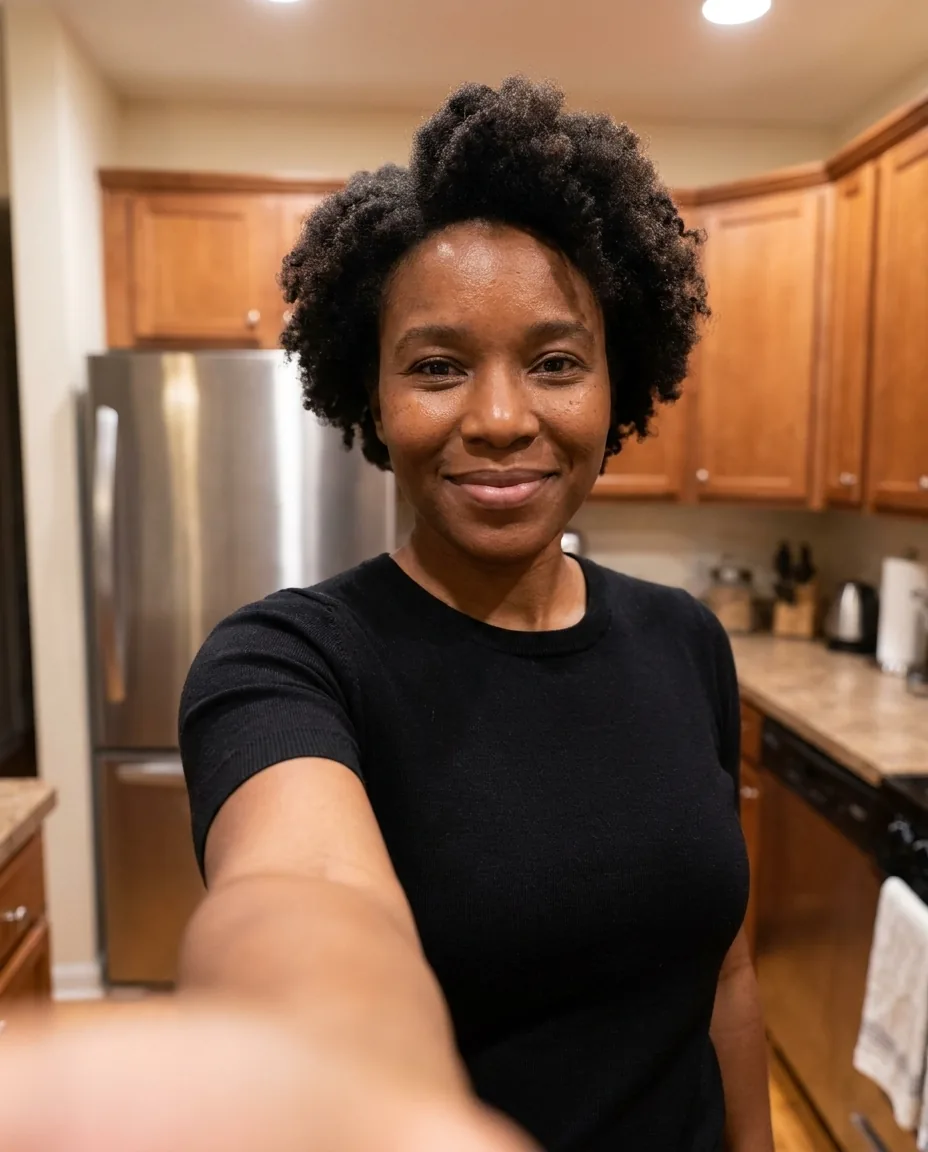
SelfieArm’s length, wide lens, whatever is behind you.
People use these words loosely, and that's fine in conversation. The difference matters when you're briefing a photographer, filling in a job application or choosing a style in an AI tool.
A headshot is about recognition. Someone who has never met you should be able to pick you out of a room after seeing it. Your face is the subject, the light is even and the background stays out of the way.
A portrait is about character or mood. It can show your whole body, your workspace or a dramatic shadow across half your face. A good portrait might make a poor headshot because the face is too small or too stylized to read at a glance.
A profile photo is any picture you put on an account, from a vacation snap to a pet. On professional sites, the best profile photo is usually a headshot, because the space is small and people need to recognize you.
There is also some overlap. An "environmental headshot" shows you at work, like a chef in a kitchen or an architect at a desk, but keeps your face large and in focus. It sits between a headshot and a portrait, and works well on About pages and in press kits. Wondering whether AI can make either one? See can AI make a portrait.
7 types of headshots
All headshots share the same basics, but each use has its own conventions. These are the seven you’ll run into most; our guide to 14 types of headshots covers each in more detail. For more in each field, see 50 headshot examples by industry.
1. Corporate headshotMatching backgrounds and crops for a whole company. Suit or blazer, studio gray or office blur.
There is no single standard headshot size. Online, most headshots are square (1:1) or a vertical 4:5 or 3:4 crop; for print, actors in the US usually use 8 × 10 inches. Most headshots are framed from the middle of the chest to just above the top of the head. What changes is the shape of the crop. Shoot or generate your headshot with a little extra room on every side, then crop it for each place you use it.
Where
Shape
Size tips
LinkedIn
Square (1:1), shown as a circle
At least 400 × 400 px; keep your face in the center
Résumé or CV
Portrait, about 3:4 or 4:5
Small on the page; a tight head-and-shoulders crop
Company website
Square or 4:5, set by the site
Match the crop and background of your teammates
Email, Slack, Zoom
Square, shown tiny
Crop tighter so your face fills the frame
Speaker or press kit
Portrait and landscape
Send a high-resolution file with room to crop
Actor headshot (US)
8 × 10 in print, 4:5 digital
Print at 300 dpi (2400 × 3000 px); casting sites take the same crop
X, Instagram, GitHub
Square, shown as a circle
400 × 400 px or larger
ID or passport photo
Not a headshot
Strict official rules (for example 2 × 2 in in the US); use an ID photo service
A few rules hold everywhere. Your eyes should sit about a third of the way down the frame. Don't cut off the top of your head in a square crop meant for a circle, because the circle will trim even more. And always upload the largest file the site accepts; it will shrink it for you. In the US, résumés usually don't include a photo at all, so check what's normal in your country and field before adding one.
What makes a good headshot
You don't need a studio to get these right. You need to know what to look for. Our 20 headshot tips cover each step in detail.
Lighting
Soft, even light from the front is the most flattering. Facing a window on a cloudy day is ideal. Avoid hard overhead light, which puts shadows under your eyes, and mixed light, like a lamp on one side and daylight on the other, which turns skin two different colors. A small catchlight in each eye makes the photo feel alive.
Expression
Aim for the face you'd make greeting a client you like. A slight, natural smile works in nearly every field. Relax your jaw, and push your forehead slightly toward the camera to define your jawline. If your smile looks forced, think of something funny and take the photo just after you laugh. Headshot poses has more on angles and expressions.
Background
The background should frame you, not compete with you. Plain gray, white or a softly blurred office are safe choices. Pick a tone that contrasts with your hair and clothes so you don't blend in. Our headshot backgrounds guide covers colors for each field.
Clothing and focus
Wear solid colors that you'd wear to work, and skip big logos and busy patterns. Then check that your eyes are sharp; a slightly soft background is fine, a soft face is not. See what to wear for headshots for outfit ideas.
How often should you update your headshot?
A good rule is every two to three years, or sooner when you look noticeably different. The point of a headshot is that people recognize you when they meet you, so the photo should match the person who walks into the room or joins the call.
You changed your hairstyle or hair color, grew or shaved a beard, or started or stopped wearing glasses.
You started a new job, got promoted or changed fields, and your old photo no longer fits the role.
Your company refreshed its brand and team photos now use a new background.
You're about to job hunt, speak at an event or launch a business.
Updating used to mean booking another session. With AI you can make a new set from one recent selfie whenever you need one, which makes it easy to keep every profile current. An AI profile picture generator can also crop the same photo square for each app.
Get your headshot todayUpload one selfie. Preview 3 professional headshots of yourself free.
What is the difference between a headshot and a portrait?
+
A headshot is a tight, chest-up photo made so people recognize you, with even light and a simple background. A portrait can show more of your body and surroundings and is about mood or character. Every headshot is a kind of portrait, but most portraits would make poor headshots.
What are the main types of headshots?
+
The most common are corporate, LinkedIn, commercial actor, theatrical actor, environmental, medical and personal brand headshots. They differ mainly in background, clothing and expression.
What is the difference between a headshot and a selfie?
+
A selfie is taken at arm's length, usually with a wide phone lens that slightly distorts your features, and with whatever is behind you. A headshot is taken from farther away with even light and a simple background. You can take a decent one yourself with a timer; see how to take your own headshot.
How much of my body should be in a headshot?
+
From about mid-chest up, with a little space above your head. Anything wider starts to become a portrait, and your face gets too small to recognize in a thumbnail.
Should a headshot be color or black and white?
+
Color, for almost every professional use. Black and white can look great for creative bios or author photos, but color is what LinkedIn, company sites and most casting forms expect.
What size should my LinkedIn headshot be?
+
Square, at least 400 × 400 pixels. LinkedIn shows it as a circle, so keep your face centered and leave a little room around your head. More tips in LinkedIn headshots.
Can an AI-generated photo count as a headshot?
+
Yes, as long as it looks like you. Most people use AI headshots for LinkedIn, résumés and company sites. Actors are the main exception: casting directors expect a photo taken by a photographer with minimal retouching.
How often should I get a new headshot?
+
Every two to three years, or whenever your look changes, such as a new haircut, glasses or beard. Your headshot should look like the person people are about to meet.