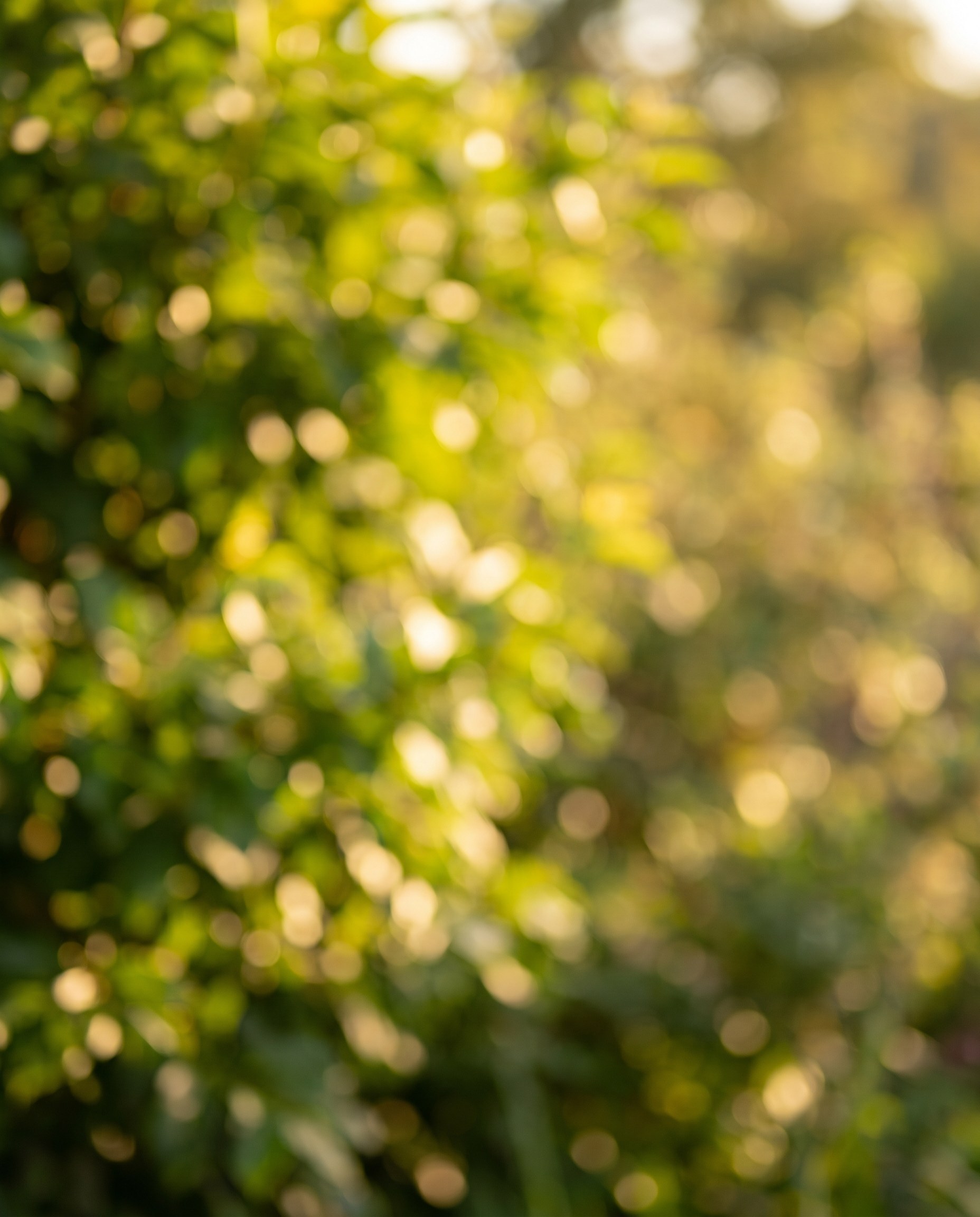
Headshot Backgrounds: 28 Examples & Free Downloads
28 headshot background ideas with the best pick for your industry, 12 free backgrounds to download, and a changer that puts any of them behind a photo you already have.
- Solid, textured, office and outdoor backdrops
- 12 free 1856 × 2304 px downloads
- Swap your own background in a few minutes
28 professional headshot background ideas
For most people, a light gray studio backdrop or a softly blurred office is the best headshot background. The examples below are grouped by type, each with the role or industry it suits best. Every example is an AI headshot made for this guide, so you can compare backgrounds on similar framing and light.
Solid color headshot backgrounds
Plain seamless paper in one color. They are the easiest to match across a team, never date, and keep all the attention on your face.
 Corporate
Studio gray
The safest all-round pick. Neutral with any outfit and skin tone, and it lines up neatly in a company team grid.
 LinkedIn
Light gray
A shade lighter than studio gray and a little friendlier. It stays clean in LinkedIn’s small circular crop.
 Résumé
Pure white
Clean and print-friendly for résumés, ID-style photos and white web pages. Skip white shirts, which blend into it.
 Tech
Soft blue
Calm and fresh without looking corporate. A good match for gray, white and navy outfits.
 Executive
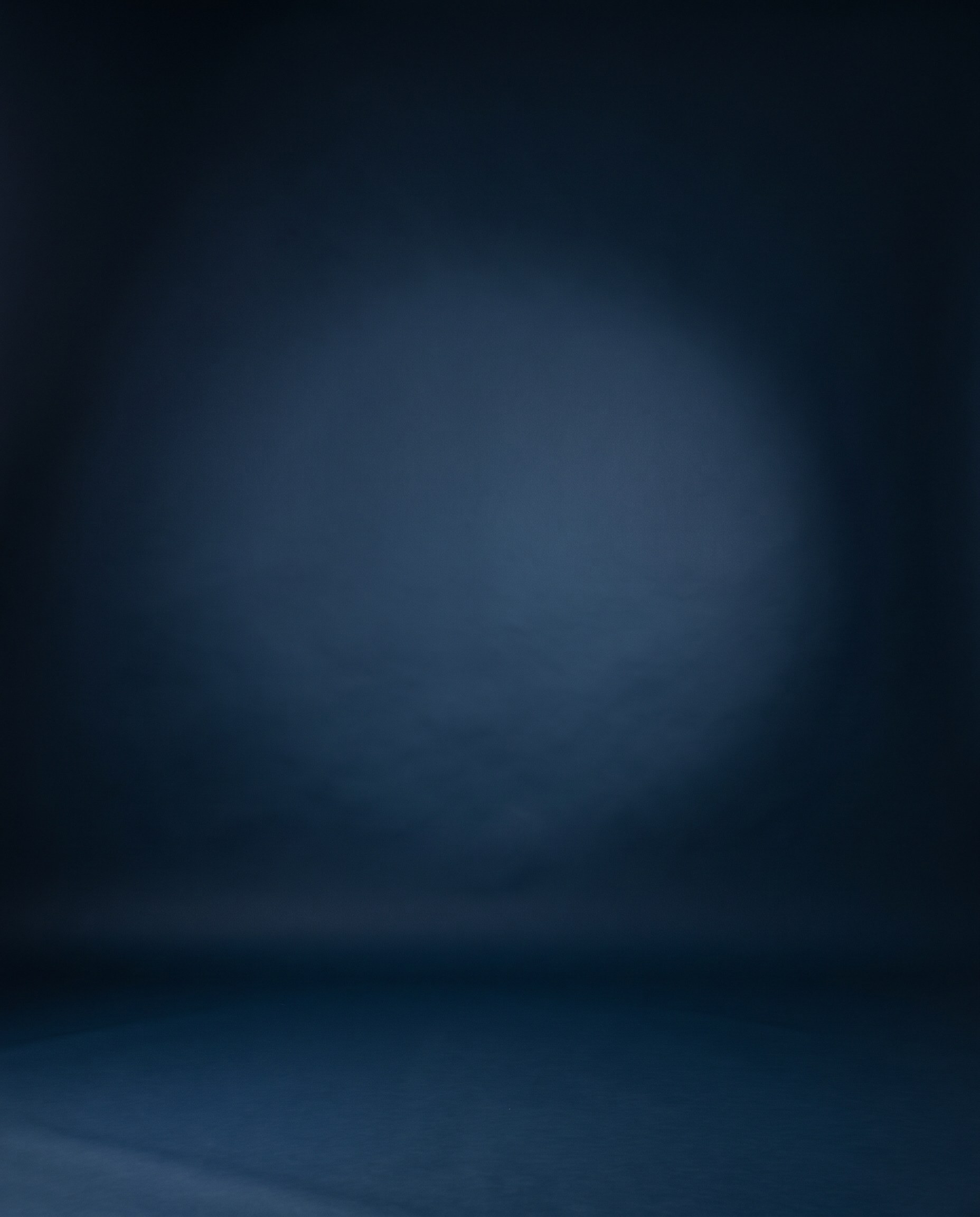
Deep navy
Dark and formal. Suits executives, board bios and press kits. Wear a lighter shirt so you stand out.
 Speaker
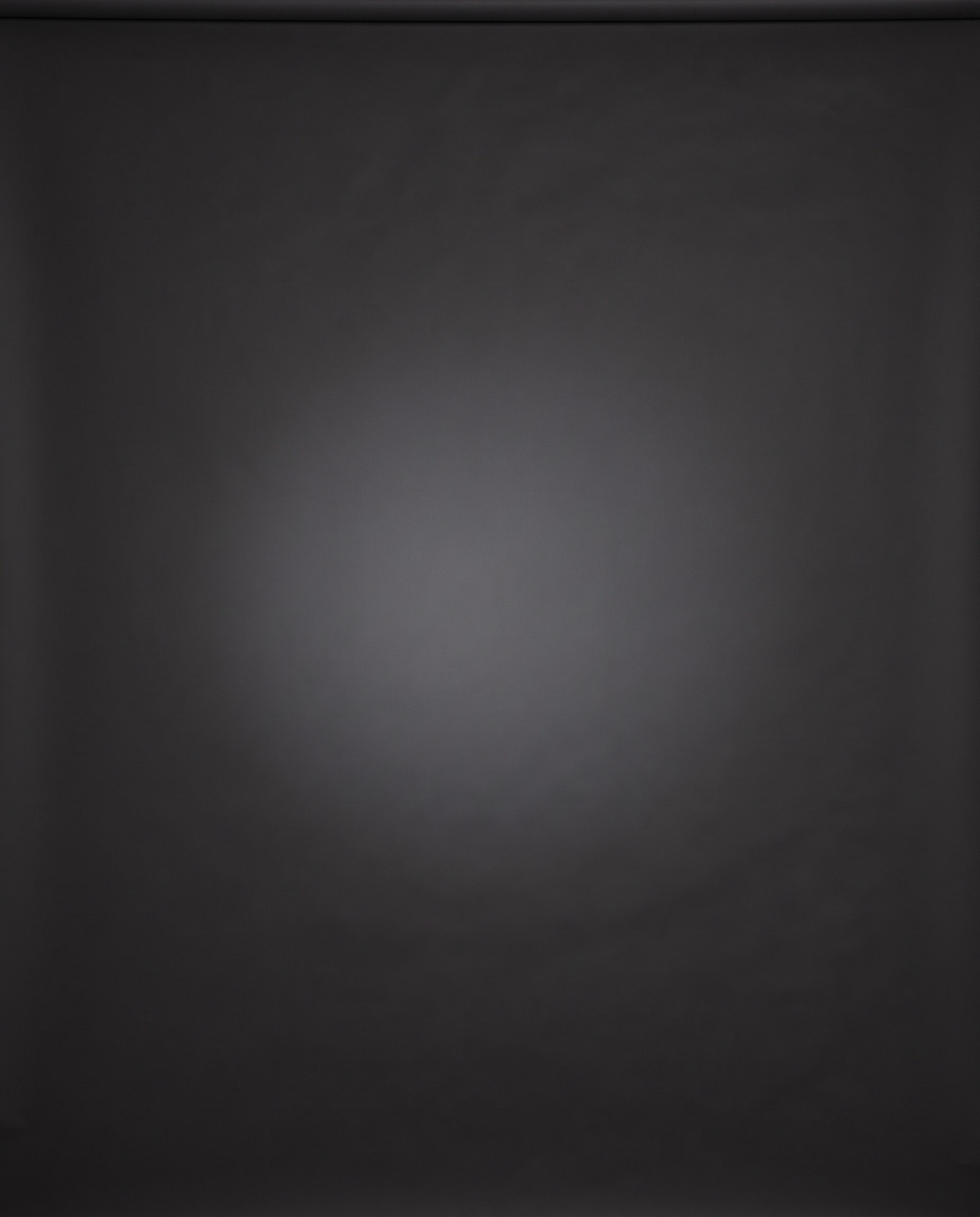
Charcoal
Dark, modern and high contrast. Popular for tech founders and conference speaker bios.
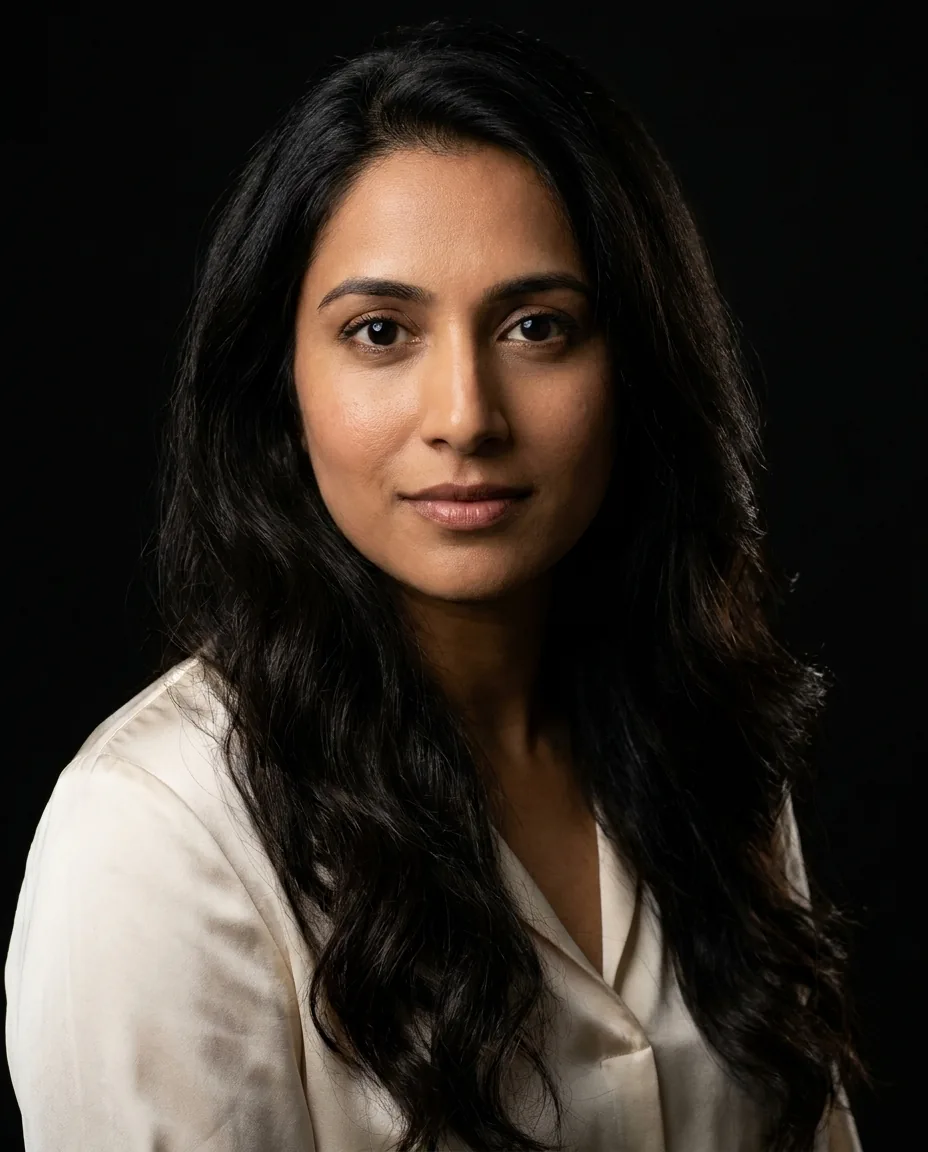 Creative
Black
The most dramatic option. It needs a rim light or a light top, or dark hair melts into the background.
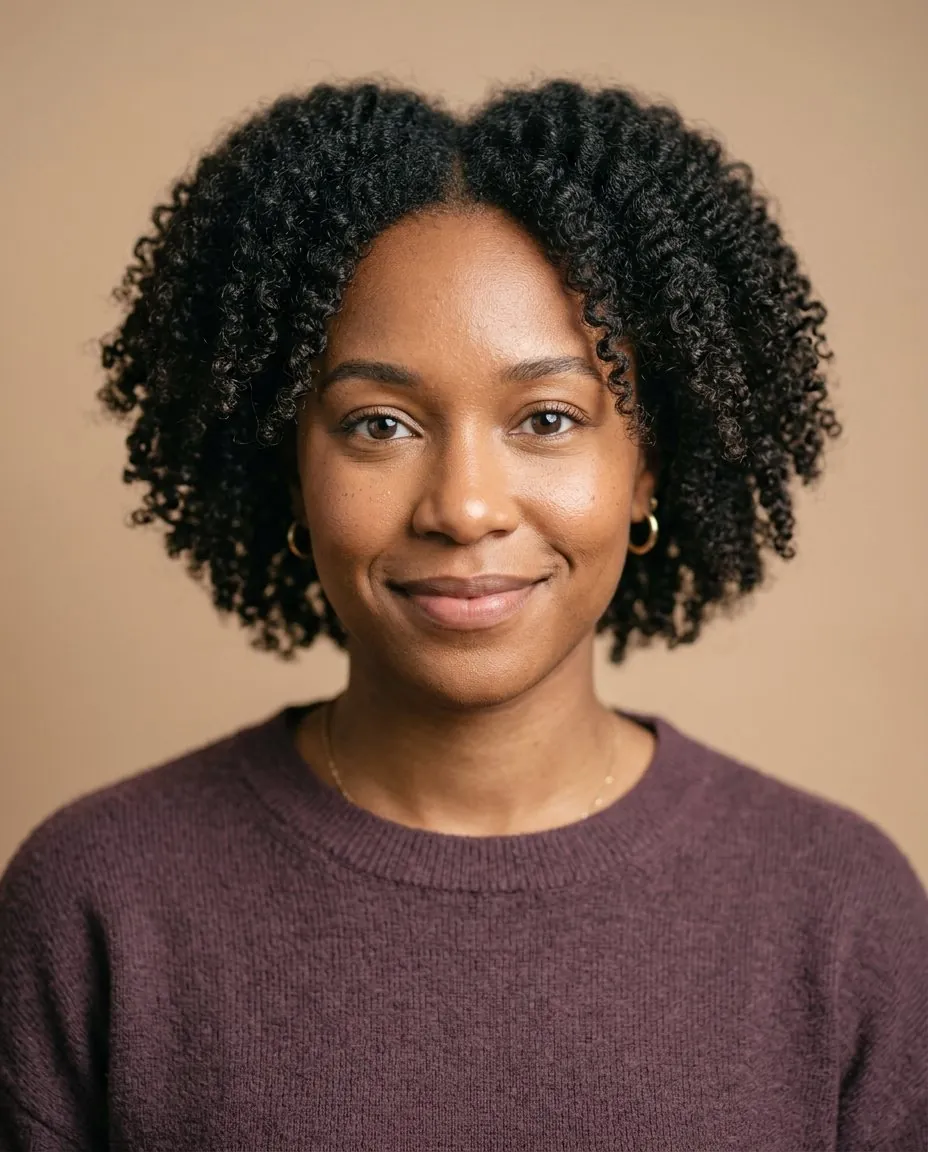 Healthcare
Warm beige
Calm and soft. Suits doctors, therapists, nurses and wellness profiles.
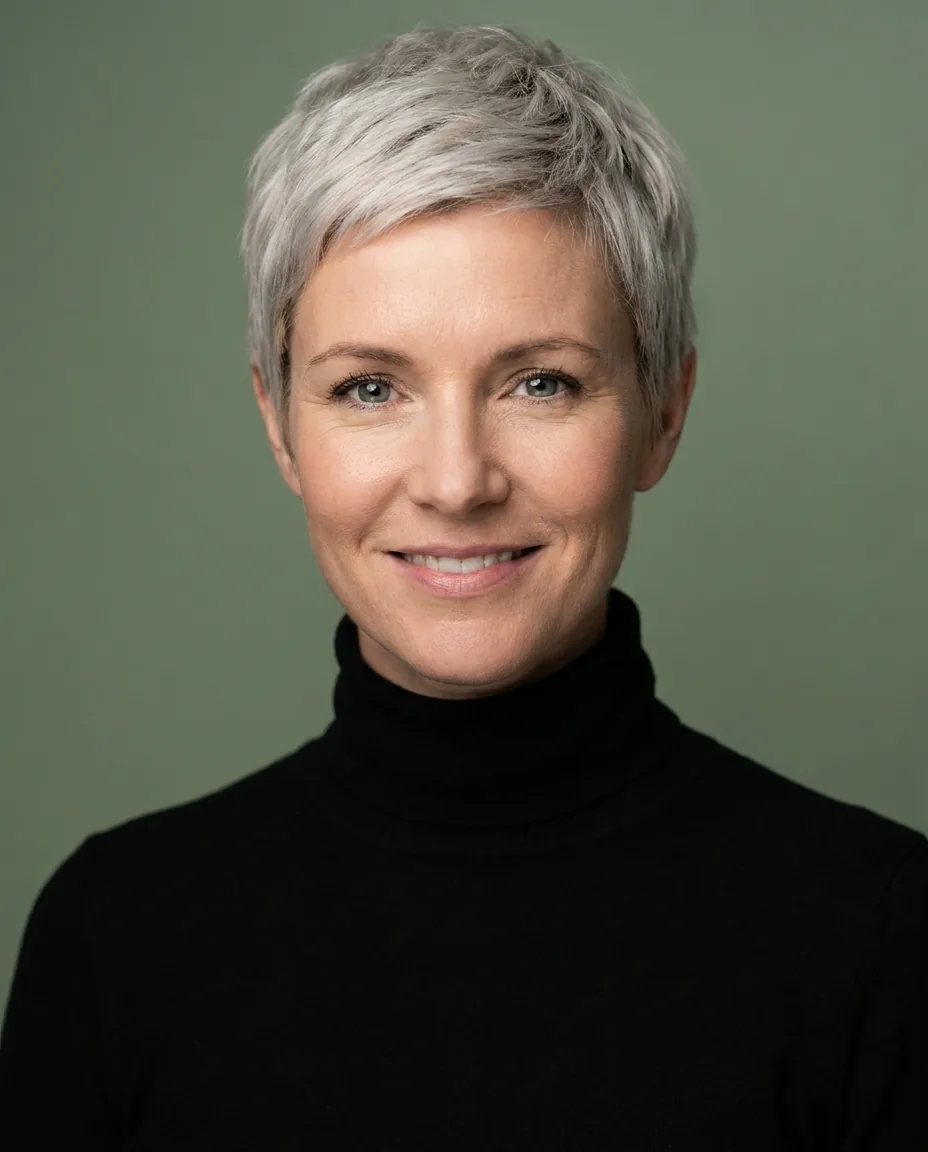 Wellness
Sage green
A muted color that feels natural and modern. Good for coaches, designers and wellness brands.
 Personal brand
Dusty pink
Warm and approachable. Works for podcasters, creators and small-business owners.
 Social
Sunflower yellow
A bold color for personal brands and social profiles where you want to stand out in a feed.
Textured studio backdrops
Hand-painted canvas or a backdrop lit with a spotlight. This is the classic “photographer’s studio” look, with more depth than flat paper.
 Classic studio
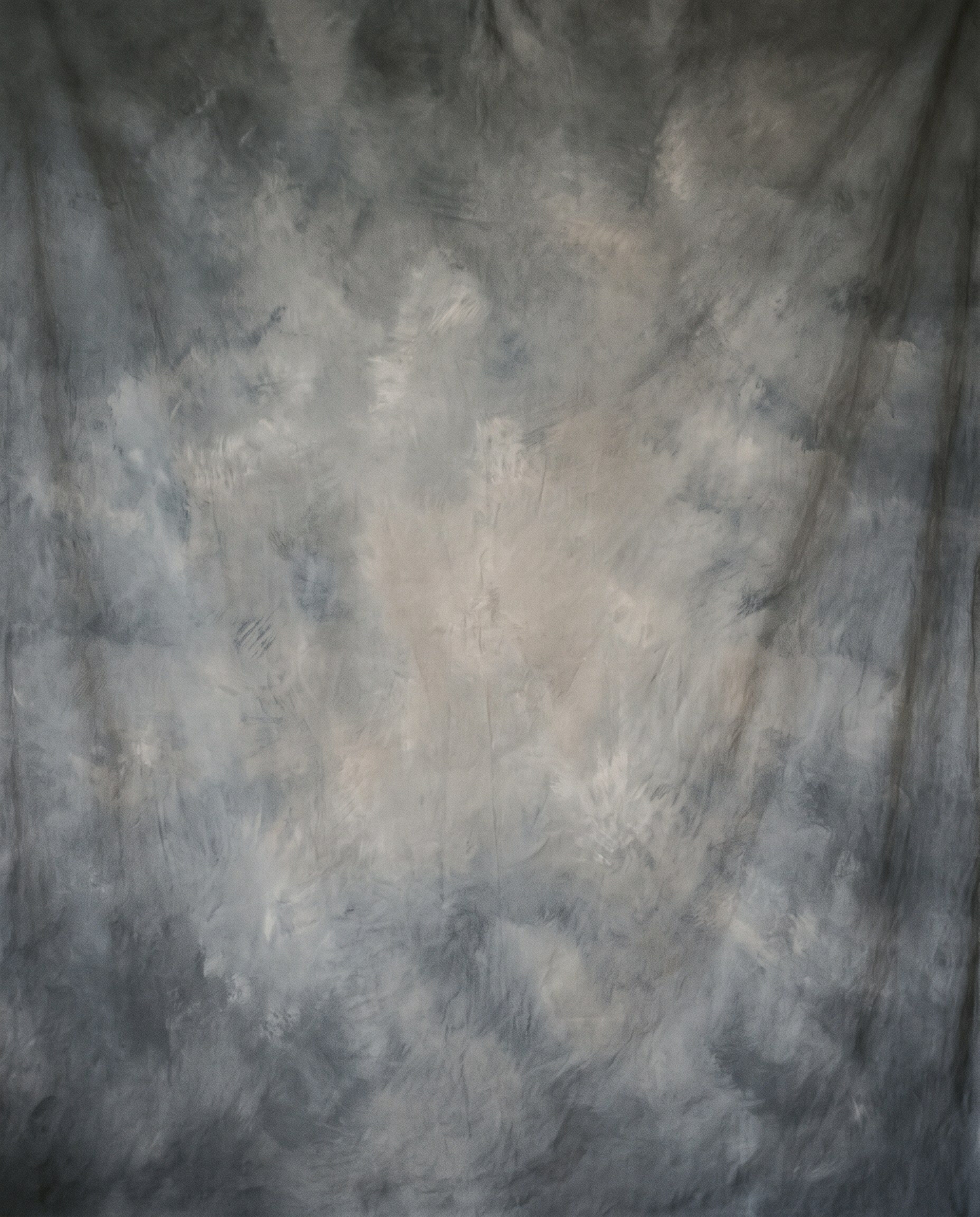
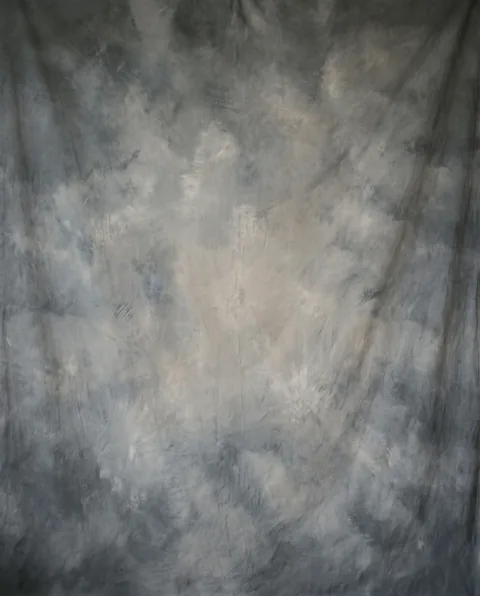
Mottled gray canvas
The hand-painted backdrop most headshot photographers use. Texture adds depth without pulling focus.
 Law & finance
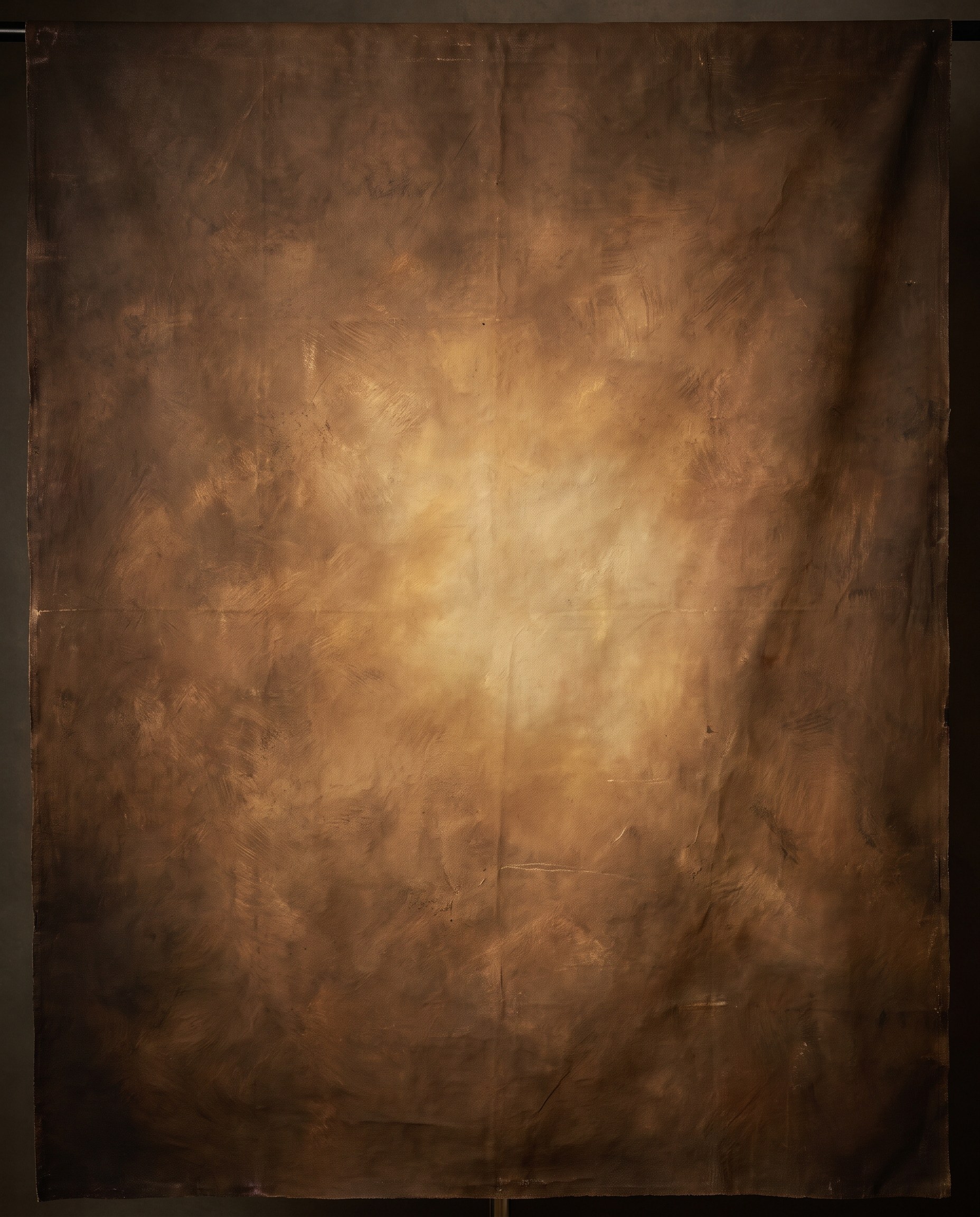
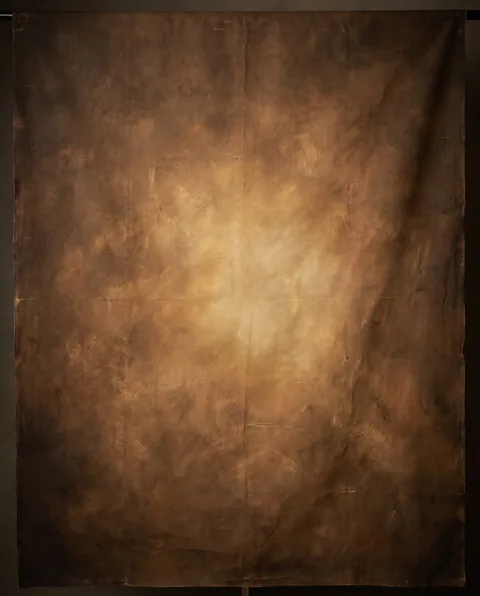
Old-master brown
Warm brown with a glow behind the head. Traditional and serious, a favorite for partners and senior advisors.
 Consulting
Painted teal
A painted blue-green canvas that looks expensive and still neutral. Flattering on warm and deep skin tones.
 Actor & speaker
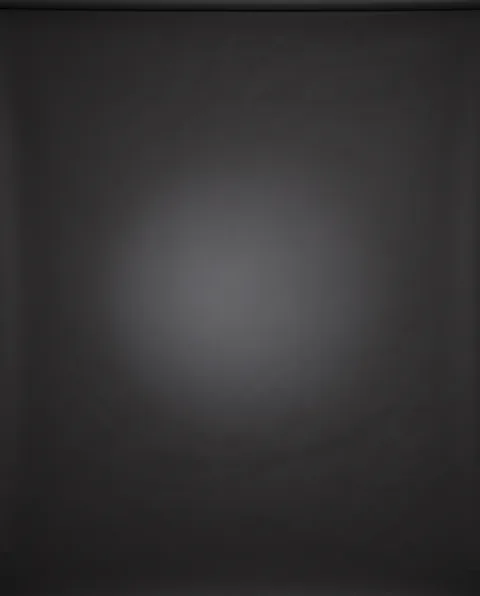
Spotlight gradient
A dark backdrop with a pool of light behind the shoulders. It separates you from the background and adds mood.
Office and indoor backgrounds
A real workplace, softly out of focus. It shows where you work and feels less posed than a studio. Keep the blur strong so nothing behind you is readable.
 LinkedIn
Office blur
A softly blurred workplace says “at work” without pulling focus. Good for LinkedIn and client-facing roles.
 Corporate
Glass meeting room
Glass walls and soft city light read as modern and corporate. Popular with consultants and sales teams.
 Finance
City window
A bright window or blurred skyline reads as corporate and urban. Good for finance and consulting.
 Law & academia
Bookshelf
Signals expertise. A common choice for lawyers, professors, authors and consultants.
 Real estate
Modern lobby
Wood, glass and plants look upscale and welcoming. Fits agents, architects and hospitality.
 Startup
Coworking space
Plants, desks and daylight. It feels relaxed and team-oriented, right for startups and agencies.
 Remote work
Home office
A tidy room with a window and a plant. Honest and friendly for remote workers and freelancers.
 Medical
Clinic hallway
A clean, bright clinical setting tells patients what you do before they read your name.
 Creative
Brick wall
Texture with some personality. Fits designers, founders, chefs and creative studios.
Outdoor headshot backgrounds
Greenery, sunlight or a city street. Outdoor backgrounds feel warm and personal; shoot in open shade or late-afternoon sun so your face isn’t harshly lit.
 Real estate
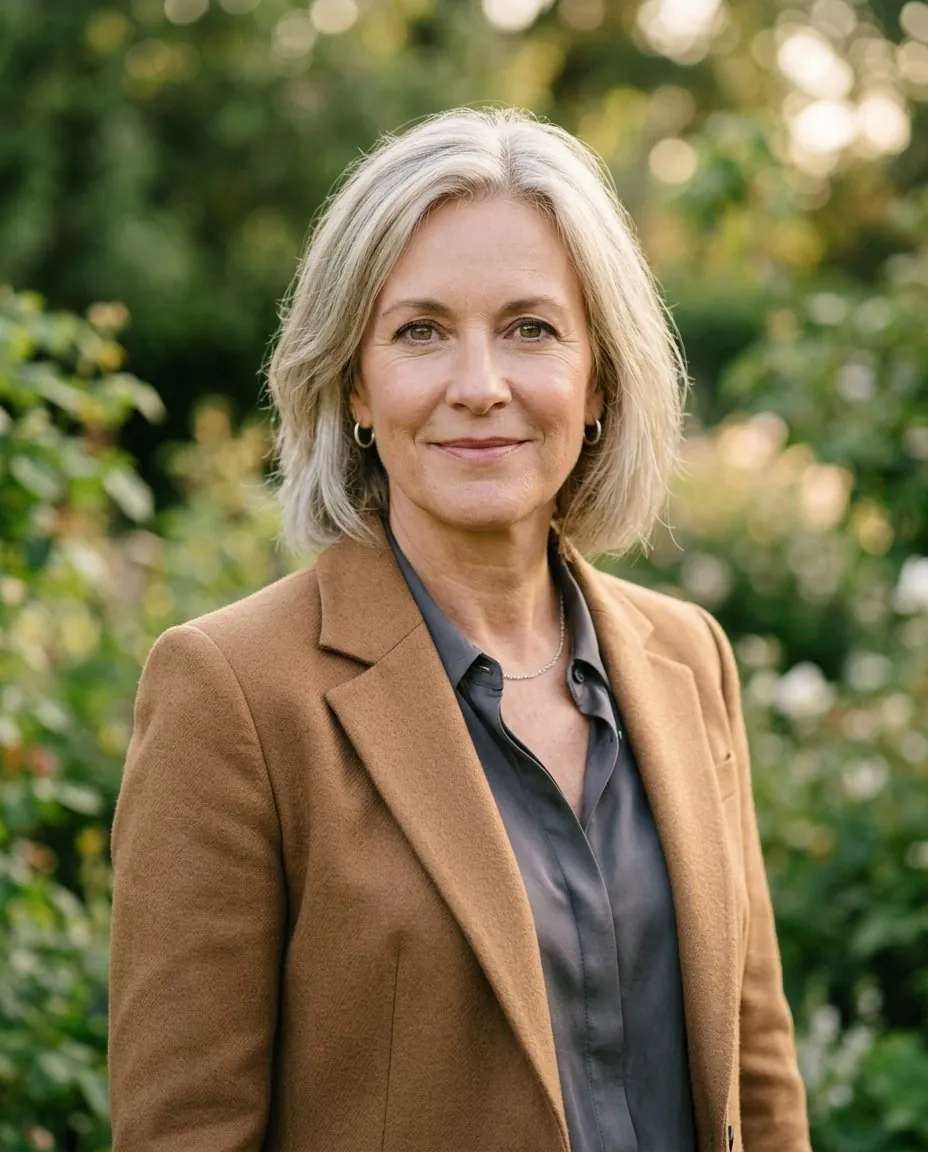
Garden blur
Soft greenery feels warm and approachable. Works for real estate agents, coaches and community roles.
 Lifestyle
Golden hour
Warm low sun for a relaxed, natural look. Good for lifestyle, travel and creative work.
 Students
Park trees
Green trees and dappled light. Casual and fresh, a good fit for students, teachers and nonprofits.
 Personal brand
City street bokeh
Blurred city lights at dusk. Stylish and urban for creators, founders and anyone in media.
Free headshot backgrounds to download
Twelve backgrounds you can put behind your own photo in Photoshop, Canva, Photopea or our changer. Each is a 1856 × 2304 px JPG (4:5, the shape LinkedIn and most team pages crop to). We generated them ourselves, so they are free for personal and commercial use, no credit needed. Please don’t resell them as a pack.








How to use a downloaded background
- Cut yourself out. Use Remove Background in Canva or Photopea, or Select Subject in Photoshop. A photo taken against a plain wall gives the cleanest edges.
- Place the background underneath. Scale it so the lighter center sits behind your head and shoulders.
- Match the light. If you were lit from the left, the brighter side of the backdrop should be on the left too. Warm up or cool down your layer slightly so skin and background agree.
- Add a little blur. For office, bookshelf and garden backgrounds, a small extra blur hides the join and looks like a real lens.
Hair is where manual cut-outs usually fail. If yours looks like a helmet, upload the original to the background changer above instead: it rebuilds the edge around each strand and relights you to match.
Best headshot background for your industry
Start from light gray or office blur, then adjust for your field and for where the photo will appear.
What color background is best for a headshot?
Light gray is the best background color for most headshots. It is neutral, flatters every skin tone and works with almost any outfit. White, soft blue and navy are close runners-up.
- Light or mid gray: the default for LinkedIn, company websites and team pages.
- White: clean for résumés and print, but it can wash out pale skin and white shirts.
- Blue (soft or navy): calm and trustworthy, a good fit for corporate and finance roles.
- Charcoal or black: dramatic and modern. Wear something lighter and make sure dark hair doesn’t disappear into it.
- Muted colors like sage or dusty pink: modern and warm without being loud.
- Bold colors like yellow or coral: great for personal brands, less suited to conservative industries.
The rule of thumb is contrast. With a dark suit, choose a lighter background. With a light top, a darker backdrop makes you stand out. Our guide to what to wear for headshots covers which outfit colors pair well with each backdrop.
How to get a good headshot background at home
You don’t need a backdrop stand. A plain wall and a window will do, if you get the distances right.
- Pick the plainest wall you have. White, gray or beige paint, with no frames, switches or door edges in the shot.
- Stand 1–2 meters (3–6 feet) from the wall. Closer than that and your shadow lands on it; farther and portrait mode can blur any texture.
- Face a window. Soft daylight from the front lights your face evenly and keeps the wall a clean, slightly darker tone.
- Turn off ceiling lights. Mixing warm bulbs with daylight gives the wall an orange or green cast.
- Hang a sheet if the wall is busy. A gray or white bedsheet, ironed and pulled tight, works as a seamless backdrop.
The full setup, including phone settings and timer tricks, is in our guide to taking a professional headshot at home. For posture and angles, see headshot poses.
 White wall at home
How to change your headshot background with AI
Already have a headshot you like but not what’s behind you? Upload it, pick a new backdrop and download it. You keep your face, outfit and expression exactly as they are. Already using Canva’s background remover? Here’s how the two compare.
Upload your headshot
Use any photo of one person from the waist up, including a phone selfie. A sharp photo with your hair and shoulders fully in frame gives the cleanest edges.
Pick a background
Choose studio gray, pure white, office blur, deep navy, garden blur, brick wall, charcoal or sunflower. Switch between them to compare. Each finished version stays ready.
Download JPG or PNG
Save a JPG with the new background, or a transparent PNG to place yourself on one of the free backgrounds above. The changer is included in the Starter, Pro and Executive packs.
 Before
 Studio gray
 Office blur
 Deep navy
Don’t have a headshot you like yet? Make an AI headshot from one selfie and pick the background while you generate it.
Headshot background mistakes to avoid
Most background problems come from low contrast, clutter or a backdrop that doesn’t fit the job. Check for these before you publish your photo.
- A busy room behind you. Messy shelves, doors, plants growing out of your head or other people pull attention away from your face.
- Outfit and backdrop in the same color. A navy suit on navy, or a white shirt on white, makes you look like a floating head.
- Hair that vanishes. Dark hair on charcoal or black loses its outline. Go one or two shades lighter.
- Lighting that doesn’t match. A warm face on a cold blue backdrop looks cut out. Start with a photo taken in soft, even light.
- Background in sharp focus. Readable book spines or a sharp office makes the photo look like a snapshot. Blur it or go plain.
- Too casual for your field. A beach or living room reads as a vacation photo on a law firm or bank website.
- Mixed backgrounds on a team page. One person on white and the next in a garden looks unplanned. See corporate headshots for matching team backgrounds.
Want to see full headshots, not just backdrops? Browse headshot examples by industry, or read our 20 headshot tips for light, posing and the final pick.
Headshot background FAQ
What is the best background for a headshot?
A plain light gray or softly blurred office background is the best choice for most headshots. Both are neutral, flatter every skin tone and work on LinkedIn, résumés and company websites. Pick white for print, navy for executive bios and a bold color only for a personal brand.
What color background is best for a LinkedIn headshot?
Light gray, soft blue or a blurred office works best on LinkedIn. These stay clear in the small circular crop and keep the focus on your face.
Where can I get free headshot backgrounds?
You can download the 12 backgrounds on this page for free. They are 1856 × 2304 px JPGs that we generated ourselves, and you can use them for personal and commercial headshots without credit. Stock sites such as Unsplash and Pexels also have free backdrops; search for “studio backdrop” or “bokeh office”.
Should a headshot background be blurry?
If the background is a real place, yes. A blurred office, bookshelf or garden gives context without competing with your face. Plain studio colors don’t need blur. Shoot with portrait mode on a phone, or a wide aperture such as f/2.8 on a camera, and stand a few steps away from what’s behind you.
Is a white or gray background better for a headshot?
Gray is safer for most people. White can wash out pale skin and white or cream clothing, while gray flatters almost everyone. Use white when the photo goes on a white web page, a printed résumé or an application that asks for a white background.
How do I get a good headshot background at home?
Stand about 1–2 meters (3–6 feet) in front of a plain, light wall and face a window. The distance stops your shadow from landing on the wall and lets portrait mode blur any texture. Or take the photo anywhere and swap the background afterwards with the changer at the top of this page.
Can I use my own background image?
Yes, with the Executive pack, which includes custom backgrounds. Upload a brand color, office photo or event backdrop, including one of the free backgrounds on this page.
Does the background changer work with curly or flyaway hair?
Yes. The cut-out keeps fine strands instead of trimming them into a helmet shape. A plain wall behind you in the original photo helps most.