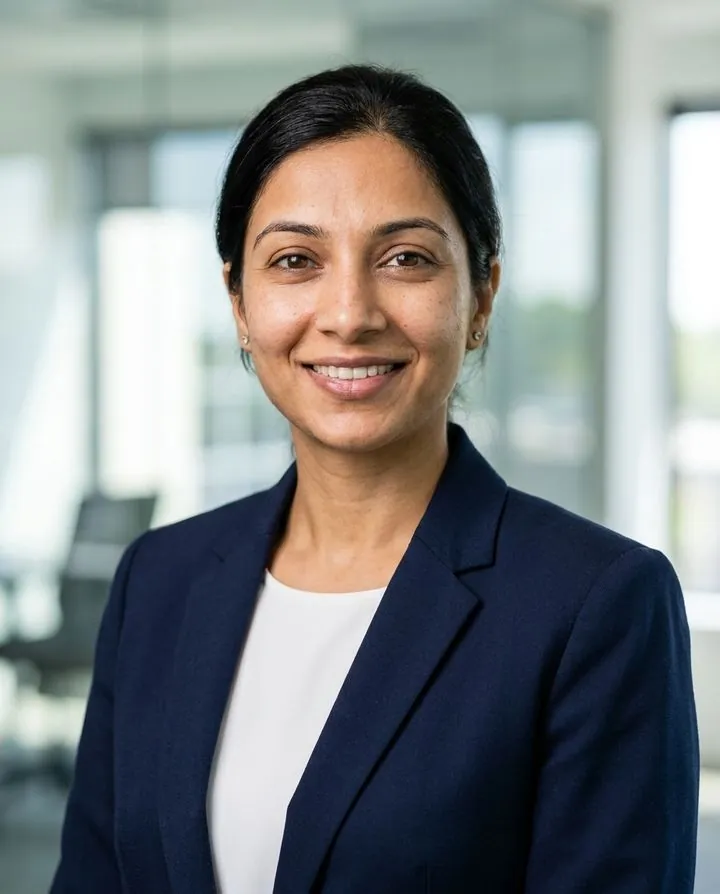
Professional
Blazer or suit, office or studio background. For LinkedIn, résumés, company team pages, speaker bios and anywhere a client or recruiter meets you first.
Try the LinkedIn lookTurn one everyday selfie into a realistic profile picture that still looks like you. Pick a look for LinkedIn, Instagram, X, Slack or a dating app, check it in a circle crop and download a square file.
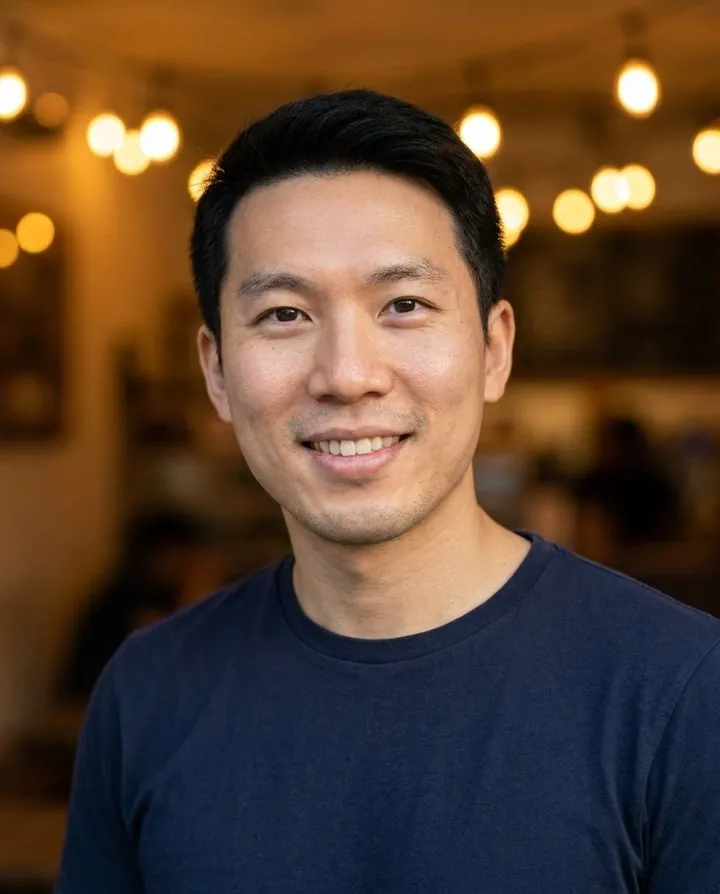
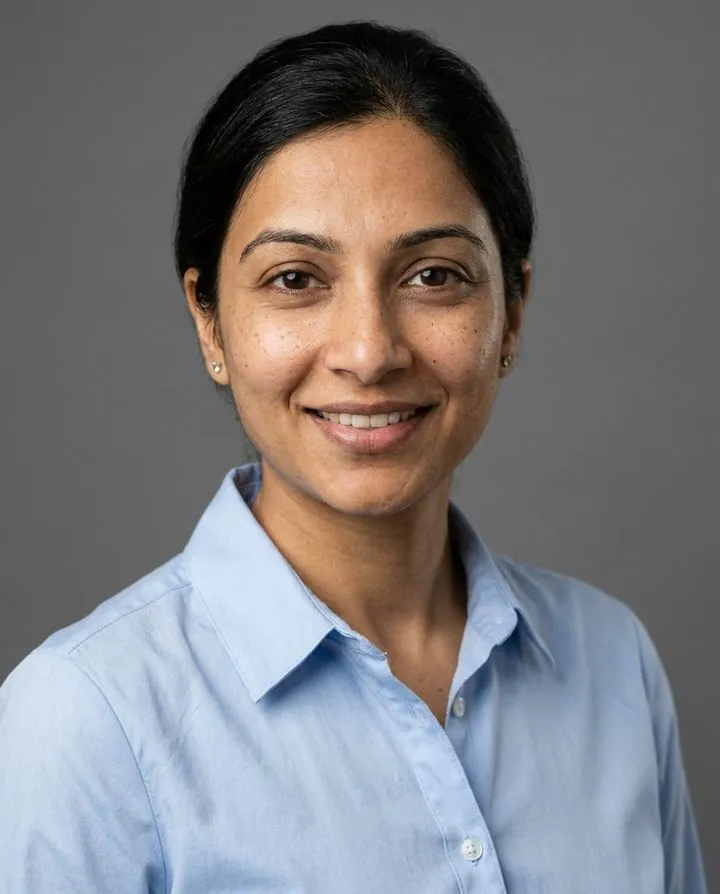
These are real results from our generator. On the left is the only photo we uploaded, a quick phone selfie by a window. The other five came out of it, each with an outfit and background picked for where the photo will be seen. A profile picture works best when it fits the place: a blazer reads well on LinkedIn, a relaxed outdoor shot suits Instagram, and a warm café light feels right on a dating app.
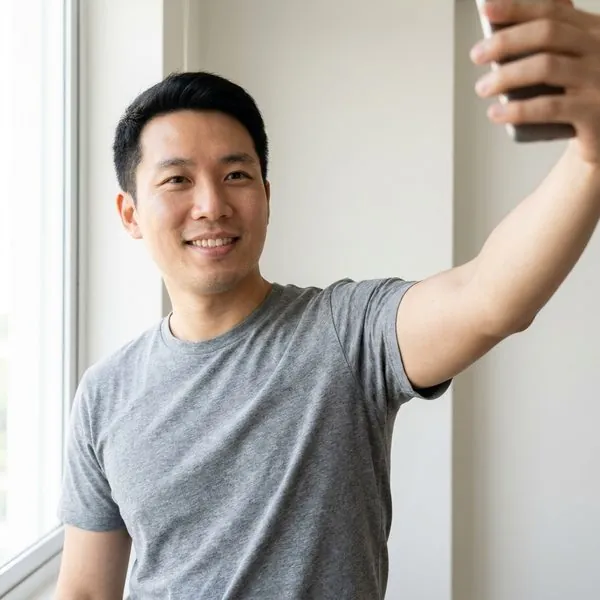

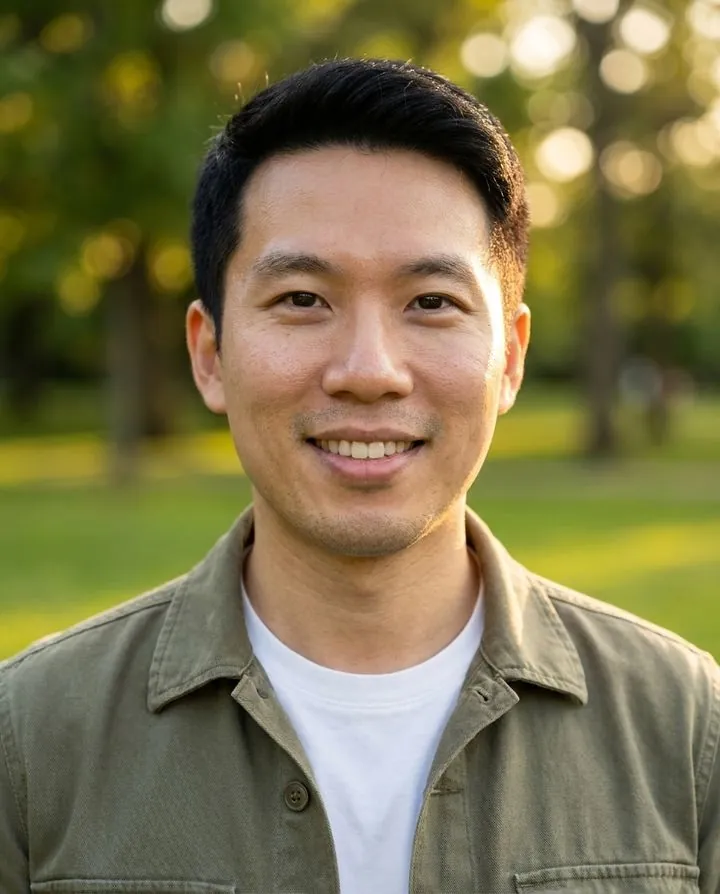
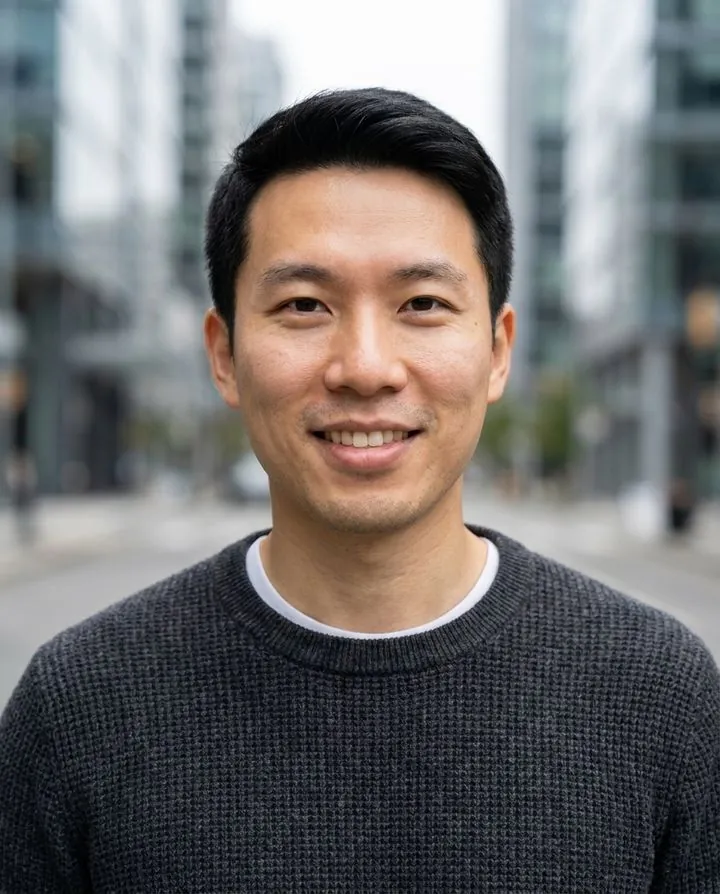
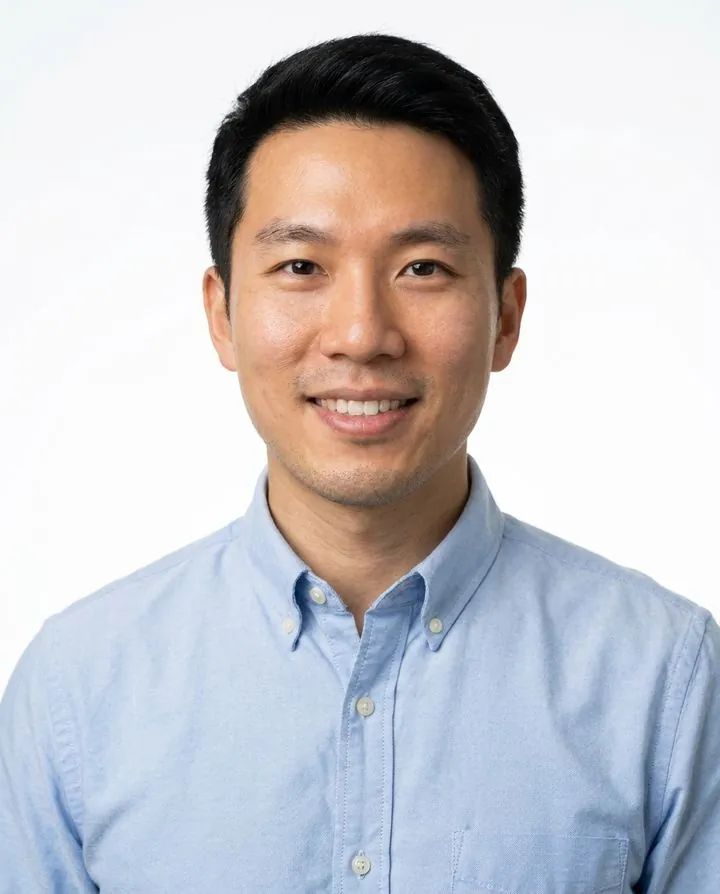
The whole process takes a few minutes. You don't need good clothes, a clean room or a second person to take the photo: the AI keeps your face and replaces everything else.
Face the camera in daylight, with your eyes visible and no beauty filter. A recent photo matters more than a flattering one, because people will compare your profile picture with your face on video calls and in person. See which selfies work best below.
Pick a purpose such as LinkedIn, résumé, dating profile, tech or creative. Each one sets a matching outfit, background and expression, and you can switch to custom to mix your own from 5 outfits and 14 backgrounds. Add a short note if you want something specific, like "keep my glasses".
You get 3 free watermarked previews. Unlock a pack to download them clean: Download saves the full 4:5 portrait and Square saves a 1:1 crop with your face placed for circle frames. Upload the square file to each app and nudge the crop if the app asks.
Nearly every app shows your profile picture as a circle or a rounded square, so the safest file is a square image with your face in the middle and a little space above your head. Make one square master at 1024 px or more and use it everywhere; each app scales it down. The square file from a paid pack is about 1856 × 1856 px, so it is sharp on every platform below.
| Platform | Recommended upload | Shown as | Good to know |
|---|---|---|---|
| 400 × 400 px minimum, up to 8 MB | Circle | JPG or PNG. Recruiters see it first, so use a work-ready look. LinkedIn headshot guide | |
| 320 × 320 px or larger | Circle, about 110 px | Very small on screen: crop tight on your face. | |
| X (Twitter) | 400 × 400 px | Circle | JPG, PNG or GIF, about 2 MB max. |
| 320 × 320 px or larger | Circle, about 170 px on desktop | Also used in Messenger, so one clear face shot works for both. | |
| TikTok | 200 × 200 px or larger | Circle | Tiny next to videos; a bright background helps. |
| YouTube | 800 × 800 px | Circle, about 98 px | Shown on every video and comment. |
| Discord | 128 × 128 px minimum, 512 px or more looks sharper | Circle | Animated avatars need Nitro. |
| Slack | 512 × 512 to 1024 × 1024 px | Rounded square | The corners show, so a clean background matters more here. Resize a larger file to 1024 px if Slack rejects it. |
| Zoom | Square, 2 MB max | Circle or tile | Shown whenever your camera is off. |
Platform limits checked October 2026 from each platform's help pages and current size guides. Apps change these numbers from time to time, so check the upload screen if a file is rejected.
Your profile picture is seen far more often in a comment thread or chat list than full size. At 32 px, only three things survive: the shape of your face, the contrast with the background and your expression. If you can still tell it's you at the smallest size, it will work everywhere.

Top: a close AI profile picture stays recognizable at 32 px. Bottom: a photo taken from too far away turns into a blur by 48 px.
The right profile picture depends on who will see it. Here is one person, one selfie and five looks, with the places each one fits best. If you use several platforms, a sensible setup is one work look for LinkedIn, Slack and email, and one relaxed look for social and dating apps.
Blazer or suit, office or studio background. For LinkedIn, résumés, company team pages, speaker bios and anywhere a client or recruiter meets you first.
Try the LinkedIn lookAn open collar on a plain backdrop. The everyday choice for Slack, Microsoft Teams, Zoom, Gmail and your email signature, where colleagues see it all day, and the safest resume photo.
Try the business casual look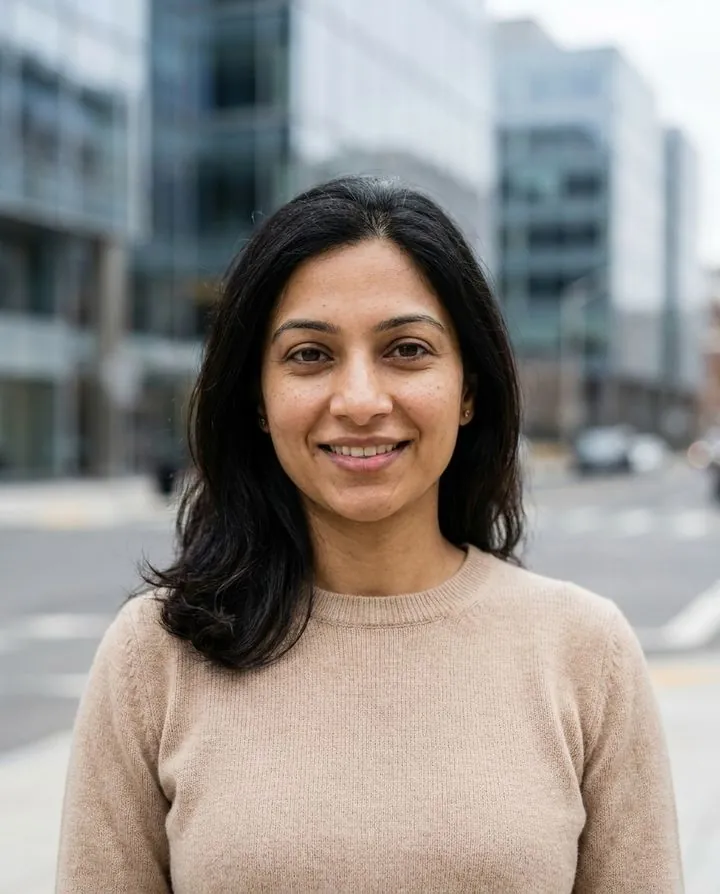
A plain knit and an urban blur. Suits tech and startup roles, X, GitHub, Substack and personal websites: approachable without looking like a stock photo.
Try the tech look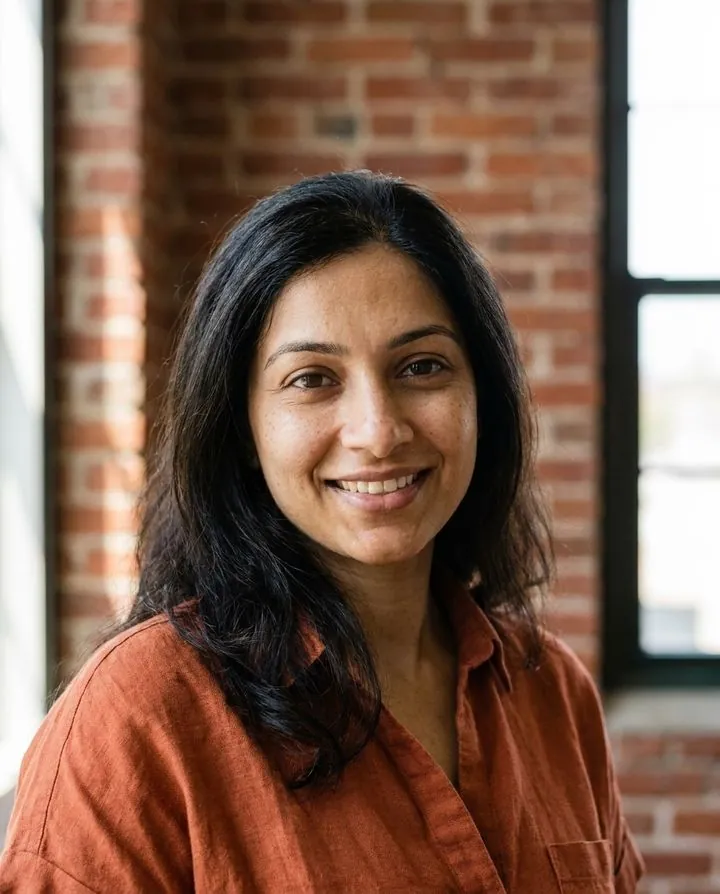
Warmer colors and texture, such as brick or daylight. For Instagram, portfolios, coaches, freelancers and creators who want a little personality in the circle.
Try the creative look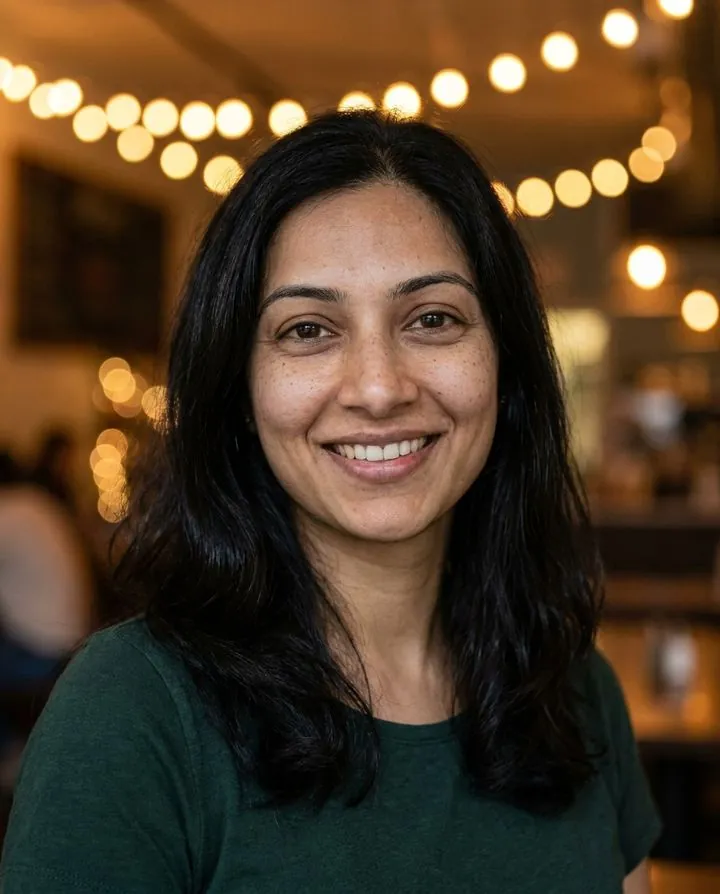
Natural smile, café or outdoor light. For Hinge, Bumble, Tinder and Facebook. Use it as your first photo next to real, unedited pictures of you doing things you enjoy. Dating photo tips.
Try the dating lookNeed a different setting? You can also change the background of a photo you already have, or browse more headshot examples by industry.
The generator can only keep what it can see. A sharp, evenly lit photo of your face gives it the detail it needs to keep your eyes, smile and skin tone right; a dark, filtered or distant photo makes it guess, and guesses are what make AI pictures look off.
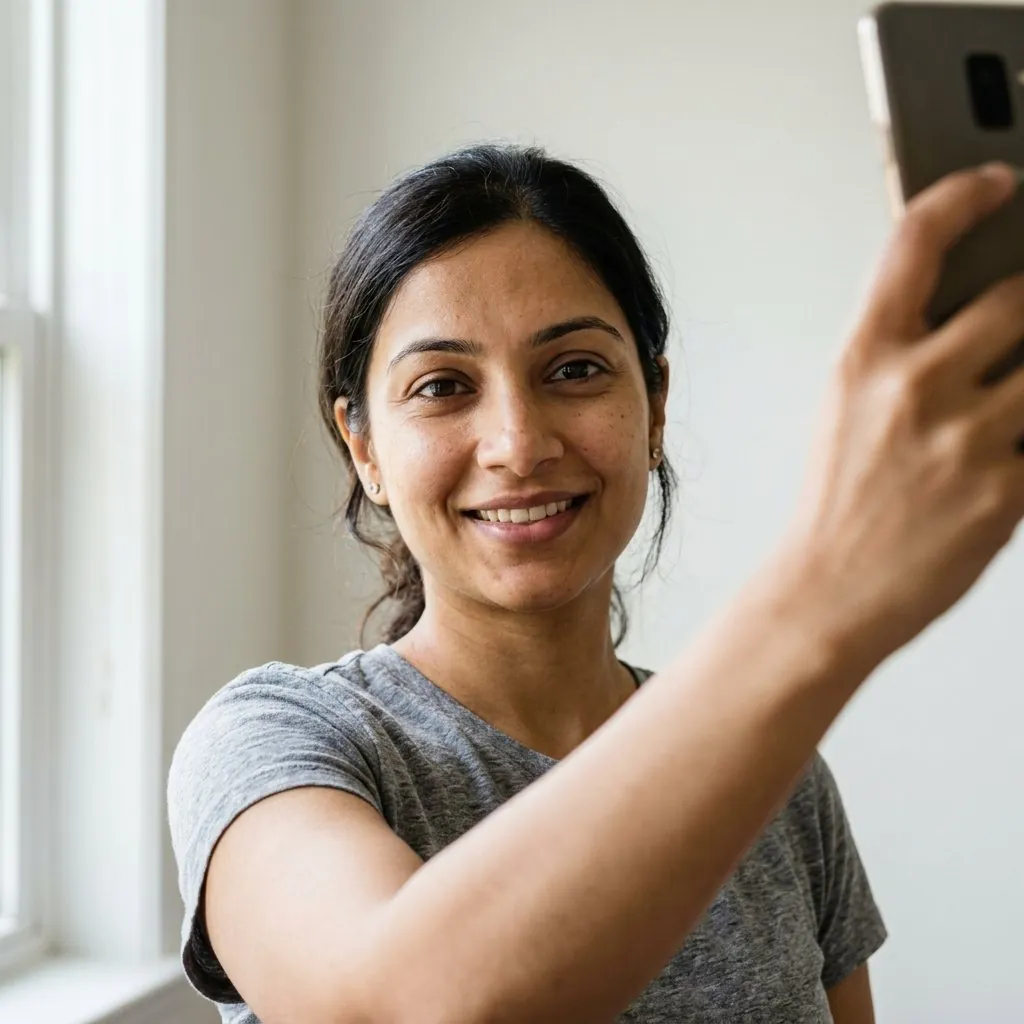 Use
Use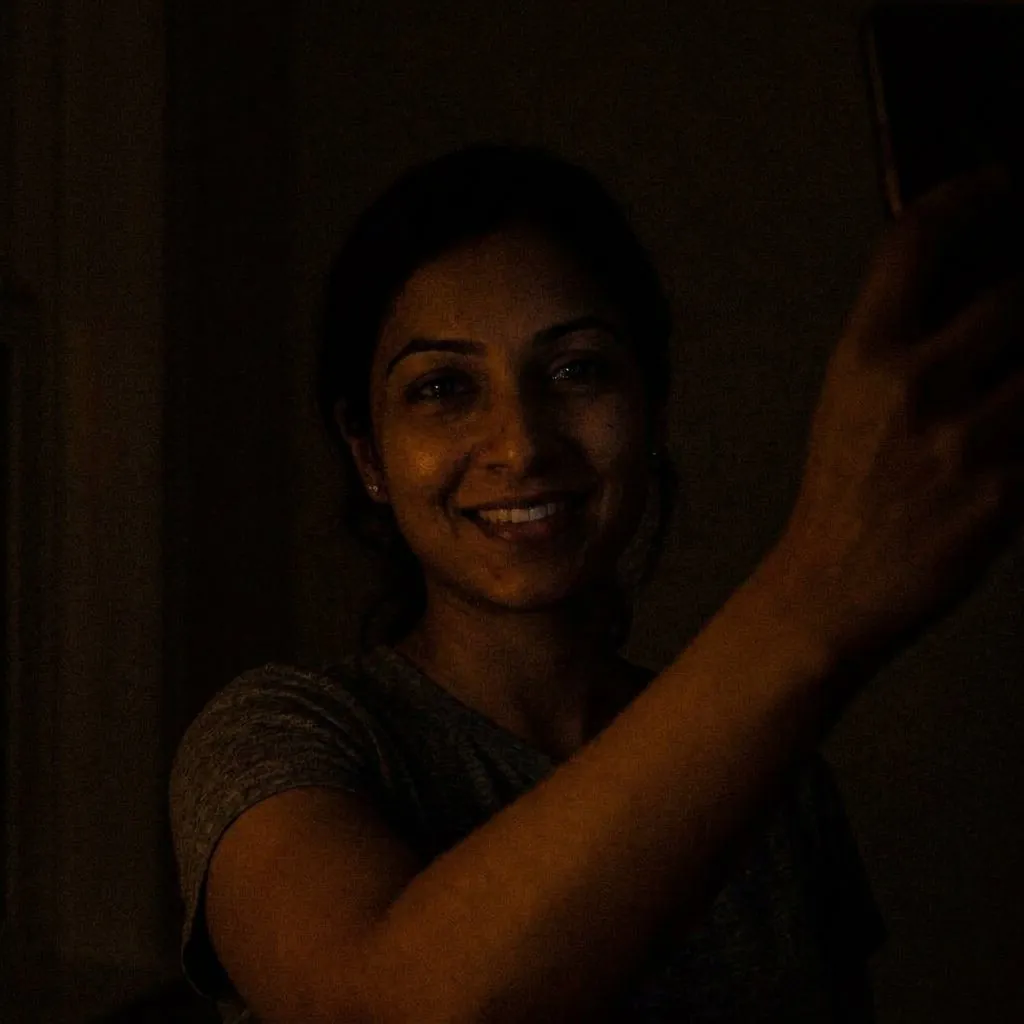 Avoid
Avoid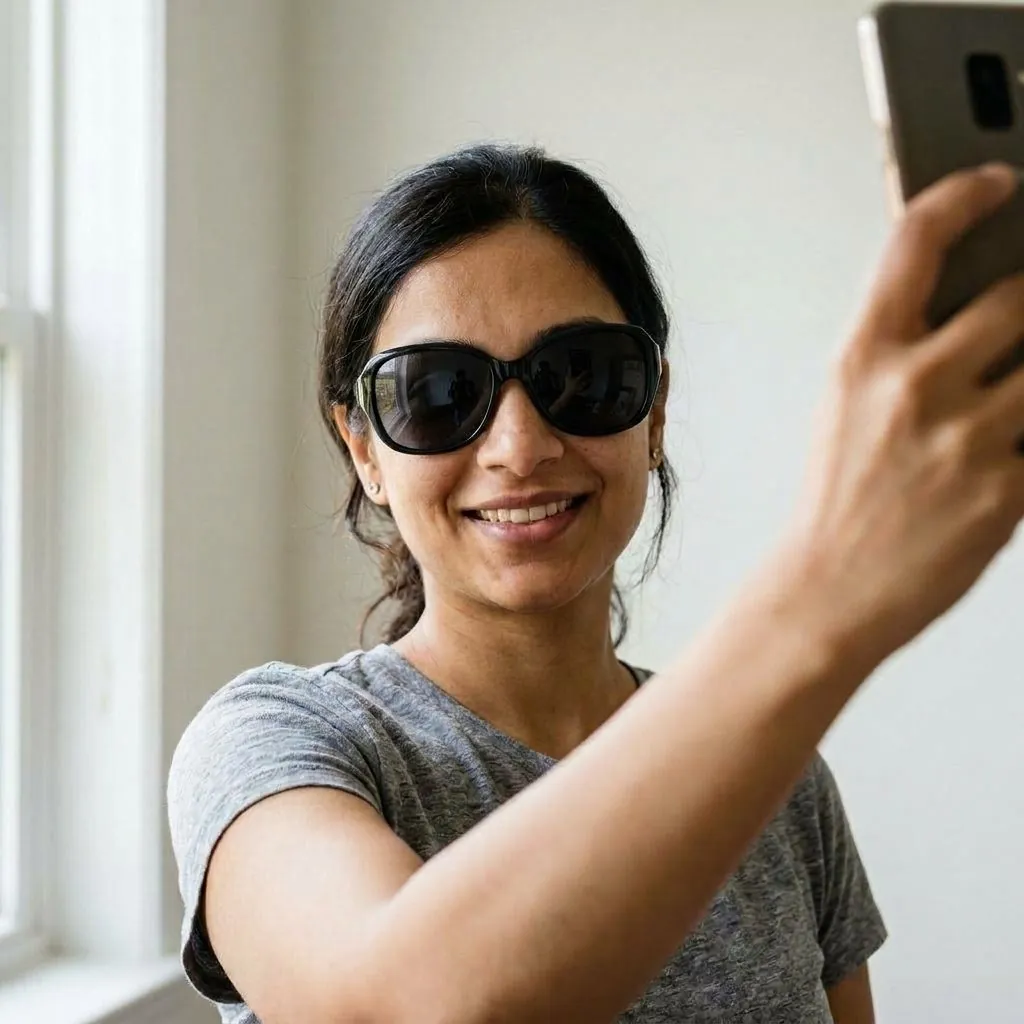 Avoid
Avoid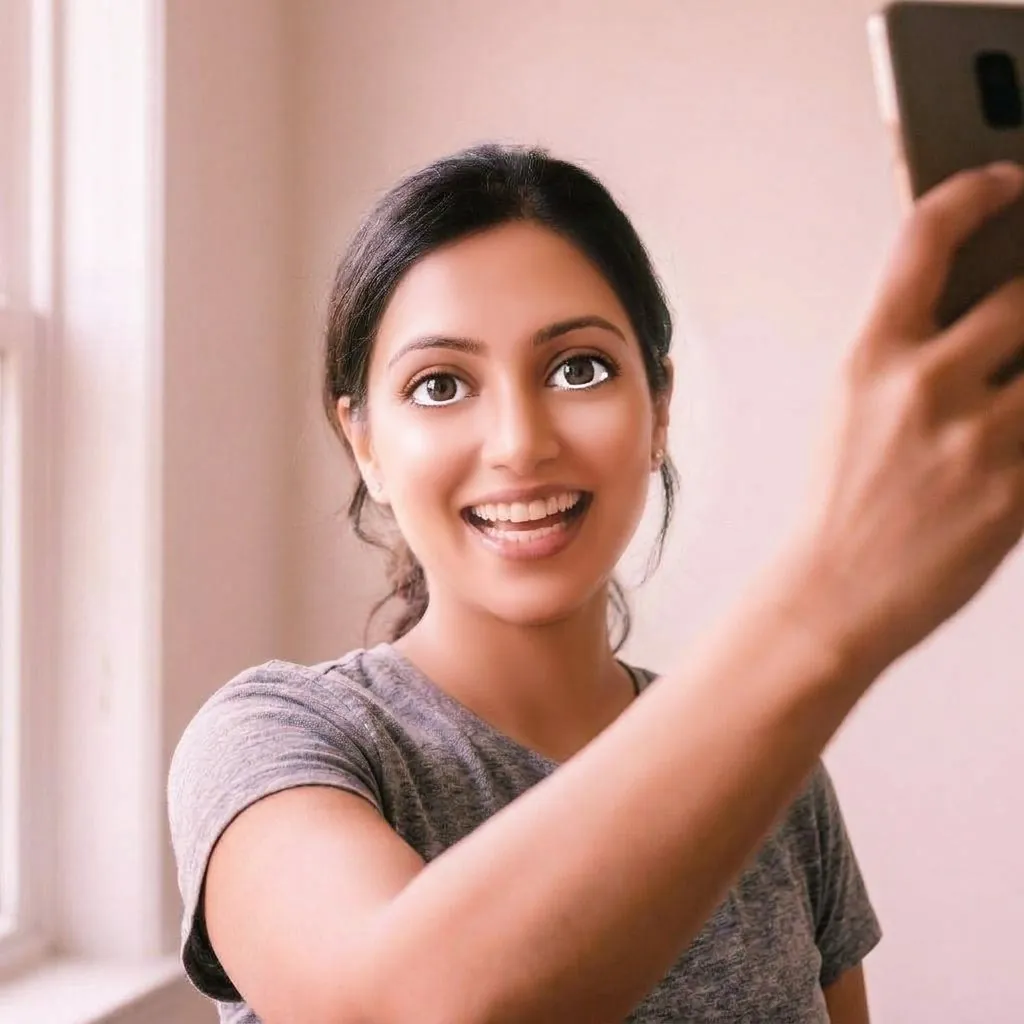 Avoid
Avoid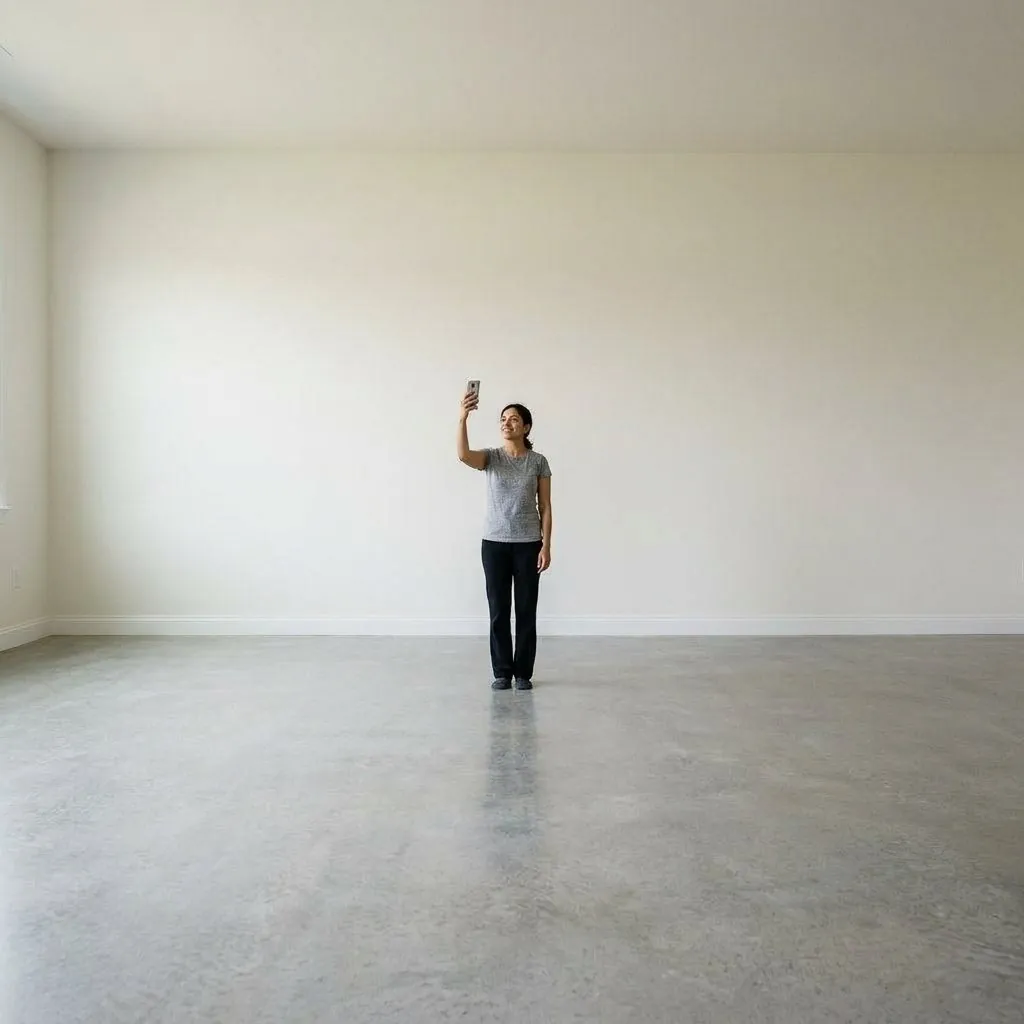 Avoid
AvoidMore on this in our guide to making AI headshots look realistic, and if you'd rather start from a better phone photo, see how to take a headshot at home.
"AI profile picture generator" covers three quite different tools. Knowing which one you need saves time, because they solve different problems.
| Type of tool | What it does | Best for | Watch out for |
|---|---|---|---|
| Realistic AI headshot generator (HeyAIHeadshot) | Creates a new, photo-real picture of you with a new outfit, background and studio light | LinkedIn, work tools, résumés, dating apps, any place people should recognize you | Needs a clear selfie; the result must still look like you |
| Background remover / PFP maker | Cuts you out of an existing photo and puts you on a color or gradient | A quick refresh when you already have a good, recent photo | Keeps your original lighting, clothes and image quality |
| Art-style avatar generator | Redraws your photo as anime, cartoon, 3D or fantasy art | Gaming, Discord, Twitch and fan communities | Not suitable where a real photo is expected, such as LinkedIn or dating apps |
HeyAIHeadshot only makes realistic photos. If you want to compare realistic tools on price and quality, read our review of the best AI headshot generators or the head-to-head with Canva's AI headshot tool.
Yes, when it shows the real you. Think of it as a retouched studio photo rather than a new identity. A few simple rules keep it honest and keep it working for you:
If someone met you after seeing only your profile picture, they should recognize you at once. Choose the result closest to how you look today, and pick the natural retouch level if the others feel too smooth.
Our generator is told to keep your face shape, eyes, skin tone, hair and glasses exactly as in your selfie. If a result drifts, don't use it: generate another or change your notes.
See our dating profile pictures guide for the full photo lineup. Tinder, Bumble and Hinge offer selfie verification that compares your profile with a live video of your face. A realistic AI picture of you can pass that comparison; one that changes how you look won't, and it sets the wrong expectation for a first date anyway.
Make profile pictures of yourself, or of someone who has asked you to. Never use the tool to imitate another person.
You're uploading your face, so it's fair to ask. We never store the selfie you upload: it is sent to the AI model (Google's Gemini API) to create your pictures and is not written to our servers. Your generated pictures are saved privately to your account. Free previews are deleted automatically after 30 days, pictures from paid packs stay in your account until you delete them, and your photos are never used to train AI models. The full details are in our privacy policy.
Yes. HeyAIHeadshot gives you 3 free AI profile picture previews from your selfie, with no credit card. Previews are watermarked; packs to download clean, full-resolution files start at $9 one-time, and credits never expire. See the free AI headshot generator for what the free tier includes.
A square image of at least 400 × 400 px works on almost every platform, and 1024 × 1024 px or larger stays sharp on high-resolution screens. Keep your face centered, because LinkedIn, Instagram, X, Facebook and most others display it as a circle.
Use a square photo with your face in the middle and a little space above your head. Our Square download does this for you: it crops the portrait to 1:1 and places your face where circle frames expect it. Most apps then let you zoom and drag before saving.
It should, if your selfie is clear. The generator keeps your face shape, eyes, nose, skin tone, hair and glasses from the photo and only changes the outfit, background and light. A front-on selfie in daylight without filters gives the most faithful results.
No. HeyAIHeadshot makes realistic photos only, for places where people expect to see the real you. For anime or cartoon avatars, use an art-style generator instead.
Yes, as long as it looks like you today. Use the dating look as one photo among several real ones. Apps such as Tinder, Bumble and Hinge offer selfie verification, which compares your photos with a live video of your face.
Using one picture on your work accounts (LinkedIn, Slack, Teams, email) makes you easy to recognize across them. Many people keep a second, more relaxed picture for Instagram and dating apps. You can make both from the same selfie.
Yes. If you like your current photo and only want a cleaner backdrop, use the headshot background changer. It keeps you exactly as you are and swaps only the background.