


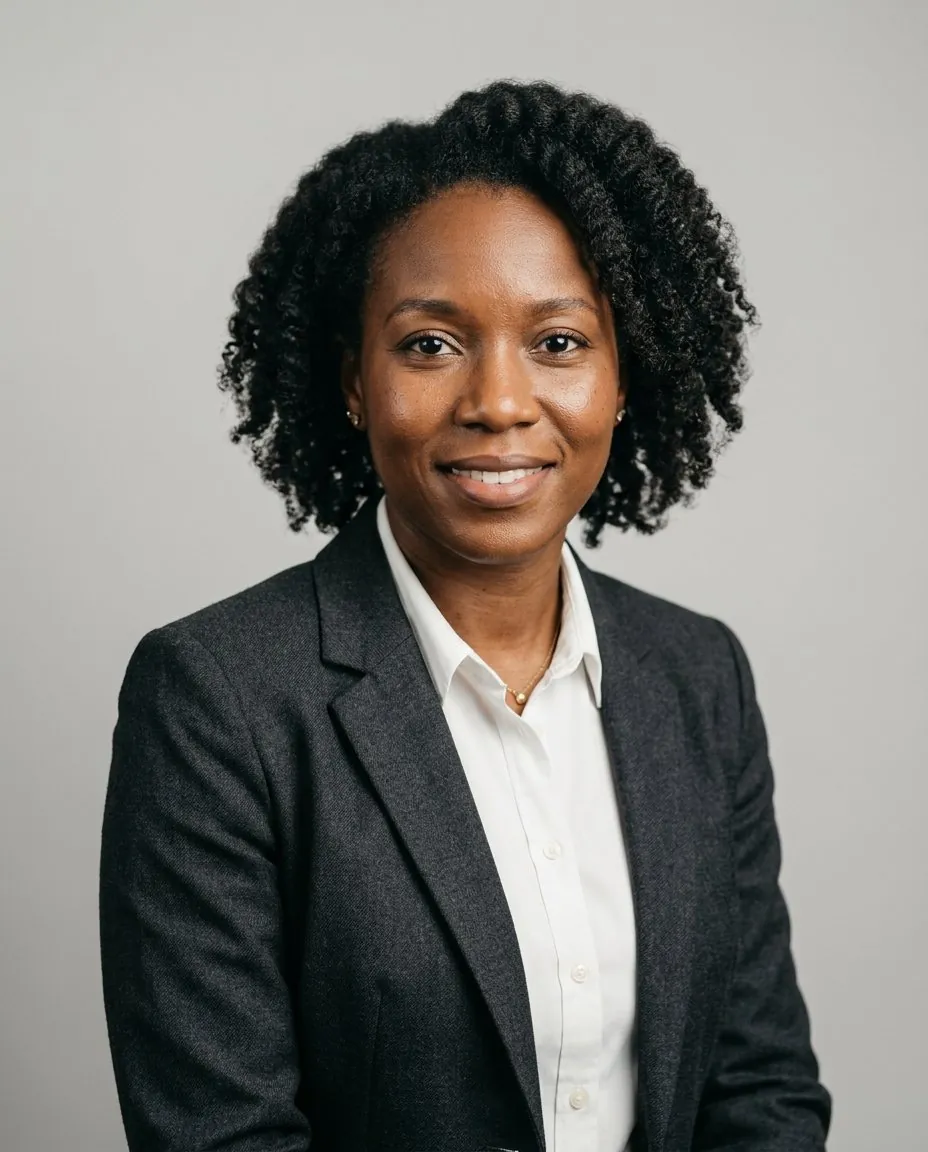
AI Headshot Generator
Upload one photo and get professional headshots for LinkedIn, résumés and your team page in minutes.
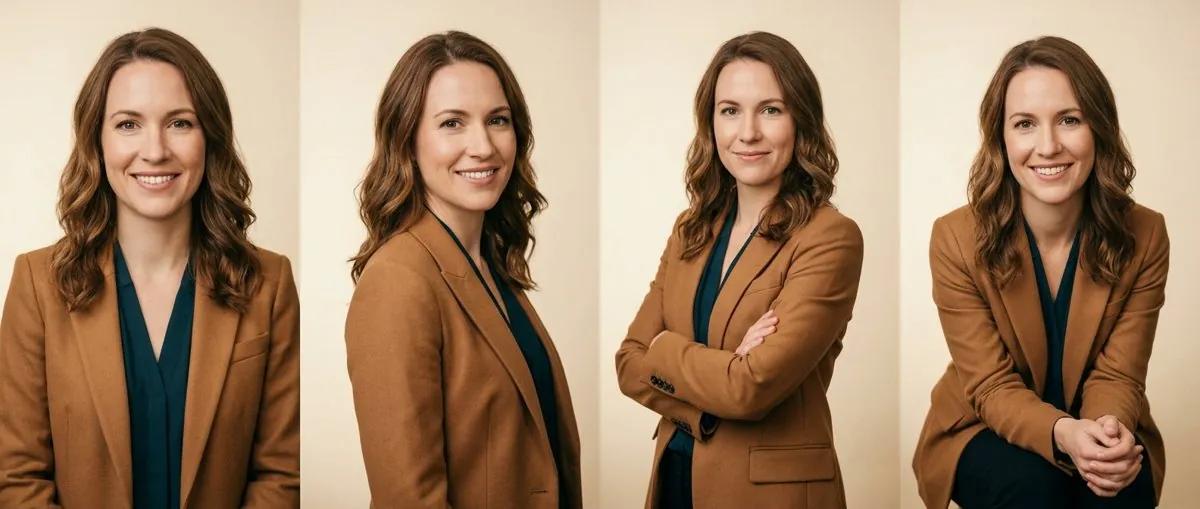
Professional AI headshot styles for every job
Pick a few looks before you generate. Every style works for any face, outfit and industry.
Change your headshot background with AI
Upload any headshot and swap what's behind you for a clean studio, a soft office blur or plain white. Hair and edges stay sharp.
Change a background free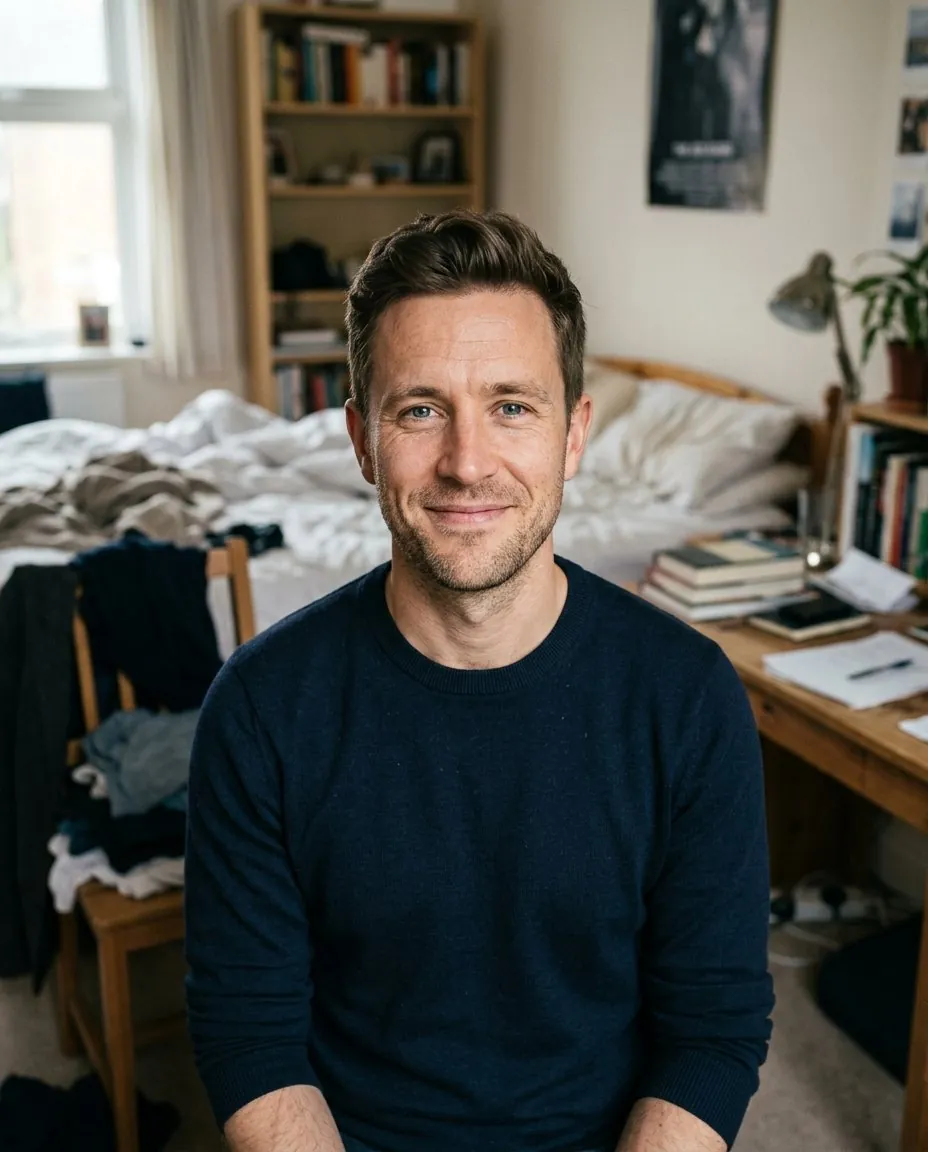 your photo · messy room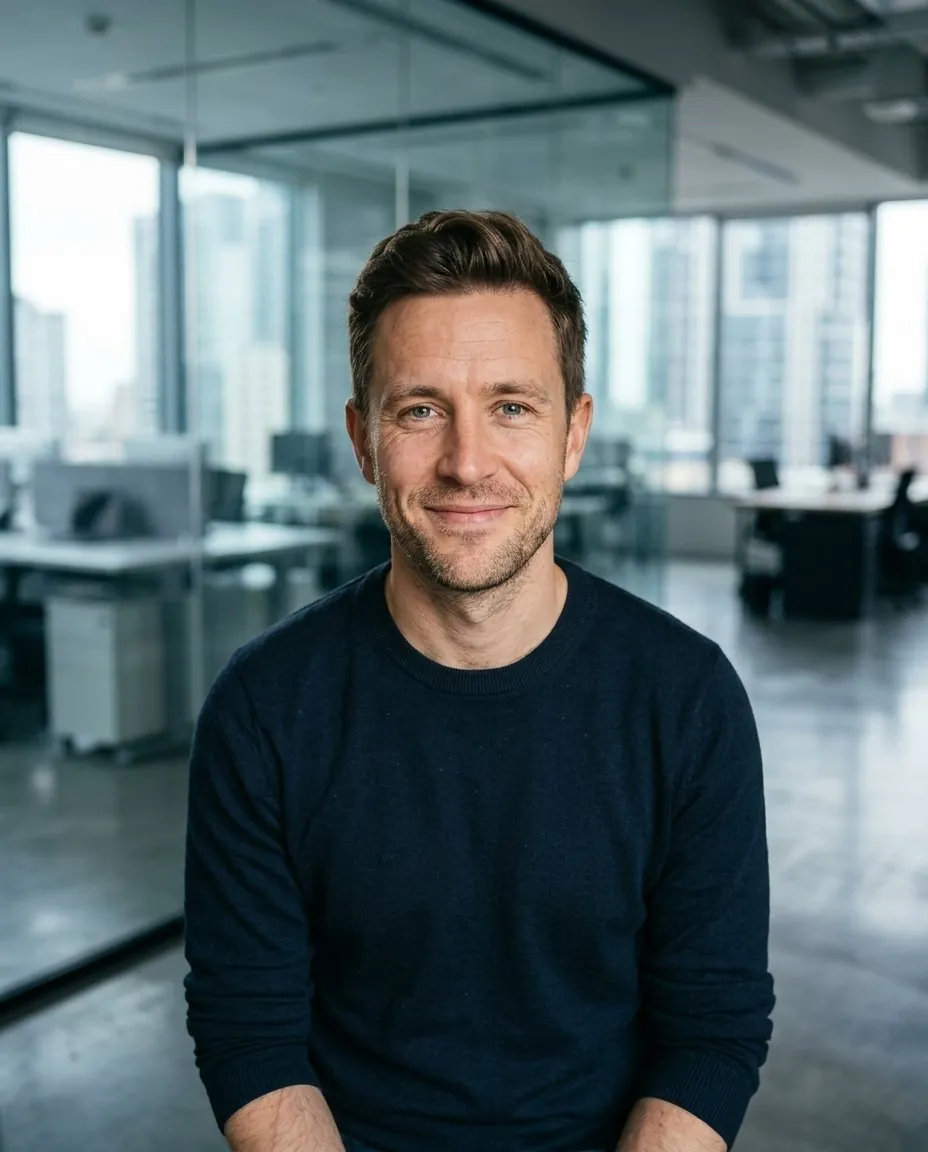
How to make an AI headshot in 3 steps
Upload a clear selfie
A phone photo is fine. Face the camera in even light for the best likeness.
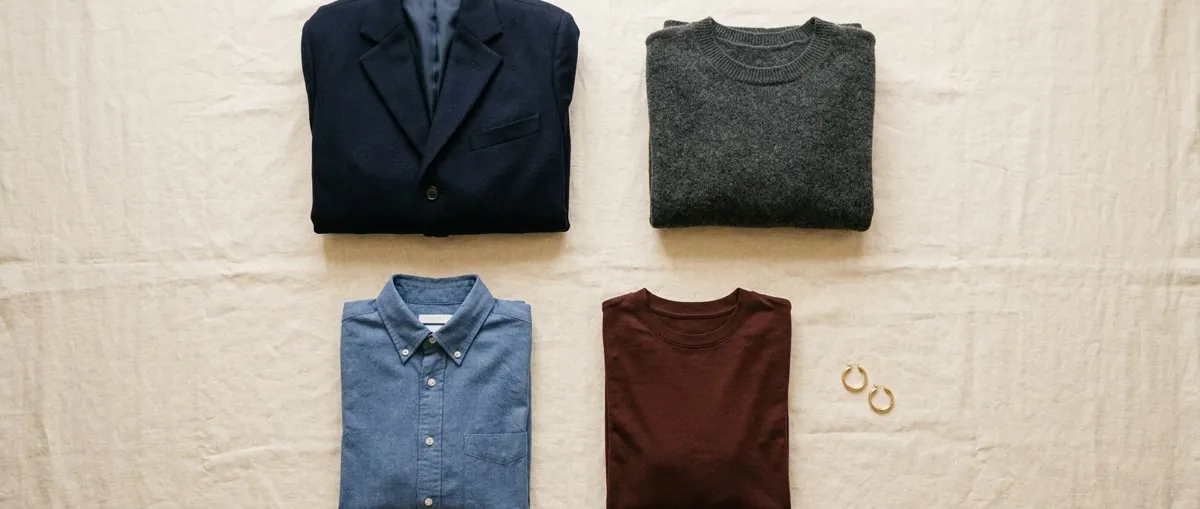
Pick outfits and backgrounds
Choose your own looks or let us suggest styles that suit your industry.
Download your AI headshots in minutes
High-resolution files, ready for LinkedIn, résumés and company websites.
AI headshots for LinkedIn, résumés and team pages
One selfie covers every place people look you up. Pick the look that fits where the photo will live.
LinkedIn headshots
A friendly, close crop that still reads at thumbnail size inside LinkedIn's circle. Plain or softly blurred backgrounds keep the focus on your face. Need one for Instagram, X, Slack or a dating app too? Use the AI profile picture generator.
LinkedIn headshots →Résumé and personal brand
Studio-style headshots for your website, speaker bio, press kit or a resume photo in countries where photos are expected. Choose a look by profession.
Professional headshots →Corporate team headshots
Matching background, crop and outfit style for every employee, in the office or remote, so the team page looks like one shoot.
Corporate headshots →
Realistic AI headshots that look like you
Most fake-looking AI headshots come from the photo you upload, not the model. Get these right and the results look like you on a good day.
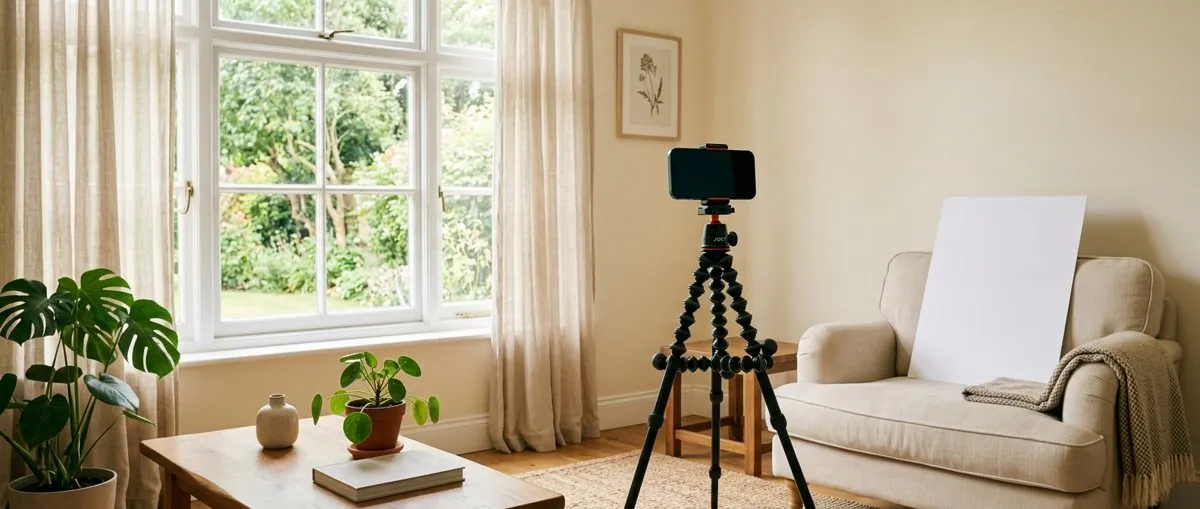
- Face the camera in even light. Stand facing a window. Harsh overhead light and deep shadows confuse the model about your features.
- Skip filters and sunglasses. Beauty filters smooth away the details that make you recognizable, and hidden eyes make likeness much harder.
- Keep your usual look. Upload a recent photo with the hairstyle and glasses you actually wear, so the headshot matches you in person.
- Pick a few styles, then keep the best. Generate more than one look and regenerate any headshot you don't like before you download.
AI headshots vs. a photo studio
Both give you a professional headshot; they differ in cost, time and how many looks you get. Comparing AI tools instead? See HeyAIHeadshot vs HeadshotPro and HeyAIHeadshot vs Canva.
| HeyAIHeadshot | Photo studio | |
|---|---|---|
| What you need | One selfie from your phone | A booked session, travel and outfit changes |
| Time to results | Minutes | A 30–60 minute session, then about 1–2 weeks for retouched files |
| Price | Preview free, then $9–$99 for 10–400 headshots | About $150–$350 for a standard US session, often $500+ in big cities (full cost breakdown) |
| Looks per session | Many outfits and backgrounds from one upload | Usually 1–2 looks and 2–5 retouched photos |
| Best for | LinkedIn, résumés, team pages, quick updates | Print campaigns, editorial work, exact creative direction |
AI headshot generator pricing: preview free, pay once
One payment. Your headshots never expire.
- 120 headshots
- All styles and outfits
- 4K downloads
- Background changer
- Ready in about 15 minutes
- 400 headshots
- All styles, outfits and custom backgrounds
- 4K downloads
- Background changer
- Priority, ready in about 5 minutes
- 1 free redo within 30 days
🔒 Secure checkout by Stripe · You own your headshots, commercial use included · Your selfie is never stored
AI headshot examples, prompts and guides
All guides →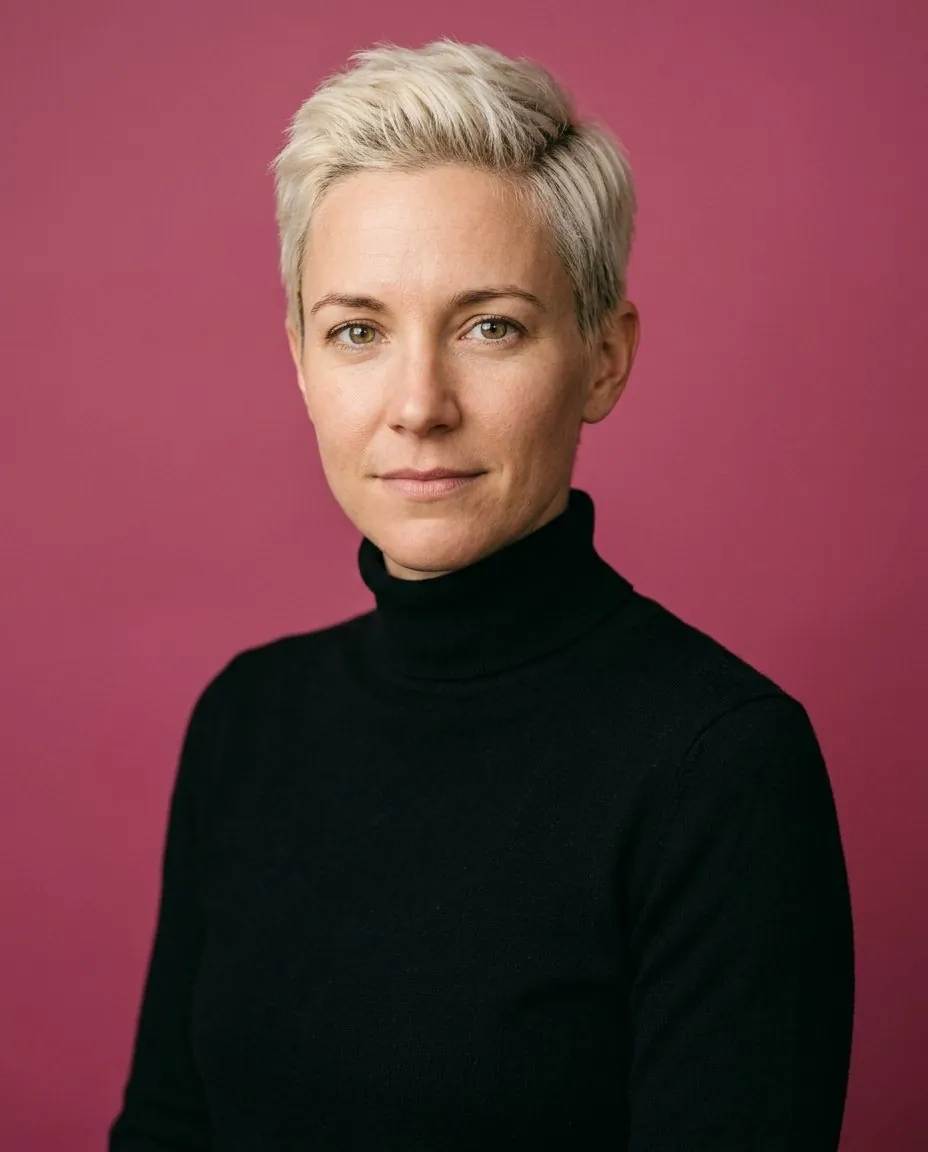
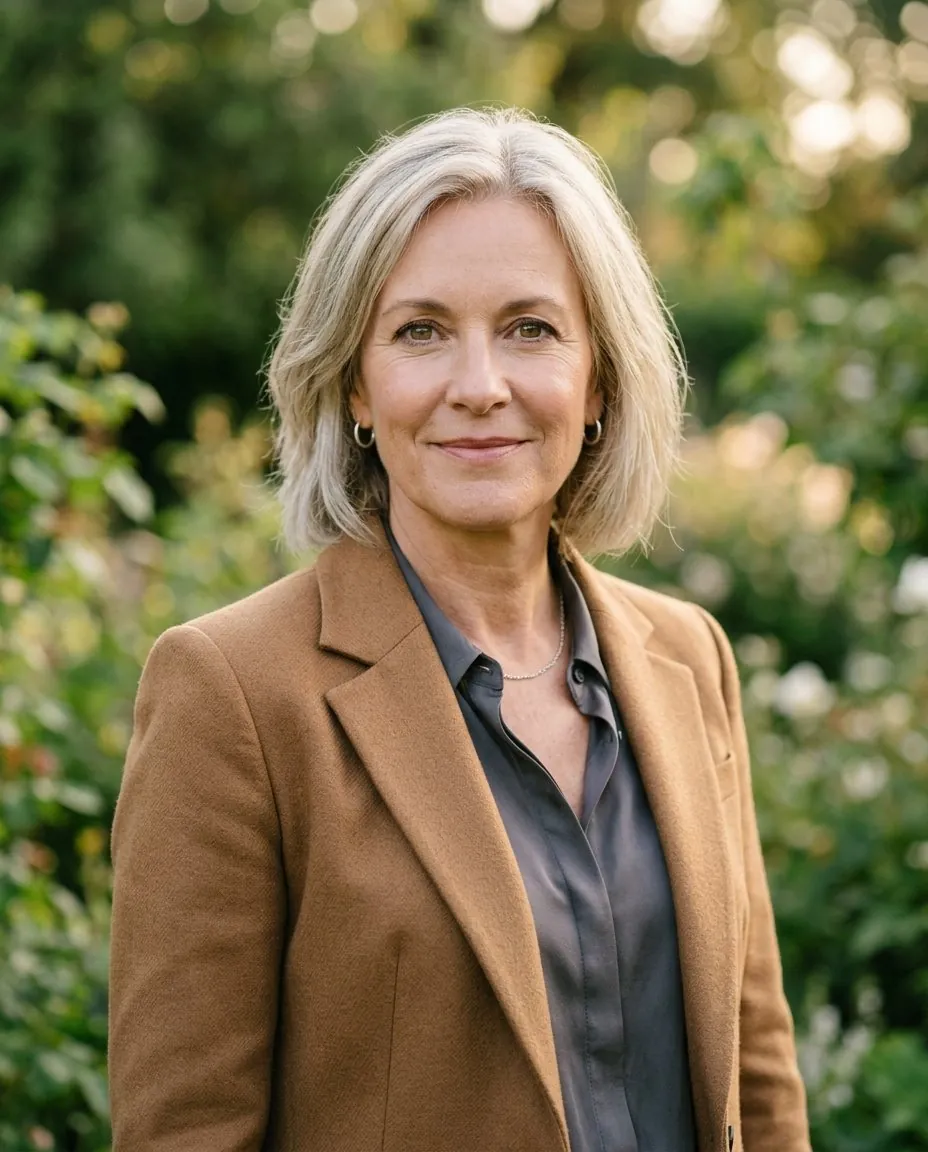
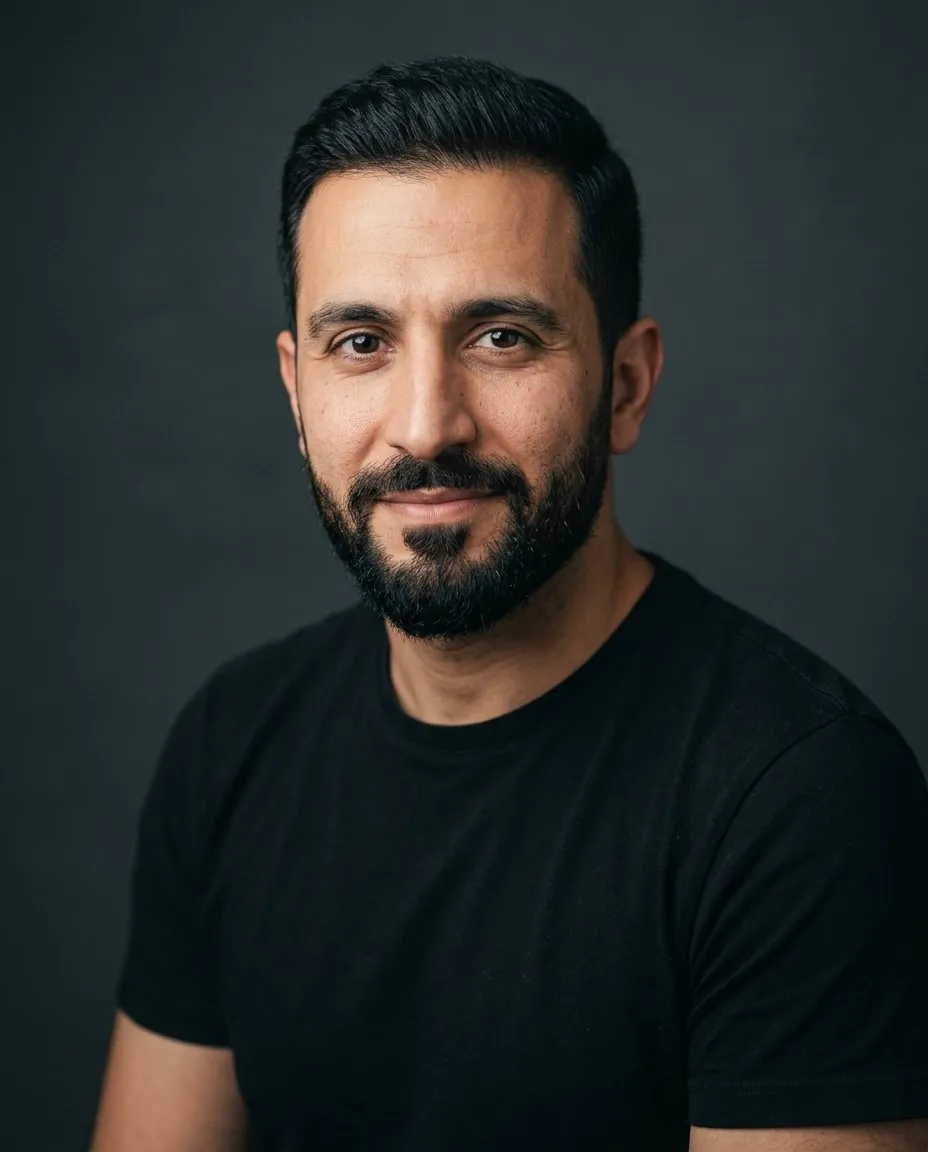
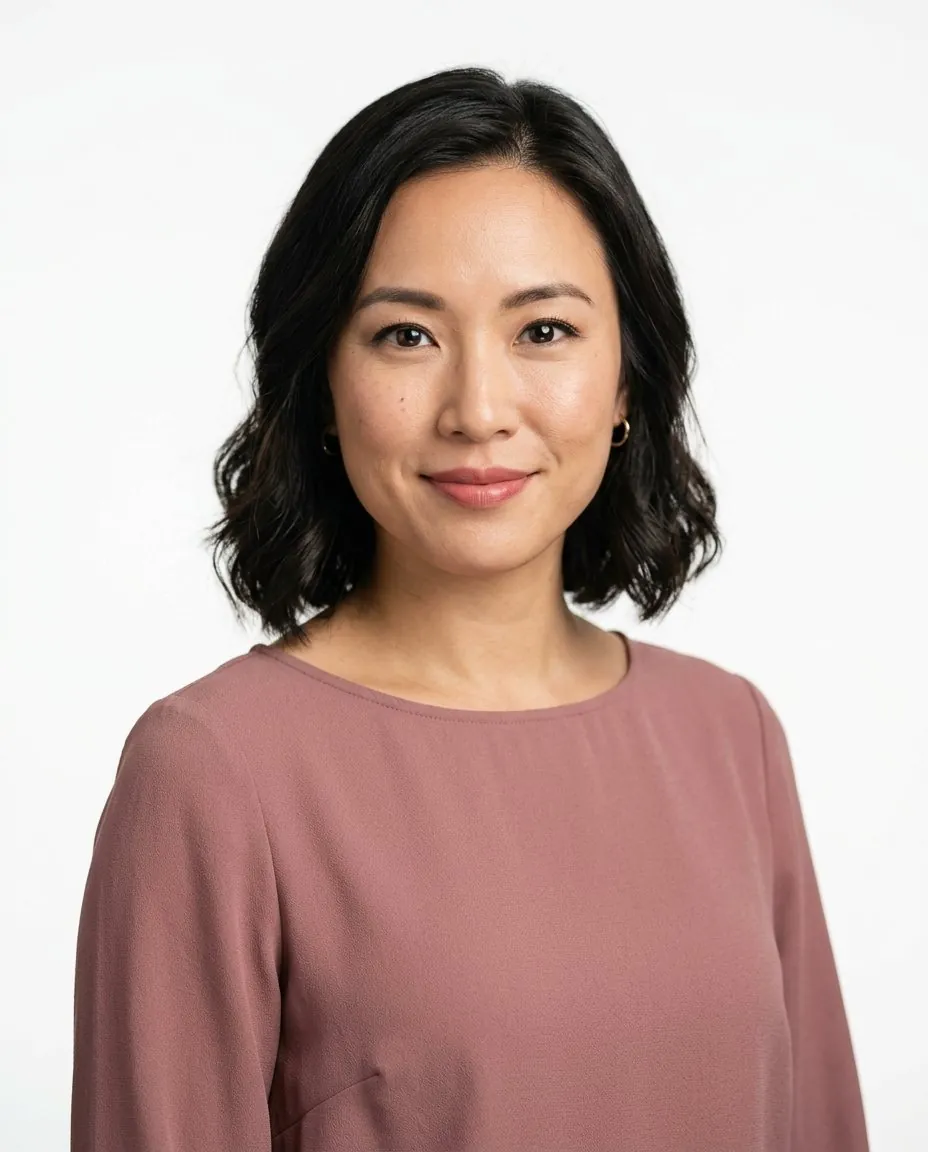
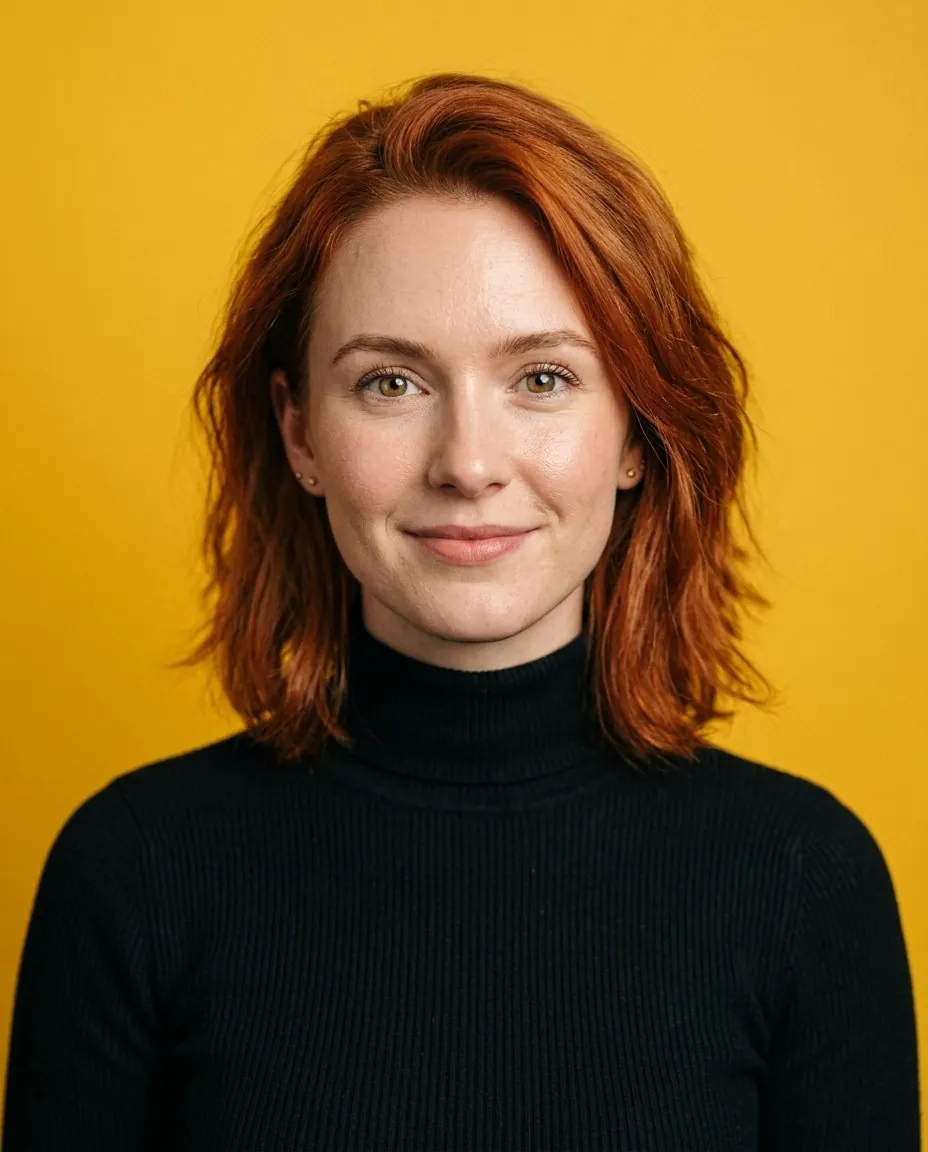
Built by an independent founder
HeyAIHeadshot is built and run by Miu, who also writes every guide on this site. Behind it are hundreds of test generations to learn which photos, outfits and backgrounds give headshots that still look like you. Questions or feedback go straight to the person who builds it.
AI headshot generator FAQ
How does an AI headshot generator work?
You upload one clear photo of yourself. The model reads your face from it and renders new headshots in the styles you pick, with studio lighting and a professional background.
What is the best AI headshot generator?
It depends on what you need most: likeness, realism, price or speed. We compared five popular tools side by side in our best AI headshot generators guide. The simplest test is your own selfie: preview 3 headshots here free and judge the likeness yourself.
Is there a free AI headshot generator?
Previewing is. Every new account gets 3 HD previews of themselves, watermarked, with no credit card. Unlock a pack from $9 to download them watermark-free and get the rest of your headshots.
Will the headshots look like me?
Likeness is best when your photo shows your face clearly, in even light, without filters or sunglasses. You can regenerate any headshot you don’t like.
How do I make an AI headshot look realistic?
Start with a clear, recent selfie: face the camera in even window light, with no filters or sunglasses. Pick styles close to how you normally dress, and regenerate anything that looks off. Our guide on making AI headshots look realistic covers eight fixes in order of impact.
Can I use AI headshots on LinkedIn and my résumé?
Yes. You own the images and can use them anywhere, including LinkedIn, résumés, company websites and press kits.
Can I change the background of an existing headshot?
Yes. Upload any headshot to the background changer and pick a studio, office, outdoor or plain white backdrop.
What happens to my photos?
We never store the photo you upload: it is sent to the AI model and discarded. Your generated headshots are saved to your account so you can open them on any device. Free previews are deleted after 30 days, and paid headshots stay until you delete them, which you can do anytime. Nothing is ever used to train AI models.