Free AI Headshot Generator
See 3 HD headshots of yourself before you pay anything. No credit card. Like them? Unlock a pack to download them watermark-free.
- 3 free HD previews of you
- No credit card, no trial to cancel
- Unlock and download from $9
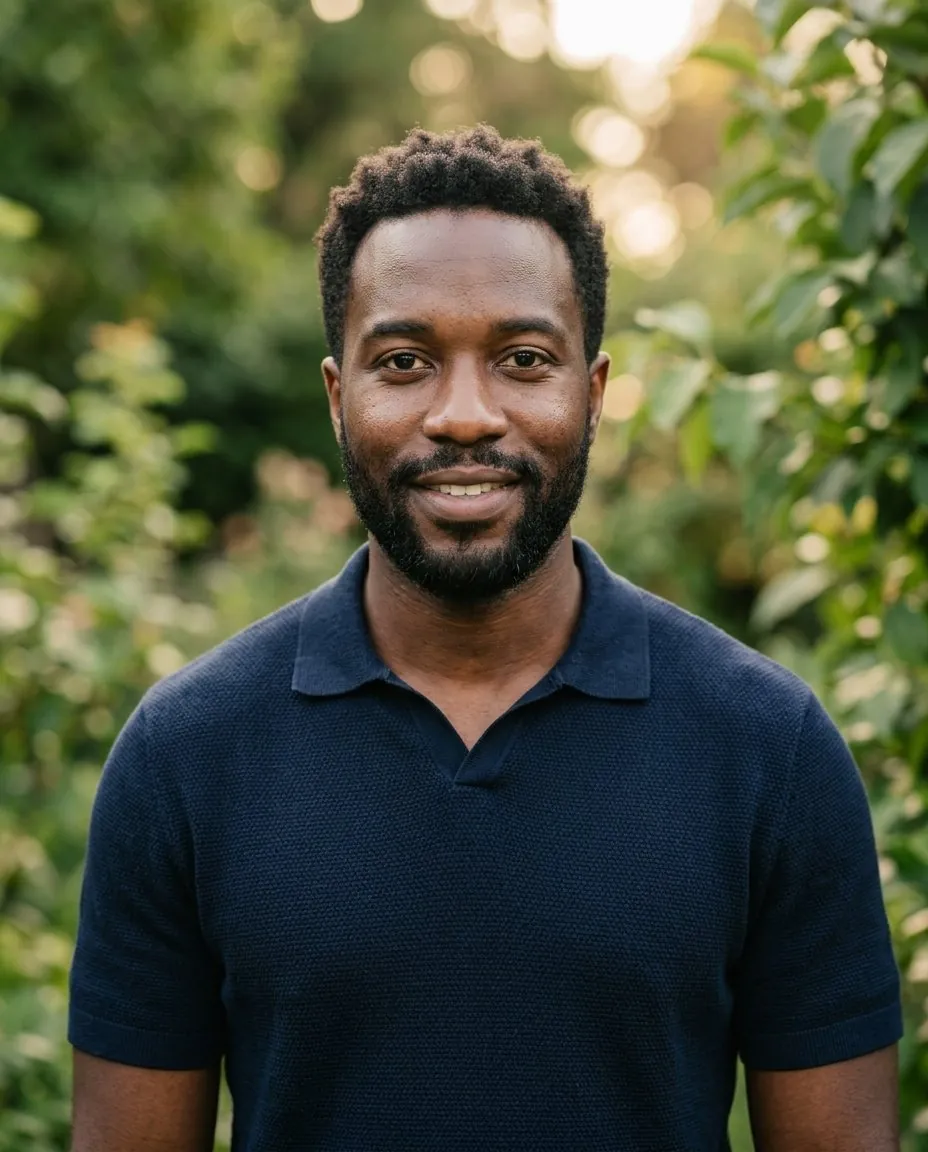
Free AI headshot examples: your 3 free previews
Previews come from the same model as our paid packs, so what you see is what you get. Pick 2 of these styles to preview.
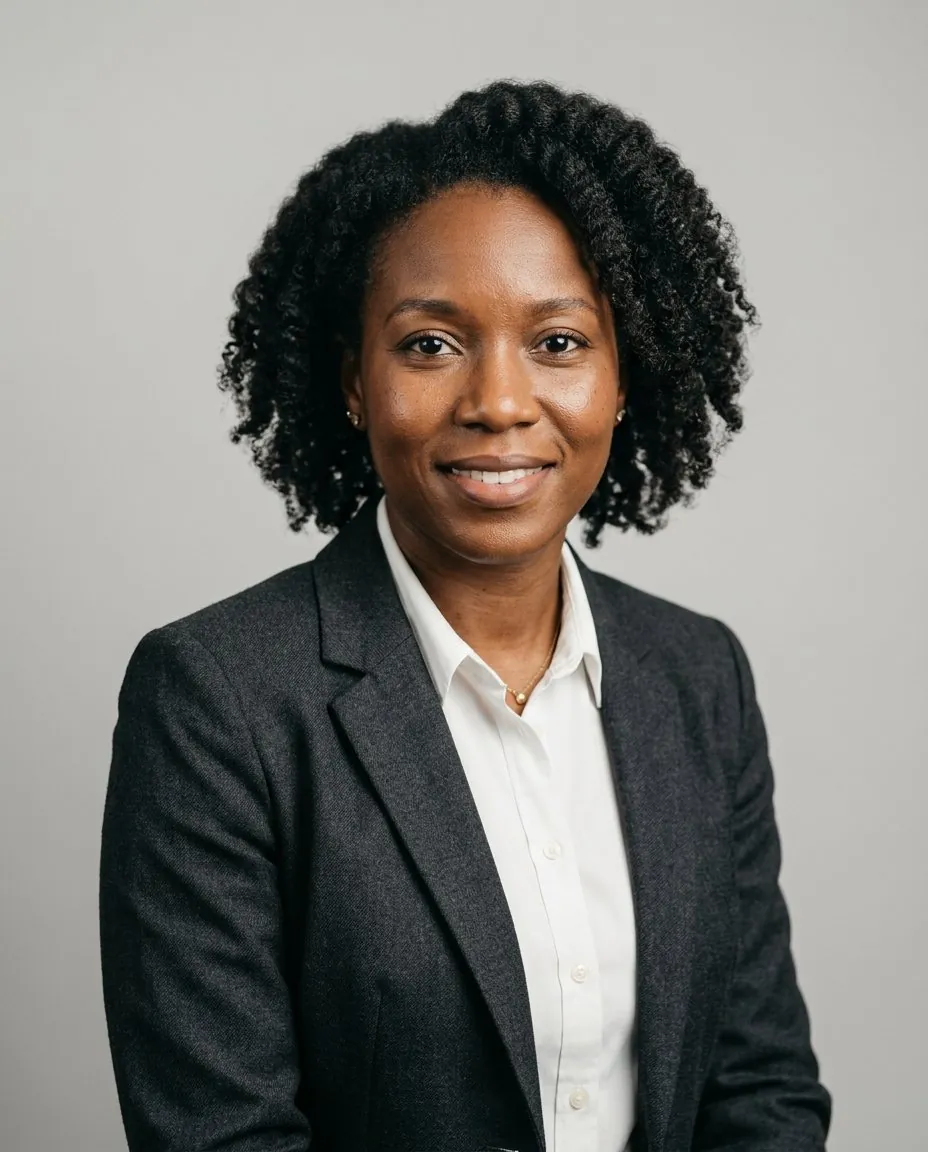 Free
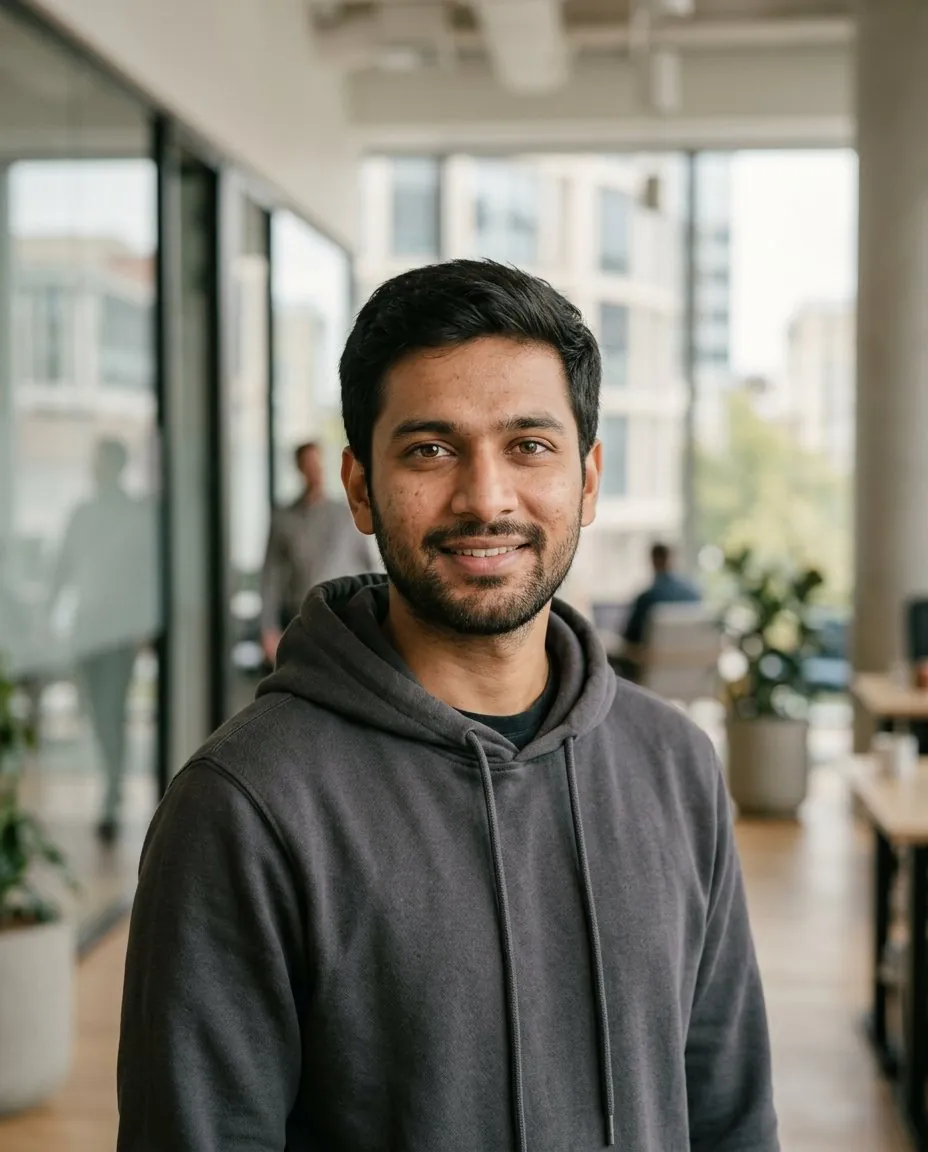 Free
 Free
 Free
 Pack
 Pack
Free AI headshots vs. a paid pack vs. a photographer
Free previews tell you whether the headshots look like you. A one-time pack gets you full, watermark-free files. A photographer costs about $150–$350 for a standard US session and takes longer, but suits actors and branded shoots.
How to get a free AI headshot in 3 steps
Upload one selfie, check the 3 free previews, and only pay if you like them. Sign-in is with Google and no credit card is needed.
1. Upload one selfie
One clear photo of your face is enough. Pick the outfits and backgrounds you want to try, and your previews are ready in minutes.
2. Check the likeness on 3 free previews
Your 3 HD previews come from the same model as the paid packs, so you know whether it works for you before you pay.
3. Unlock a pack to download watermark-free
Packs start at $9 and are one-time payments; credits never expire. You get your previews without a watermark plus more poses, outfits and backgrounds. See pricing.
Tips for the best free AI headshot
The photo you upload decides most of the result. A sharp, evenly lit selfie facing the camera gives the best likeness.
- Face a window. Soft daylight on your face beats ceiling lights or a flash.
- Look straight at the camera. Keep your whole face visible, with no hand, hair or phone covering it.
- Skip filters and beauty modes. The model copies what it sees, including smoothed skin.
- No sunglasses or hats. Regular glasses are fine if you wear them every day.
- Use a recent photo. Your headshot should match how you look now.
- Pick styles close to how you dress. Familiar clothes look more natural.
More detail in how to make AI headshots look realistic.
Where to use your free AI headshot
Free previews are watermarked, so use them to judge the likeness. Once you unlock a pack, you own the images and can use them anywhere you need a professional photo.
LinkedIn and job sites
A clear, friendly headshot helps people recognize you. Tips in LinkedIn headshots, and square files for every other app with the AI profile picture generator.
Résumés, bios and press kits
Speaker pages, author bios and conference programs. See professional headshots for looks by profession, or the resume photo guide for CV sizes by country.
Company websites and team pages
Match your teammates' background and crop. For a whole team, see corporate headshots.
Free AI headshot generator FAQ
Is there a free AI headshot generator?
Yes. HeyAIHeadshot lets you preview 3 HD headshots of yourself free, with no credit card. The previews are watermarked; unlock a pack from $9 to download them watermark-free.
What is the best free AI headshot generator?
The best free option is one that shows you real headshots of yourself before you pay, so you can judge the likeness. That is how HeyAIHeadshot works: 3 free HD previews from one selfie. We compare five popular tools in best AI headshot generators, and look closer at HeadshotPro review and HeyAIHeadshot vs Canva.
Is it really free?
Previewing is free. You see 3 HD headshots of yourself, watermarked, with no credit card. To download them without a watermark and get the rest of your set, unlock a pack from $9.
Do I need to sign up?
You sign in with Google so we can save your previews and unlock them when you buy. No credit card needed.
Do free previews have a watermark?
Yes. Previews carry a watermark and can’t be downloaded in full resolution. Any pack removes it from all your headshots, including the 3 previews.
Can I use them for work?
Yes, once unlocked. Every pack includes commercial use, so your headshots are fine for LinkedIn, company sites and press.