Professional Headshots Made with AI
Studio-quality headshots for your website, bio, résumé or speaker profile. Upload one selfie, pick a look, download in minutes.
- Studio lighting and clean backgrounds
- Suits, blazers or smart casual
- 2048 px files ready for print
Professional headshot styles by profession
Each starter look pairs an outfit and background that people in that field tend to use.
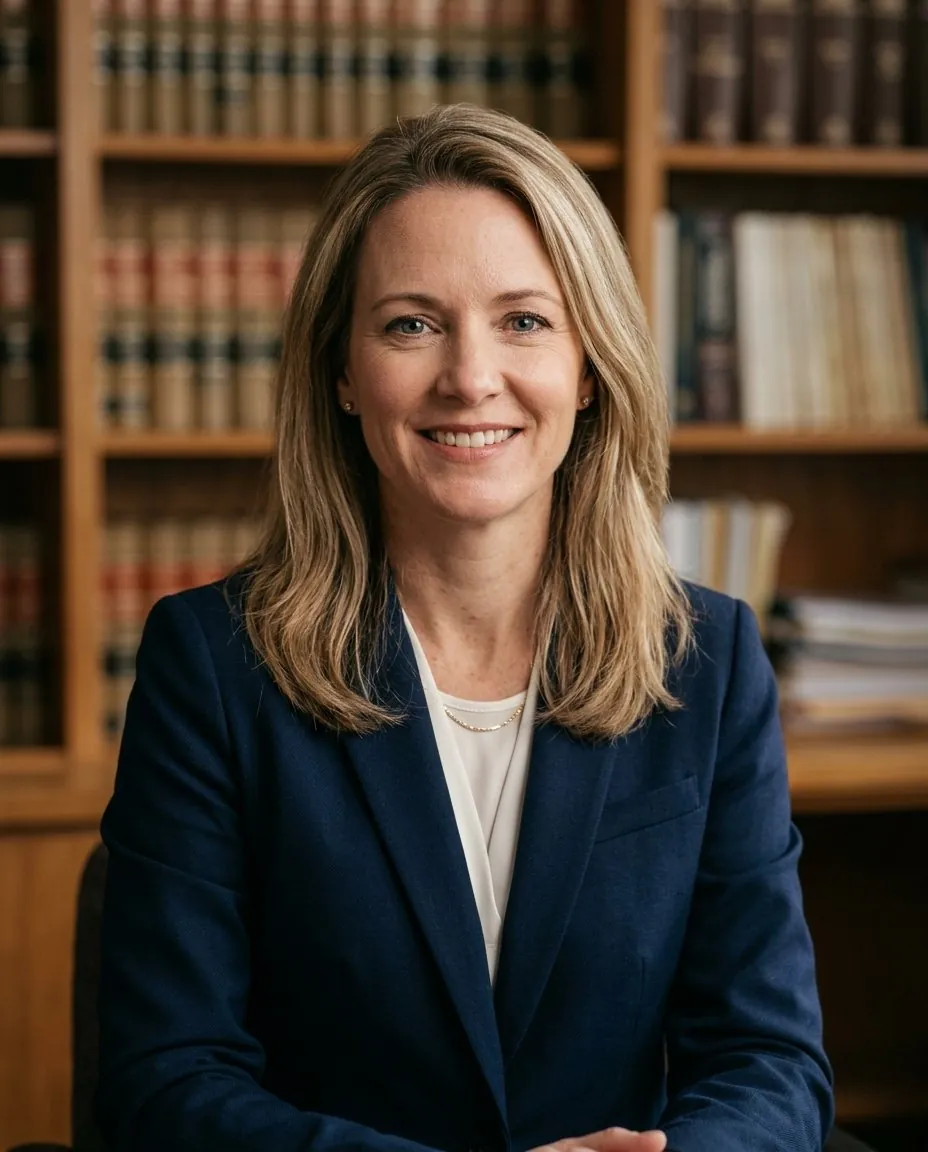 Lawyer
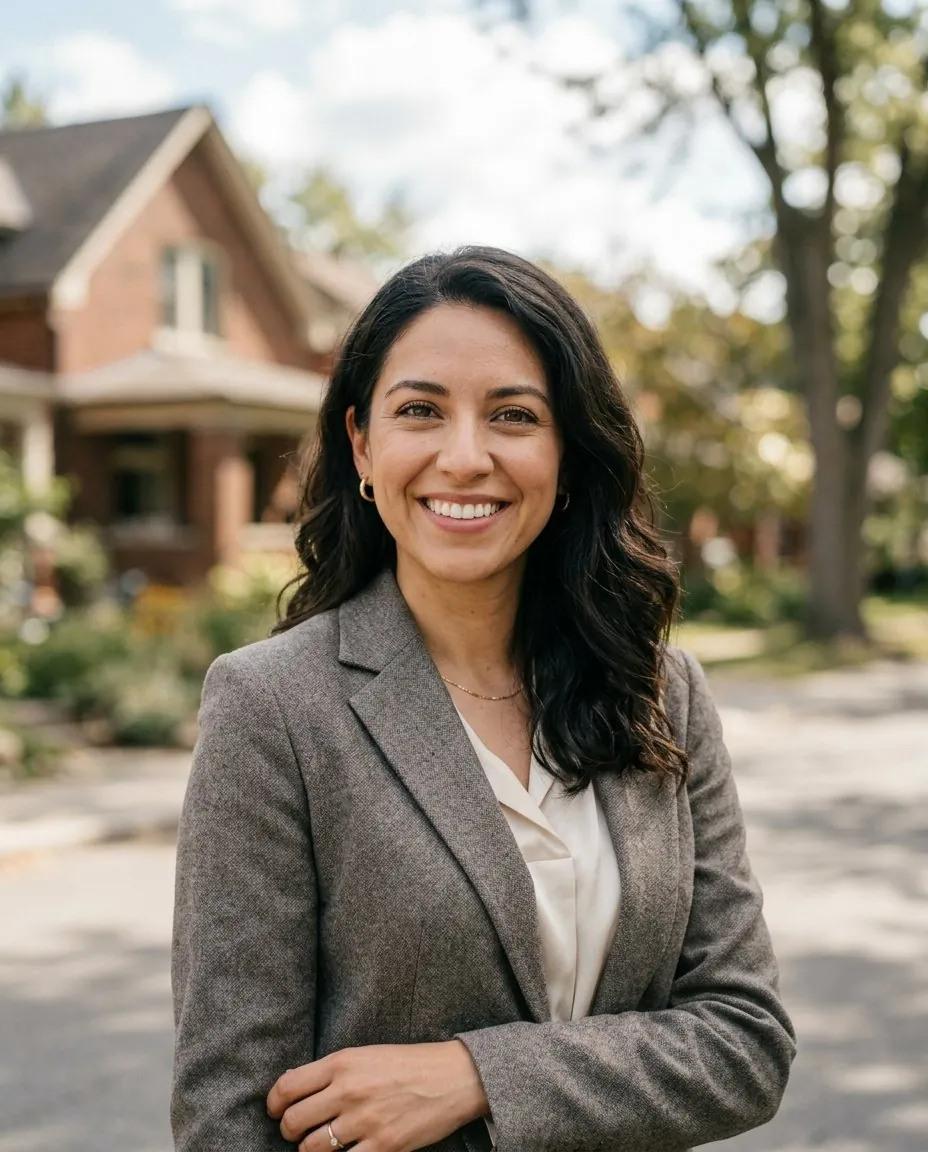 Real estate agent
 Physician
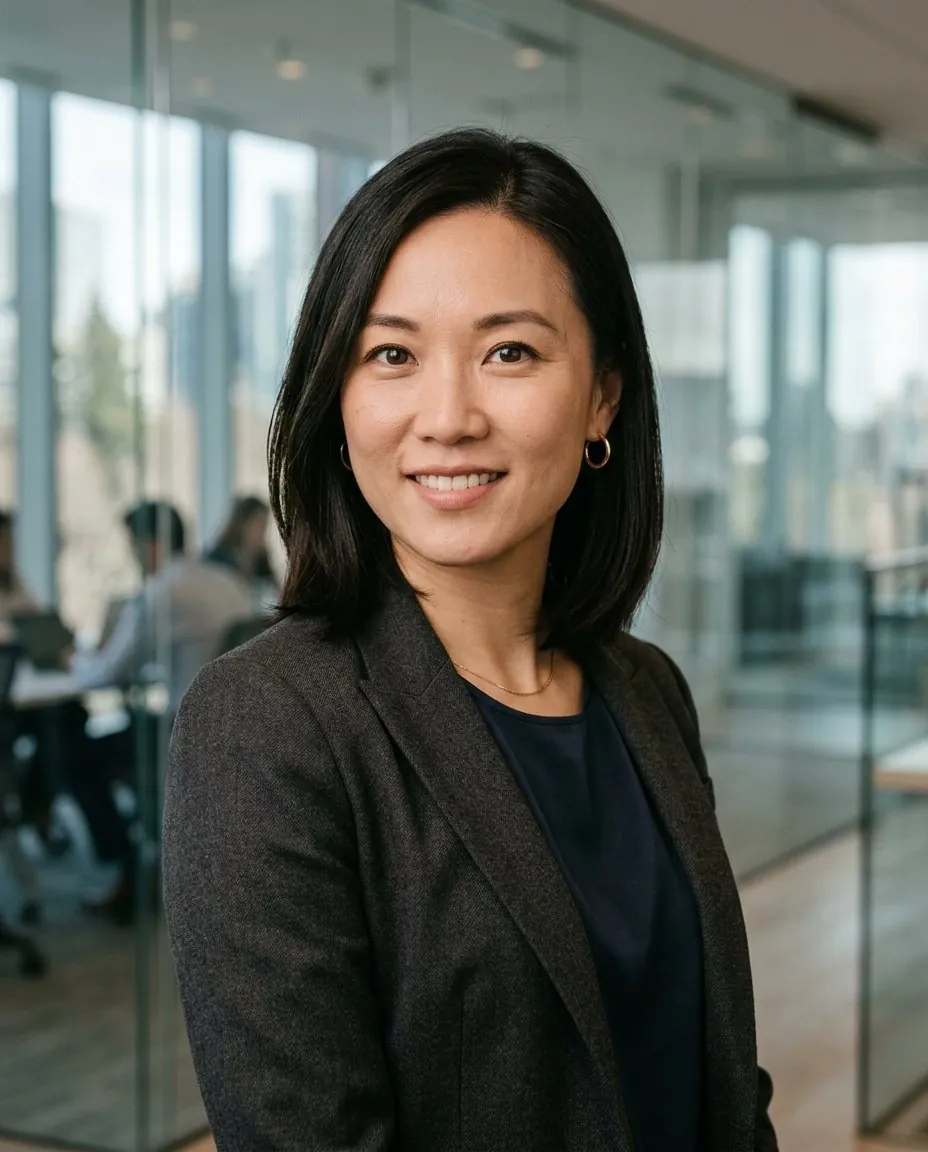 Consultant
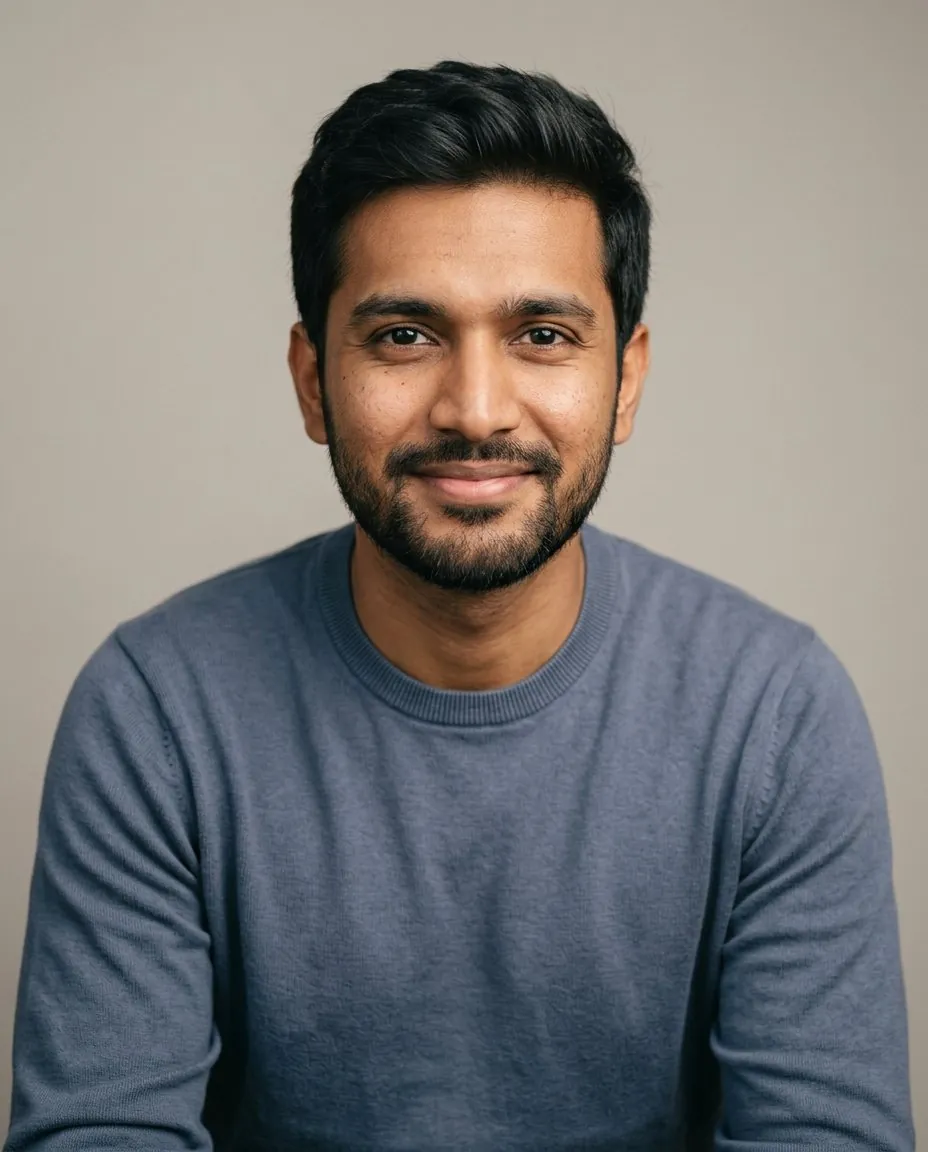 Software engineer
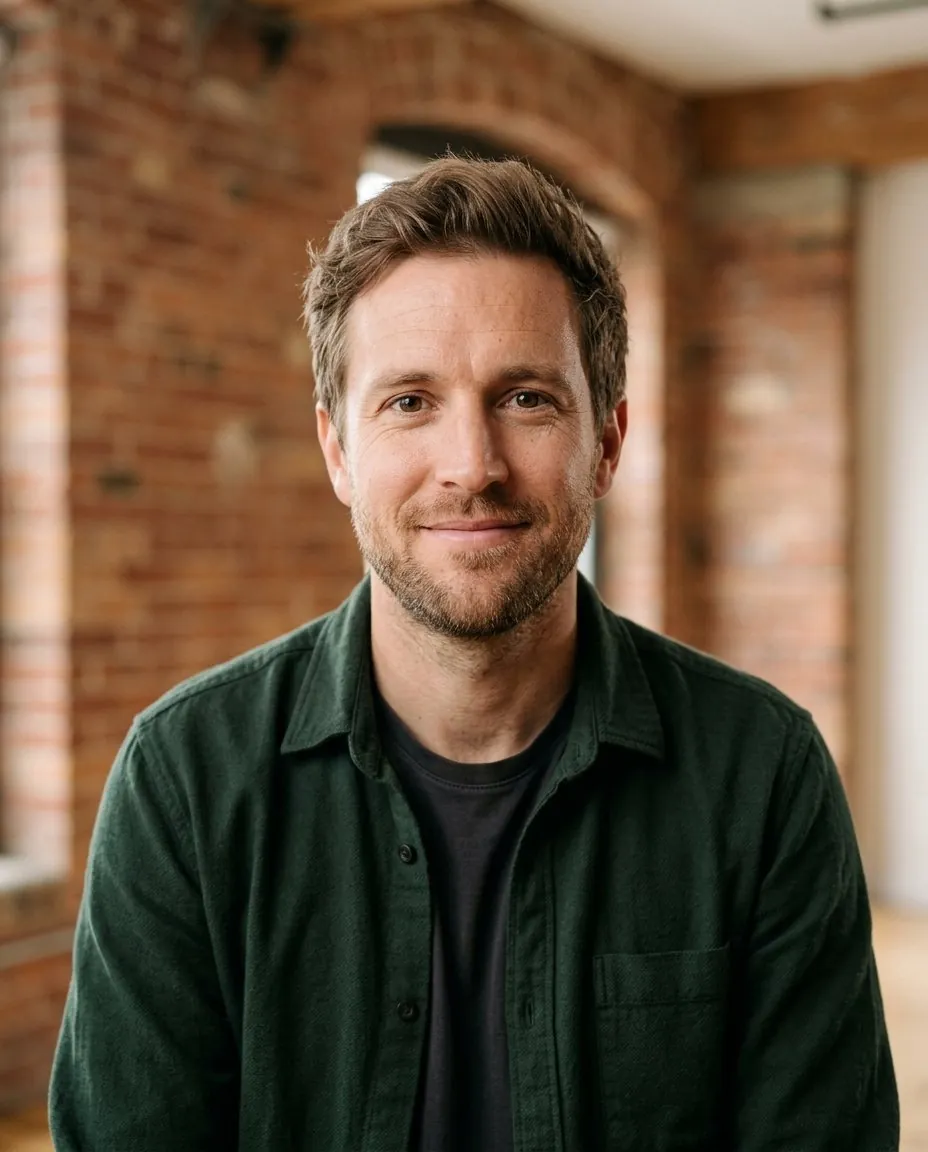 Founder
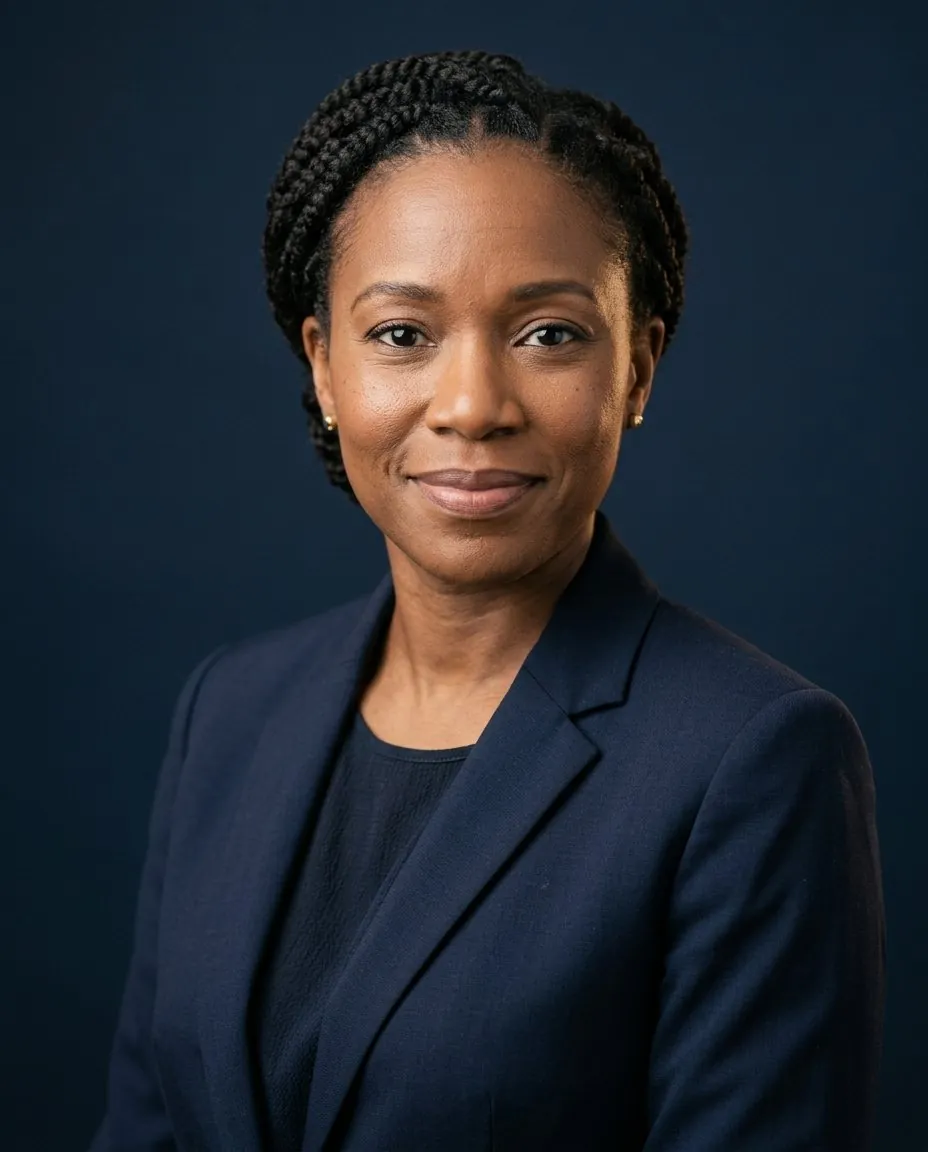 Financial advisor
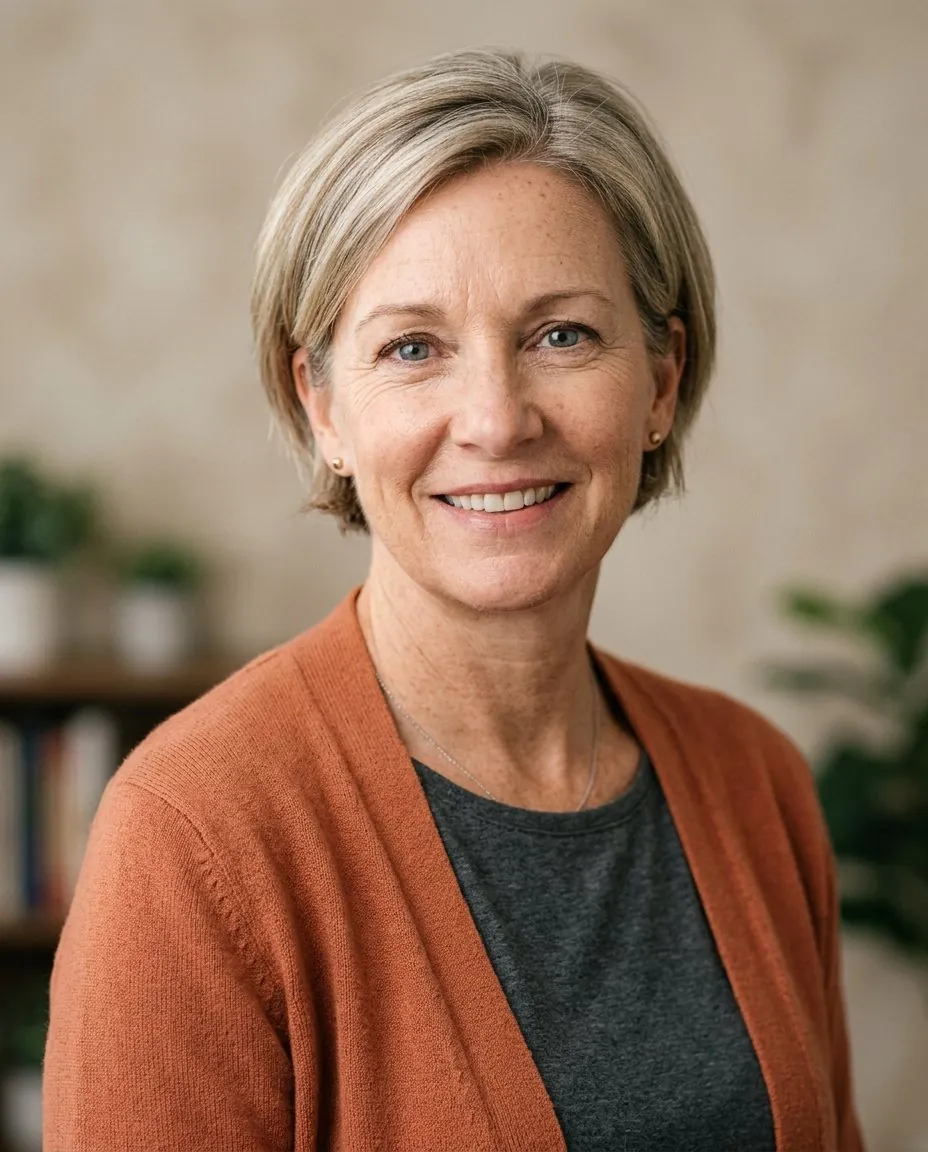 Teacher
What makes a headshot look professional
Soft, even light
No harsh shadows under the eyes or nose. Light should come from the front and slightly above.
A quiet background
Solid color or gentle blur keeps attention on your face. See background ideas.
Eye-level camera
Framed from mid-chest up, with your eyes about a third from the top of the photo.
Clothes that fit
Solid colors and clean necklines. What to wear.
Business headshots for your website, bio and résumé
A business headshot is the same professional headshot cropped and styled for where it will appear. Make one set, then pick the crop and background that fits each place. New to this? Start with what a headshot is and how it differs from a portrait.
Company website and team page
Match your teammates: same crop, same background, similar outfits. Light gray or a soft office blur is the usual choice. Whole team? See corporate headshots.
Speaker, author and press bios
Organizers often crop your photo themselves, so send a high-resolution file with room on every side. A warmer background or a slightly bolder outfit is fine here.
Résumé and job applications
Use a tight head-and-shoulders crop on a plain background. In the US, résumés usually skip the photo, so check what is normal in your country and field first.
LinkedIn, email and business cards
These show your photo tiny, often as a circle. Crop tighter so your face fills the frame. More tips in LinkedIn headshots.
Need a different backdrop for one of these? Upload the headshot you already have to the background changer and download it as a JPG or a transparent PNG.
Where to get professional headshots: photographer vs. AI
You can book a photographer, which usually costs about $150–$350 for a standard session in the US, or make them with AI from one selfie for a fraction of that. Which is better depends on where the photo will be used.
Book a photographer if you are an actor, need a specific location, or your company has a set brand shoot. For LinkedIn, a website bio or a résumé photo, AI is faster and cheaper, and you can regenerate any headshot you don't like. Prefer to do it yourself? Here's how to take a professional headshot at home.
Professional headshot FAQ
Can an AI headshot be used as a professional headshot?
For most uses, yes: LinkedIn, company bios, résumés and conference pages. Some industries, like acting, still expect a photographer's headshot.
Which background looks most professional?
Light gray, white or a soft office blur work in almost every industry. Darker backdrops suit finance and executive profiles.
Are the files big enough to print?
Paid files are 2048 px (2K), which is enough for business cards, brochures and event badges.
What should I wear in my selfie?
Anything. You choose the outfit for your headshots when you pick styles, so your selfie only needs to show your face clearly.
How much do professional headshots cost?
In the US, a standard session with a photographer usually costs about $150–$350, and often $500 or more in big cities. AI headshots cost much less: you can preview 3 free, and one-time packs start at $9 for 10 headshots.