
Negative prompt for AI headshots
A negative prompt lists what you don't want in the image. This one fixes the most common AI headshot problems:
plastic skin, over-smoothed, extra fingers, distorted ears, asymmetrical eyes, heavy makeup, cartoon, harsh shadows, text, watermark
Chat assistants usually don't have a separate negative prompt box. In that case, add the list to the end of your prompt as "Avoid: plastic skin, over-smoothed, …".
10 Gemini prompts for professional headshots (Nano Banana)
Gemini's image model, nicknamed Nano Banana, is also the model behind HeyAIHeadshot, so this prompt is a shortened version of the one we tuned for our own generator. Attach one clear selfie in the Gemini app, paste the prompt and send. It works in ChatGPT too, but it was written and tested for Gemini.
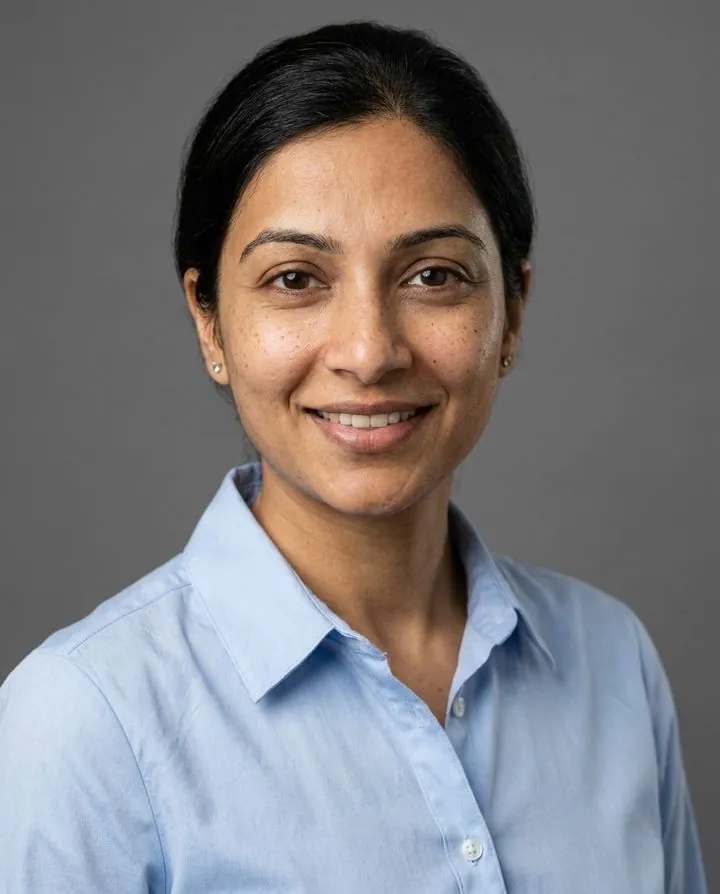
Gemini headshot prompt
Turn the attached photo into a professional studio headshot of the same person. Keep their exact identity from the photo: face shape, eyes, eyebrows, nose, lips, skin tone, hairline, hairstyle, facial hair and glasses. Keep their age and body type. Outfit: a tailored navy blazer over a crisp white shirt. Background: a seamless light gray studio backdrop with a soft gradient. Lighting: a large softbox slightly above and to one side, gentle fill, a subtle rim light and natural catchlights in both eyes. Camera: 85mm portrait lens at about f/4, eye level, sharp focus on the eyes. Framing: vertical 4:5, from just above the head to mid-chest, shoulders turned slightly, face toward the camera. Skin: even and clear with a fine, natural texture; light, natural retouching. Expression: a relaxed, confident smile. Photo-realistic, with no text, logos or watermarks.
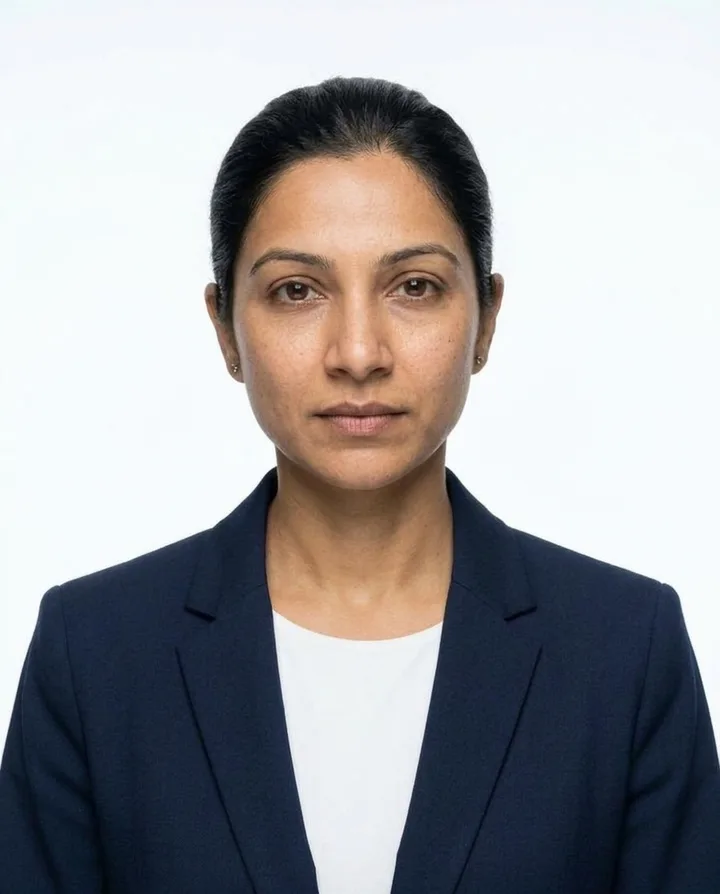
Gemini 2x2 formal photo prompt (blue background)
Edit the attached photo into a formal 2x2 inch ID-style photo of the same person. Keep their face, skin tone, hairstyle and glasses exactly as in the photo. Square 1:1 frame, head and top of the shoulders centered, with the face filling about two thirds of the height and a little space above the head. Outfit: a white collared shirt under a dark navy suit jacket. Background: a plain, evenly lit solid light blue, with no gradient or shadow. Even, soft front lighting on the face, no harsh shadows. Neutral expression with the mouth closed, eyes open and looking straight at the camera. Photo-realistic, no filters, no text or watermark.
This is the popular "2x2 formal blue background" request, used for school, job and visa-style applications in the Philippines, India and much of Southeast Asia. It's fine for a resume photo or a company ID. Don't use AI for an official passport or visa photo: most governments require an unedited photo that meets exact rules.
8 more Gemini headshot prompts, with real results
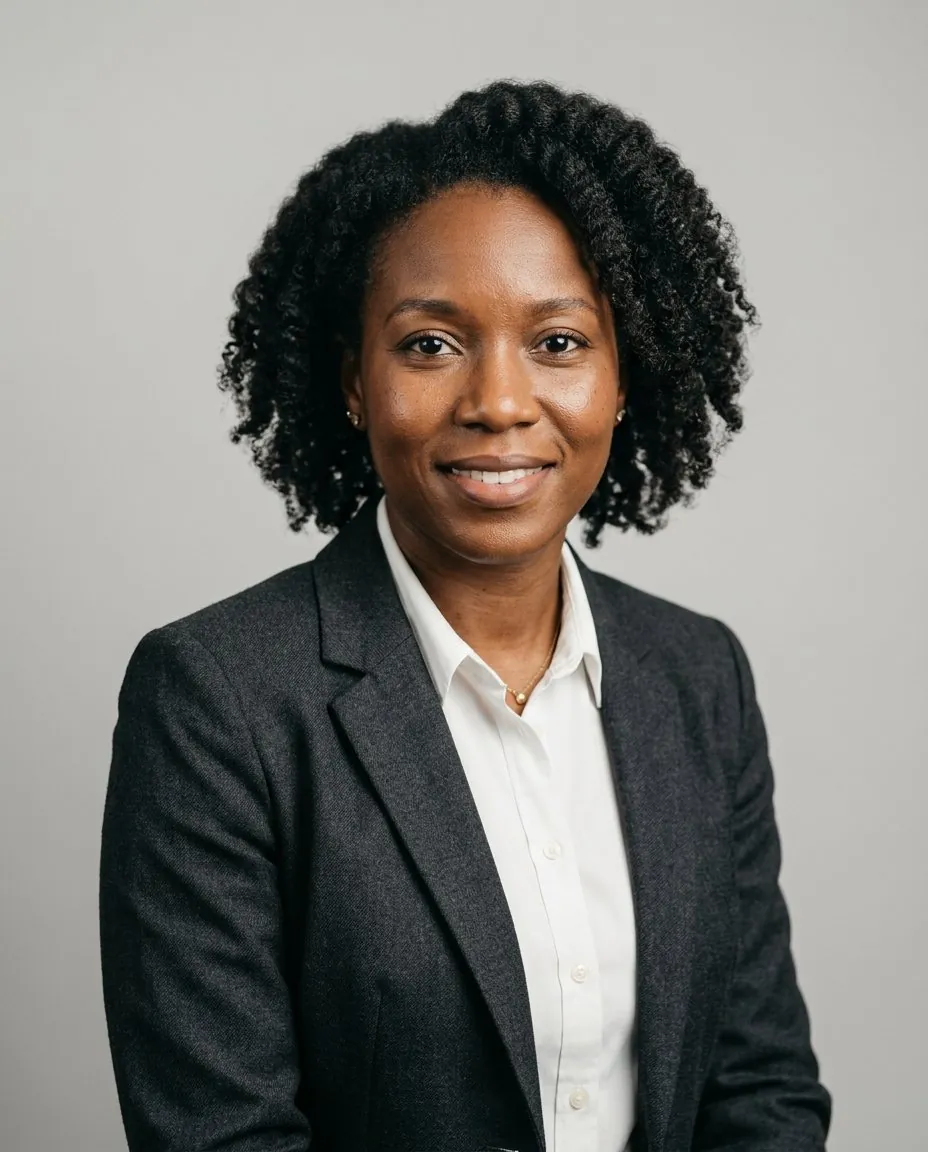
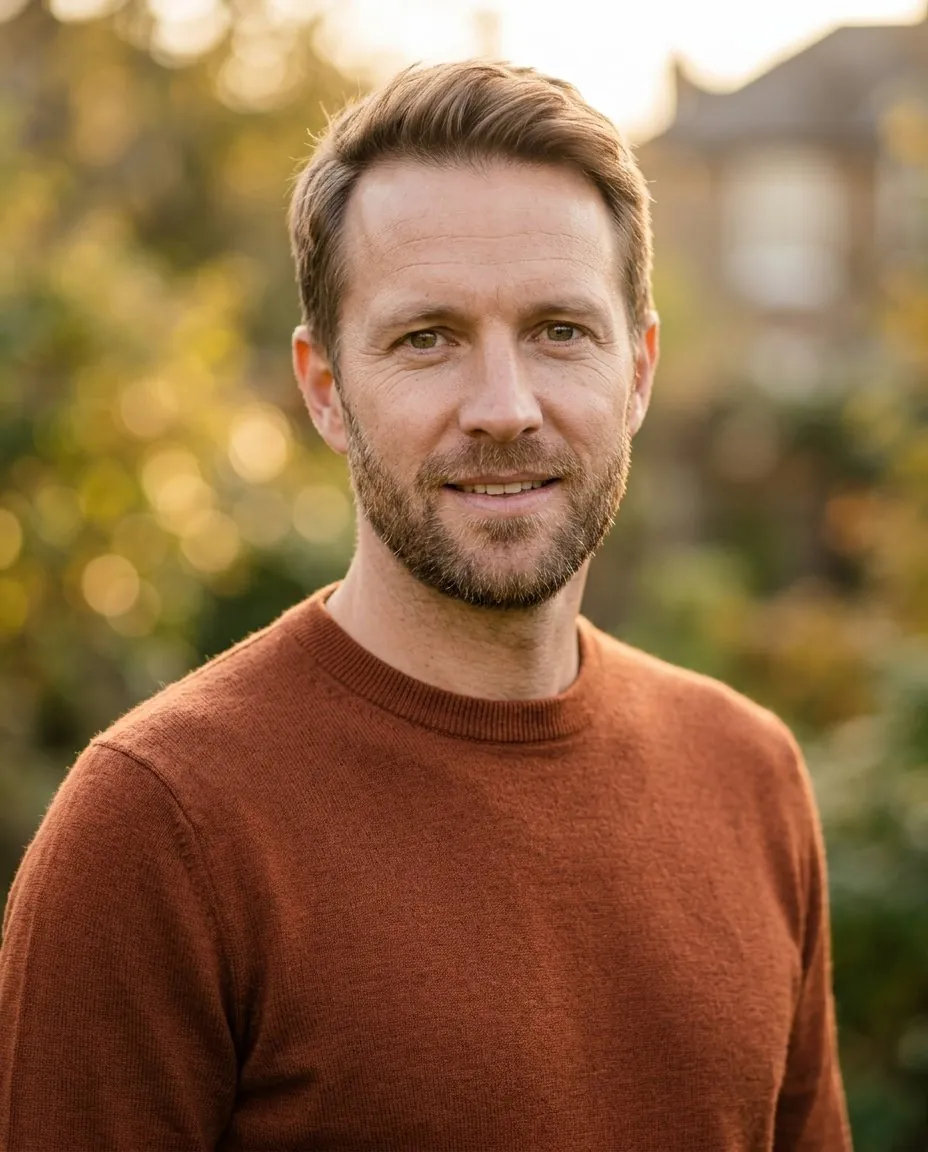
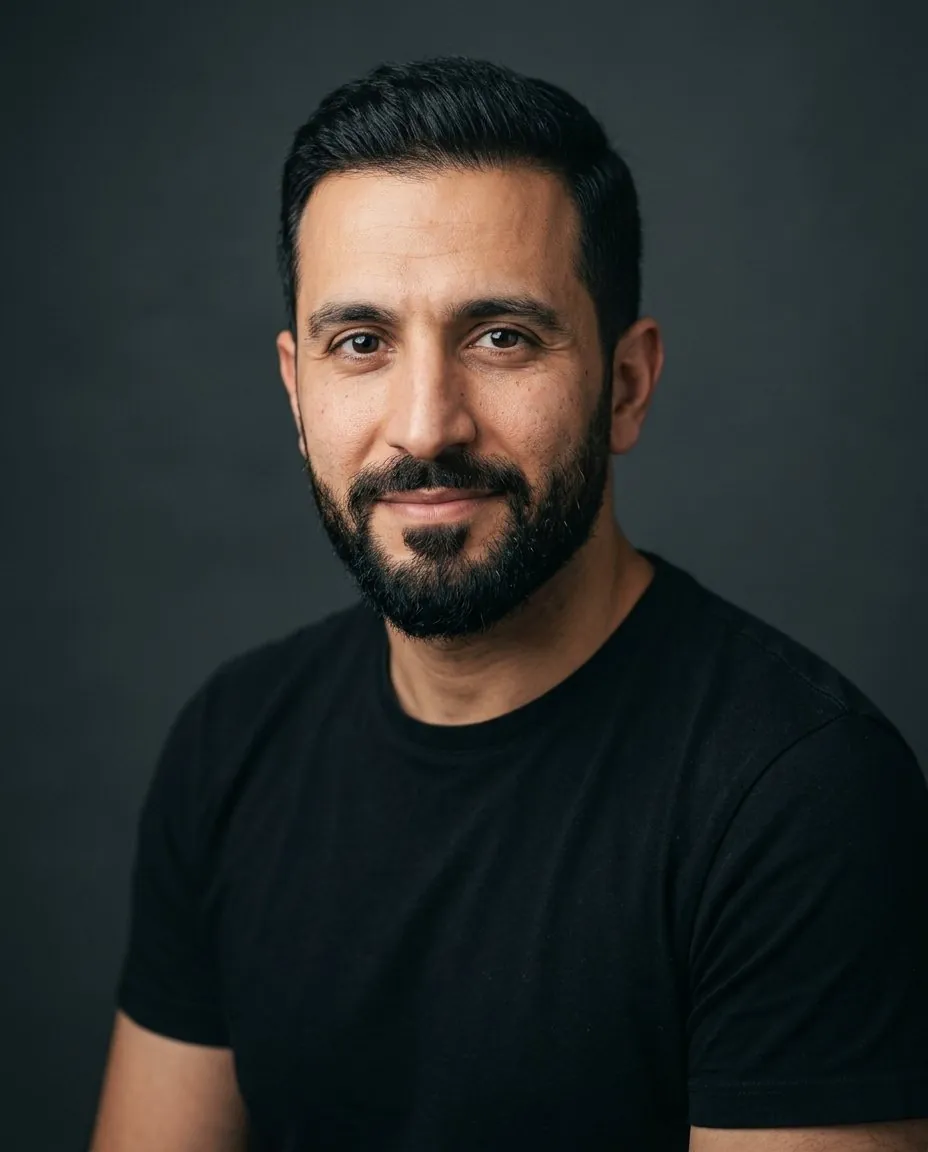
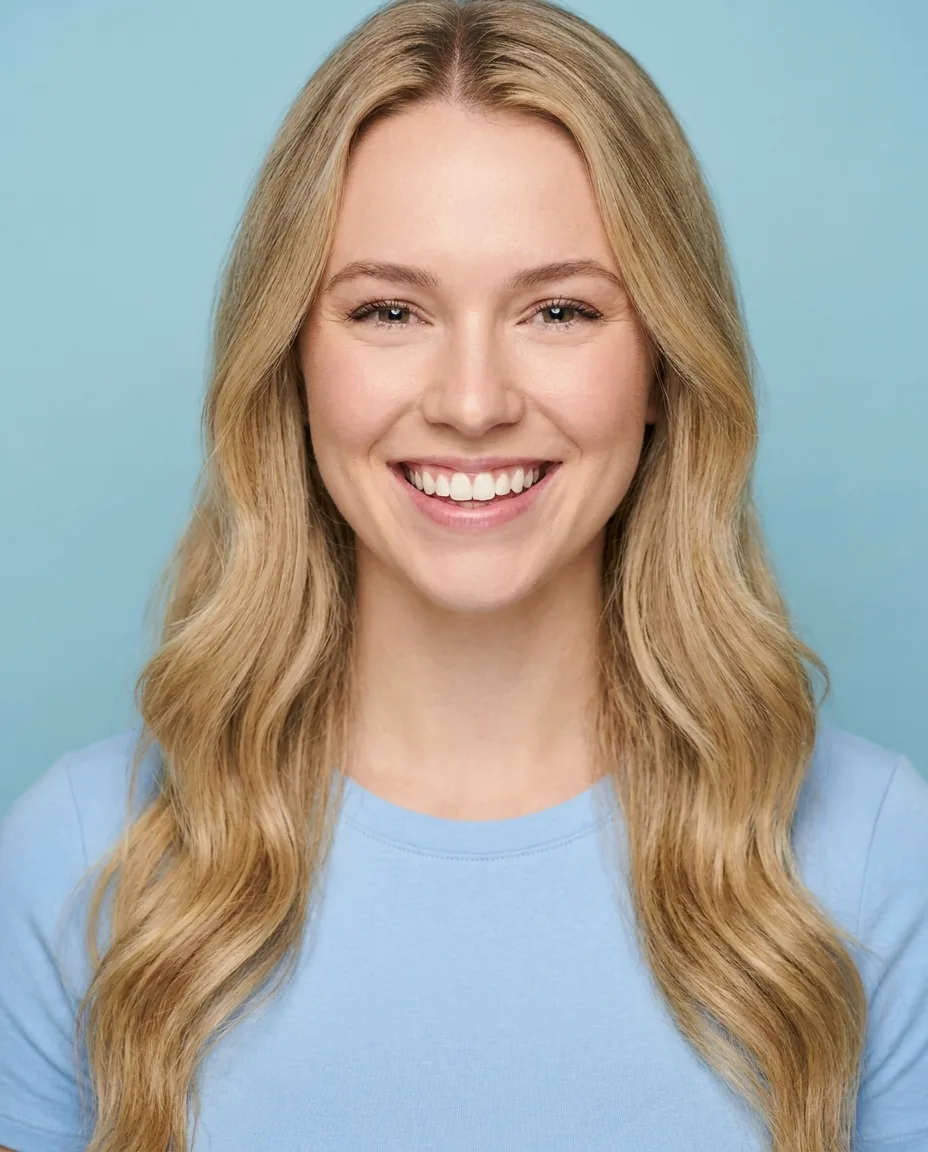
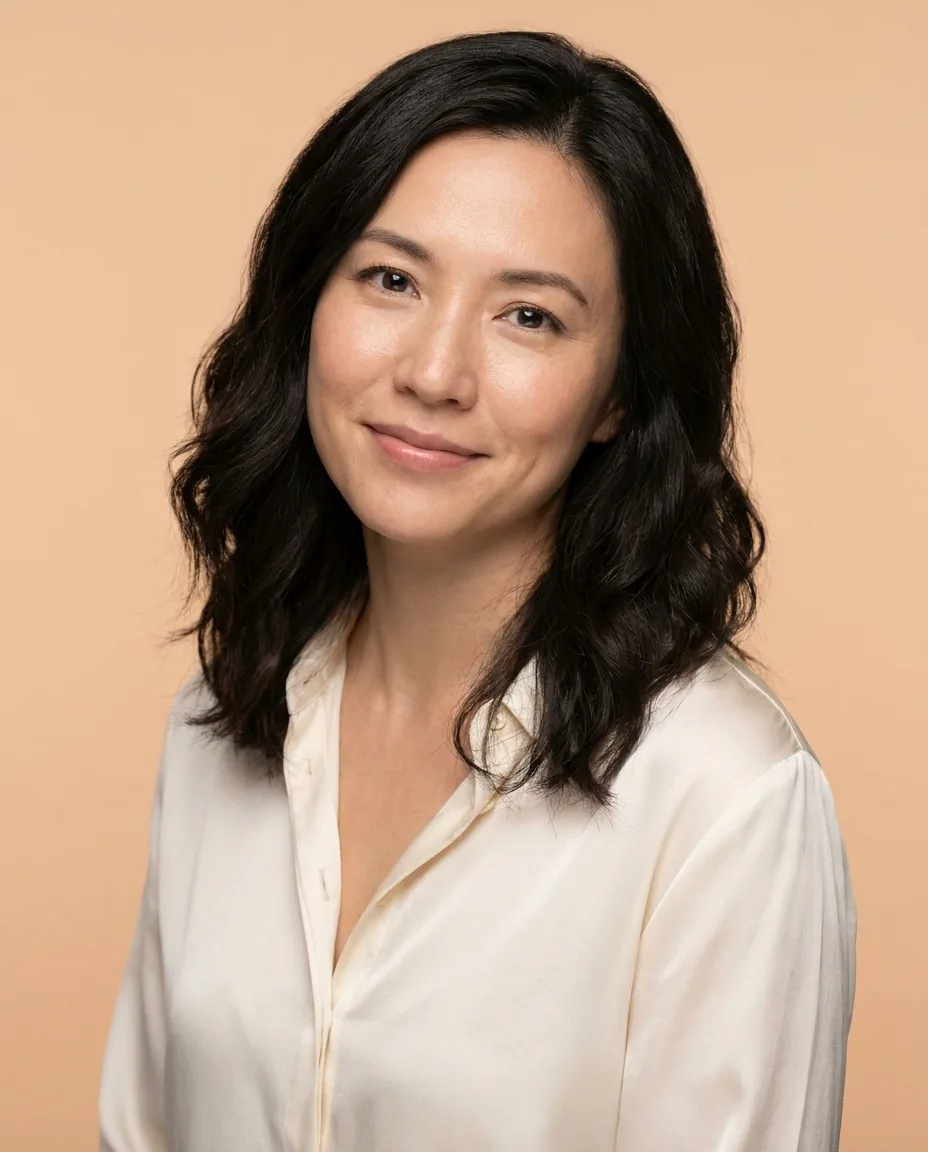
We ran each of these through Google’s Gemini image model with the same selfie (the one at the top of this guide), changing nothing but the prompt. The thumbnails are the unedited results. The likeness held in all eight; the one slip was the creative prompt, where Gemini swapped her hair for a bun, so check hair as well as the face.
-
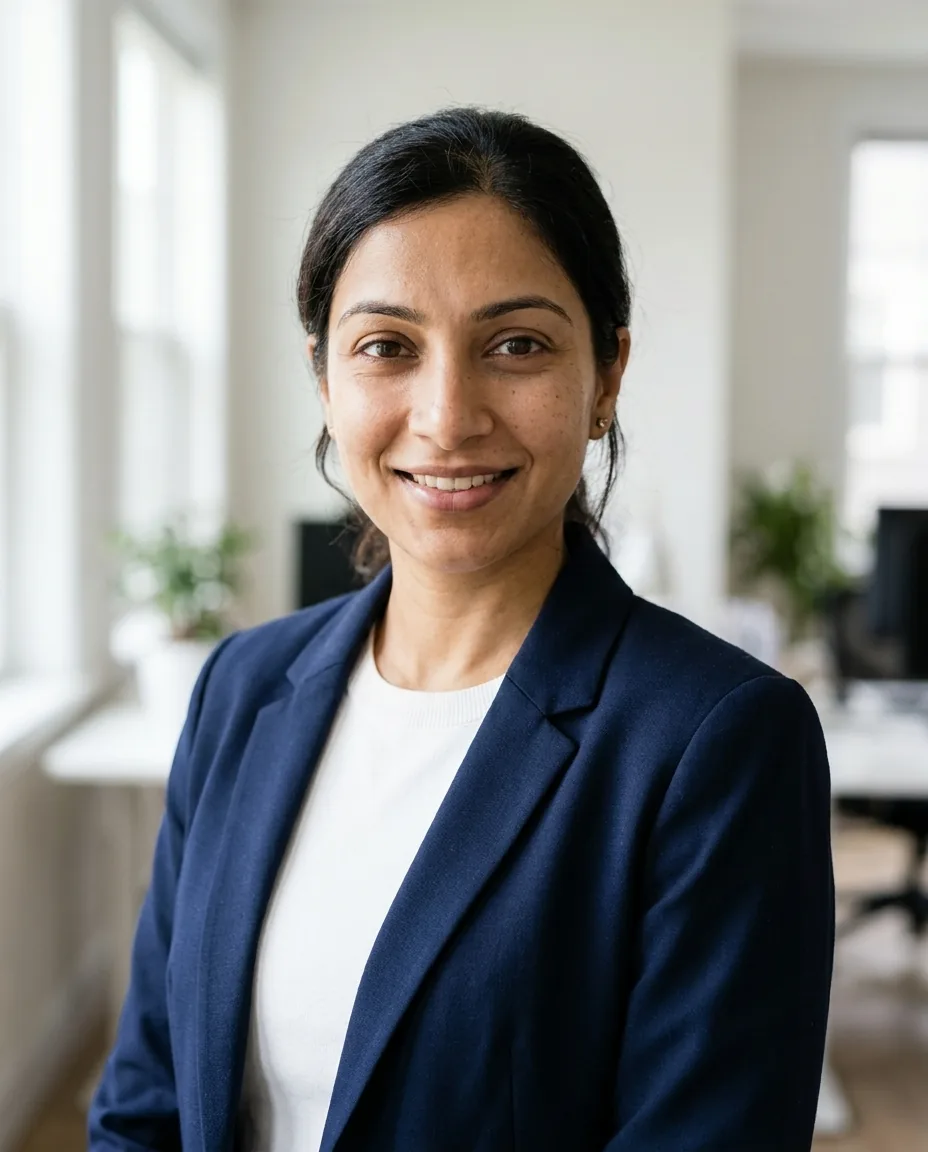
Gemini LinkedIn office prompt
Turn the attached photo into a professional headshot of the same person. Keep their exact face, skin tone, hairline, hairstyle and age. Outfit: a navy blazer over a white top. Background: a bright modern office, softly blurred. Light: window light from the left. Friendly closed-mouth smile, looking at the camera. Head and shoulders, vertical 4:5, light natural retouching.
-
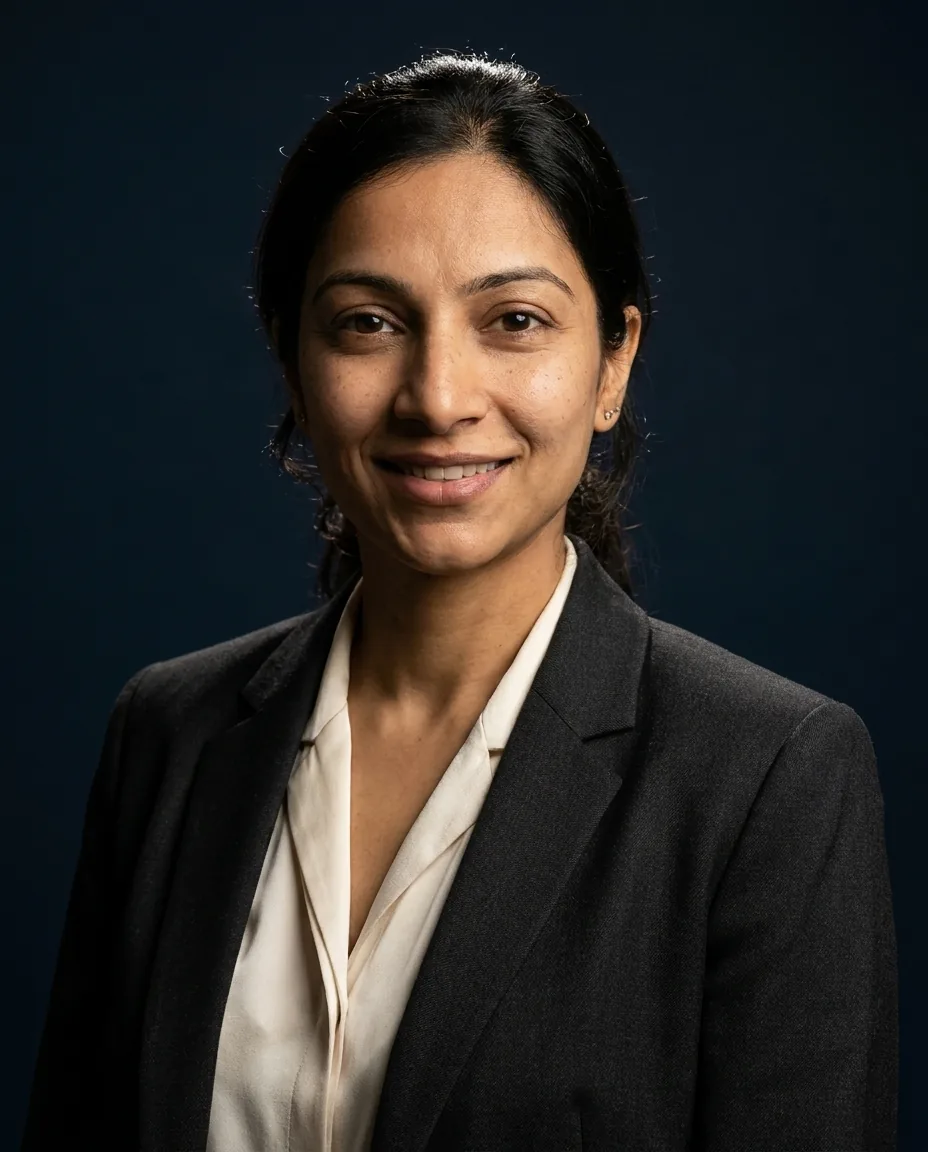
Gemini executive navy prompt
Turn the attached photo into a professional headshot of the same person. Keep their exact face, skin tone, hairline, hairstyle and age. Outfit: a dark charcoal suit jacket and a cream silk blouse. Background: deep navy studio backdrop. Light: low-key softbox with a soft rim light on the hair. Confident, composed expression. Chest-up, vertical 4:5, photorealistic.
-
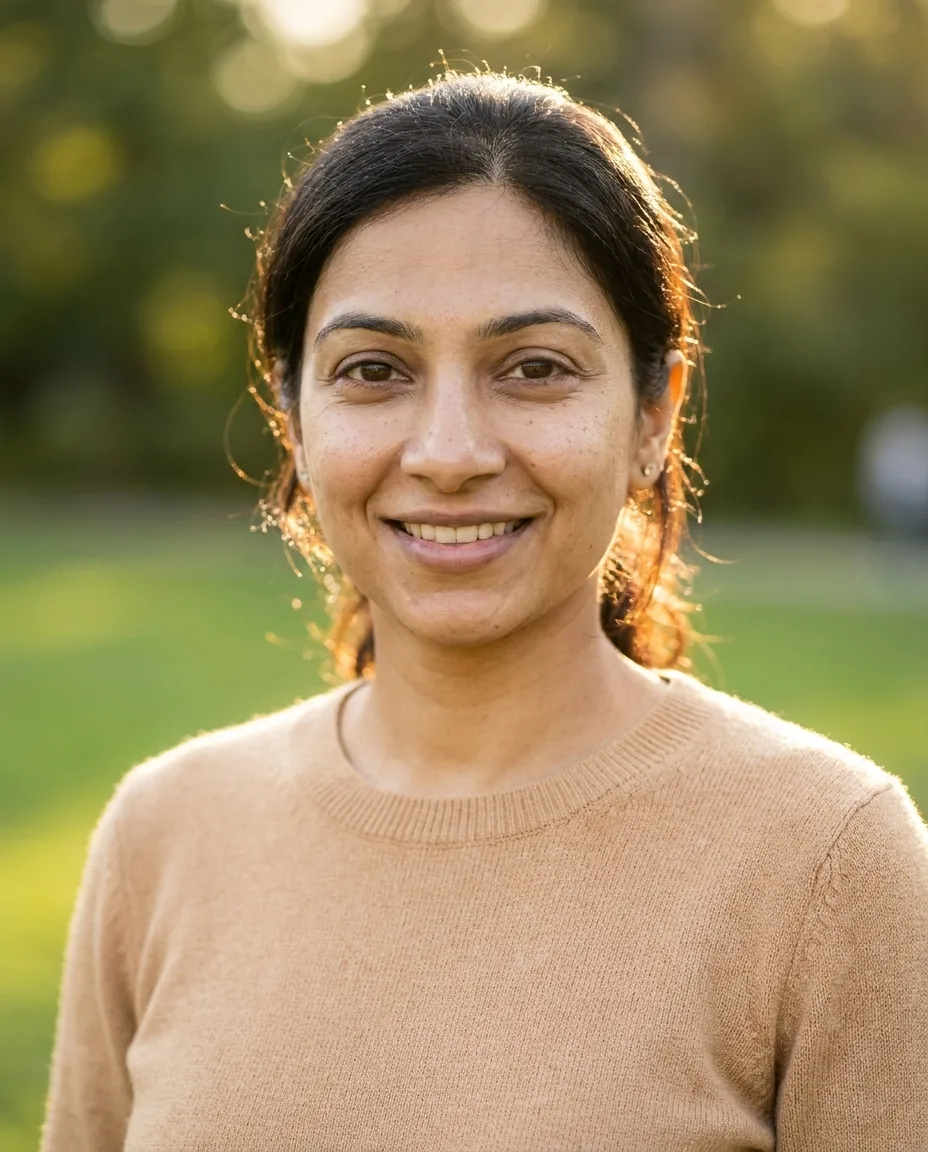
Gemini golden-hour outdoor prompt
Turn the attached photo into a professional headshot of the same person. Keep their exact face, skin tone, hairline, hairstyle and age. Outfit: a light camel knit sweater. Background: a park with soft green bokeh. Light: warm golden-hour sun from behind, soft fill on the face. Relaxed natural smile. Chest-up, vertical 4:5, natural skin texture.
-

Gemini doctor prompt
Turn the attached photo into a professional headshot of the same person. Keep their exact face, skin tone, hairline, hairstyle and age. Outfit: a white doctor's coat over a light blue blouse, stethoscope around the neck. Background: plain light gray. Light: even soft studio light. Warm, reassuring smile. Chest-up, vertical 4:5, realistic skin.
-
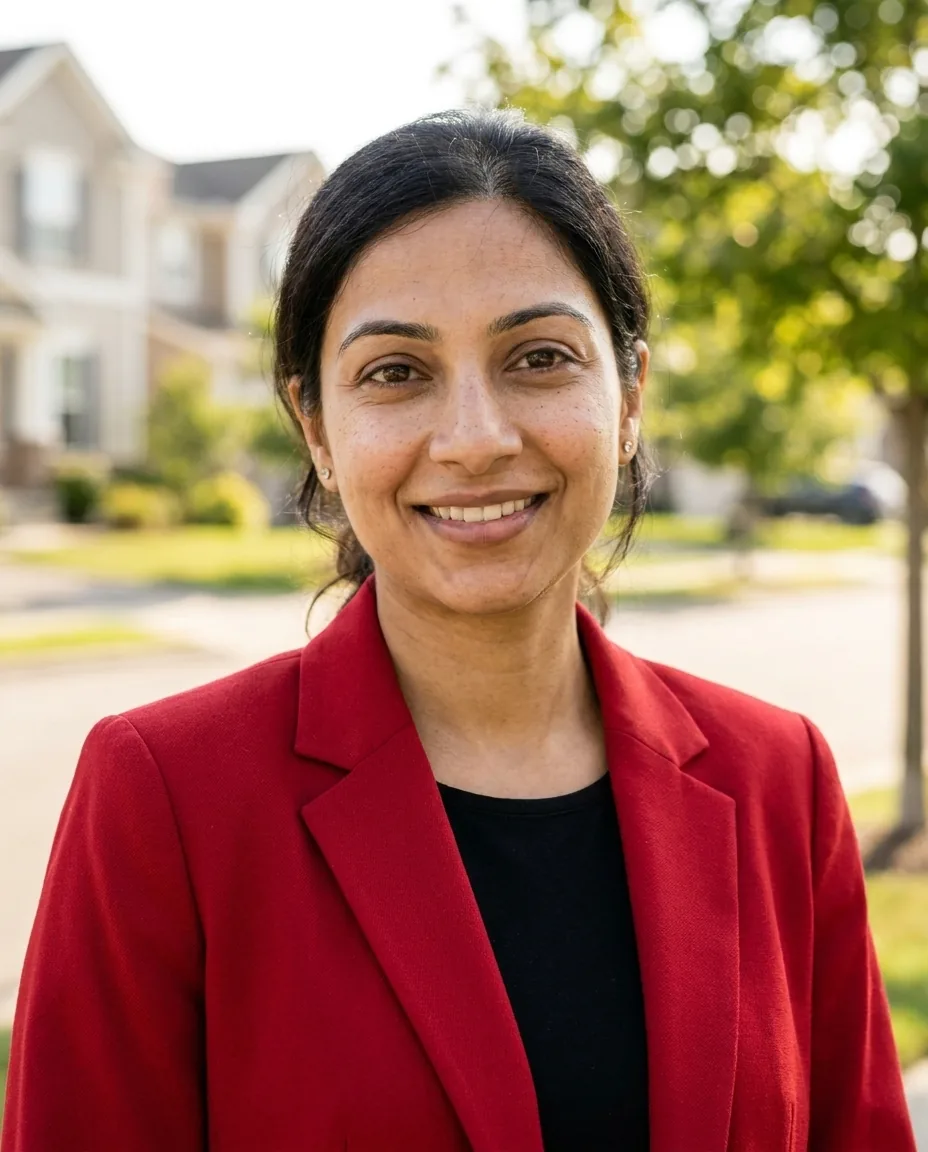
Gemini real estate prompt
Turn the attached photo into a professional headshot of the same person. Keep their exact face, skin tone, hairline, hairstyle and age. Outfit: a tailored red blazer over a black top. Background: a sunny suburban street with houses, blurred. Light: natural daylight. Big welcoming smile. Chest-up, vertical 4:5, photorealistic.
-
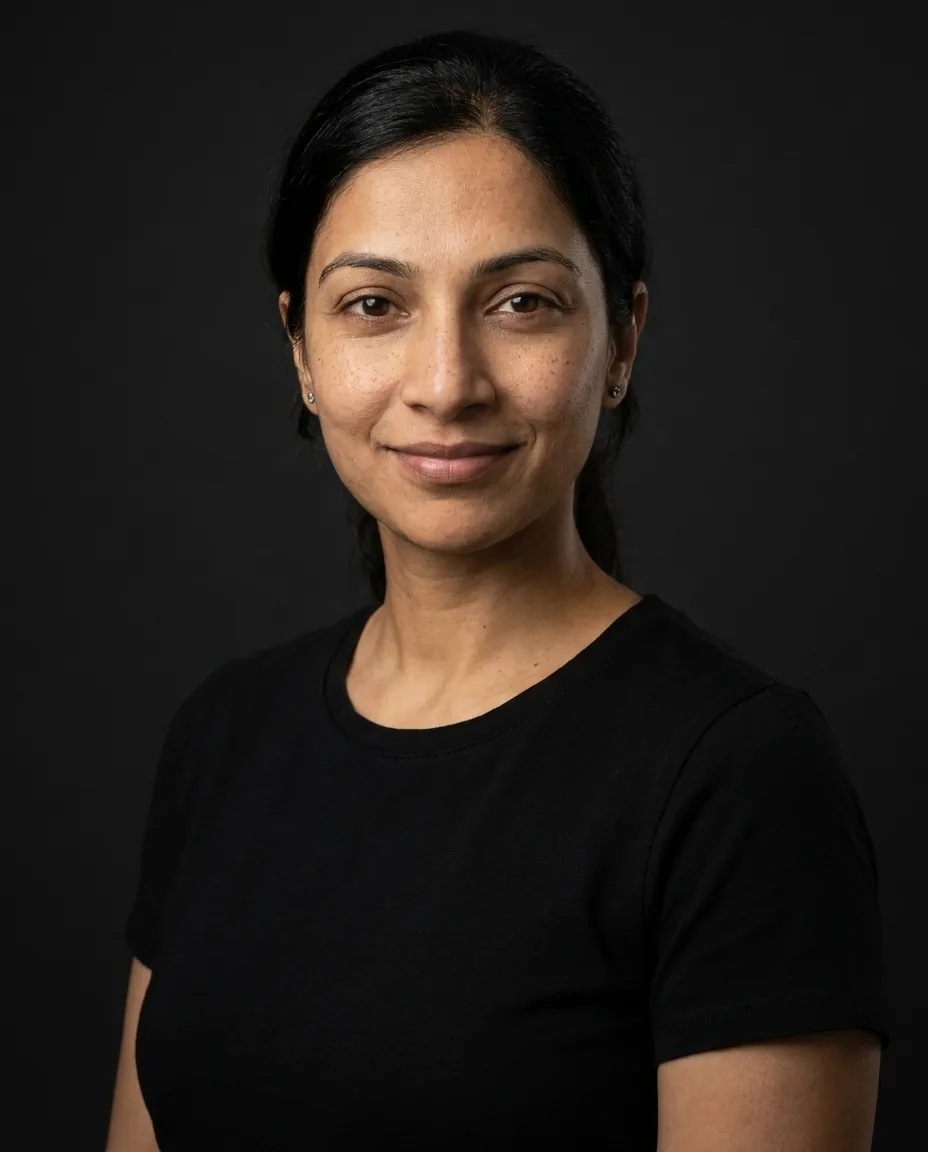
Gemini tech casual prompt
Turn the attached photo into a professional headshot of the same person. Keep their exact face, skin tone, hairline, hairstyle and age. Outfit: a plain black crew-neck t-shirt. Background: dark charcoal studio backdrop. Light: one soft key light from the side. Slight three-quarter turn, calm confident look. Chest-up, vertical 4:5, minimal and modern.
-
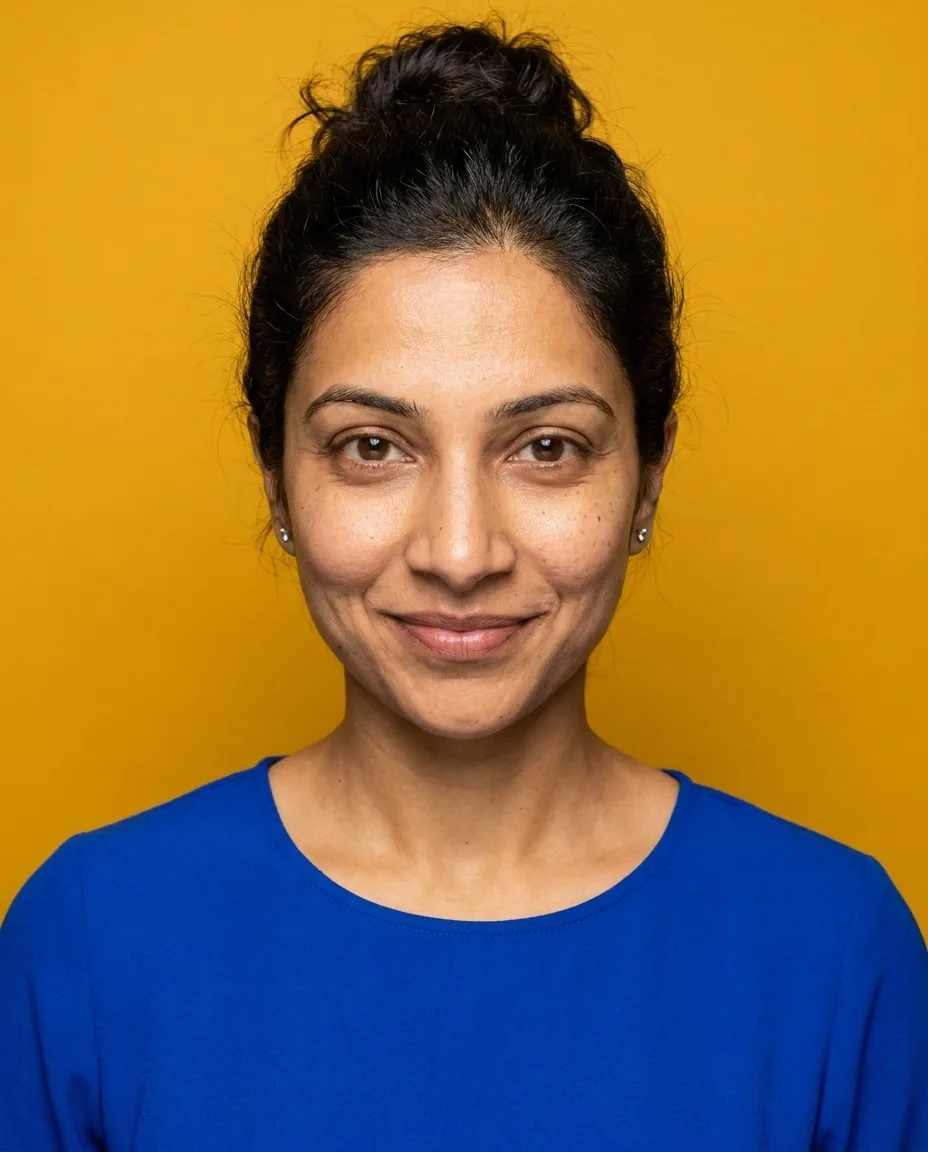
Gemini creative color prompt
Turn the attached photo into a professional headshot of the same person. Keep their exact face, skin tone, hairline, hairstyle and age. Outfit: a cobalt blue top. Background: a bold solid mustard yellow backdrop. Light: bright, even beauty light. Playful confident smile. Chest-up, vertical 4:5, editorial but realistic.
-
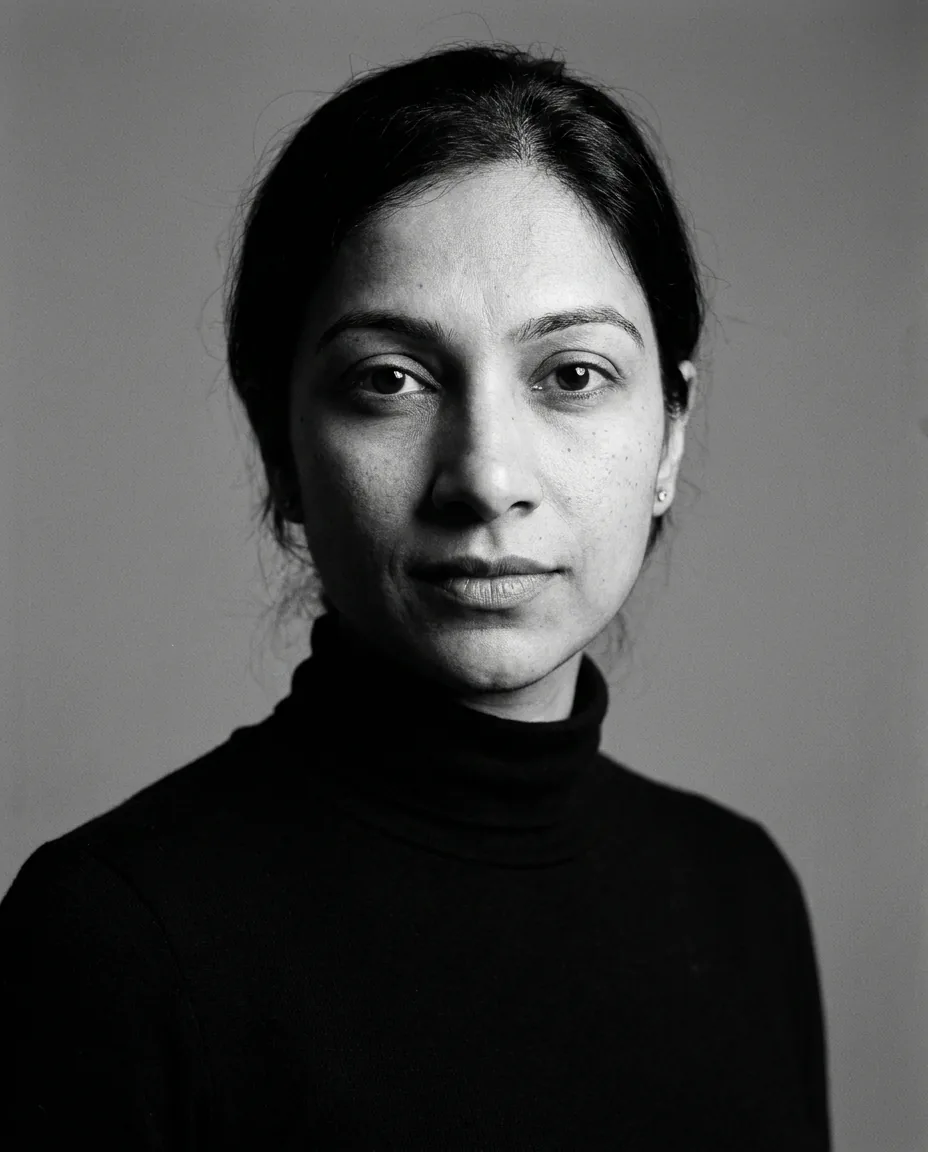
Gemini black and white prompt
Turn the attached photo into a professional headshot of the same person. Keep their exact face, skin tone, hairline, hairstyle and age. Outfit: a black turtleneck. Background: plain mid-gray. Light: classic Rembrandt lighting. Thoughtful, neutral expression. Chest-up, vertical 4:5, black-and-white photograph with fine film grain.
What we learned tuning Gemini for headshots
- Lock the identity first. Put the "keep their exact identity" sentence before anything about style, and list the features one by one. Everything after it then reads as a change to the outfit and scene, not to your face. Our own generator's prompt starts the same way.
- Describe skin in positive words. In our tests, asking for "visible pores", or even writing "don't add moles or freckles", made the model paint spots that weren't in the photo. Describing the skin as "even and clear with a fine, natural texture" keeps it real without inventing marks.
- Talk like a photographer. A lens, a light setup and a framing ("85mm, softbox, from just above the head to mid-chest") gives far more consistent results than "professional, high quality, 8K".
- Name the retouching level. "Light, natural retouching" and "magazine-cover retouching" produce very different skin. If the result looks waxy, ask for lighter retouching rather than more realism.
- Say the shape you want. A vertical 4:5 frame is the standard headshot shape and leaves room for your shoulders. If the picture is only for a profile circle, ask for a square 1:1 image with your face centered.
- Change one thing per message, and restart when the face drifts. Small follow-ups like "make the background darker navy" work well. After several edits the likeness slowly slips; start a new chat with your original selfie instead of editing the edit.
Want other looks? Swap the outfit and background lines for the ones in any of the prompts above. Or skip the prompting: HeyAIHeadshot runs a longer version of this prompt for you, with 5 outfits and 14 backgrounds to pick from, and 3 free previews. Try the AI headshot generator.
10 Midjourney prompts for professional headshots
Midjourney is known for polished, stylized light, but it is the hardest of the three for keeping your exact face, because it generates from text rather than editing your photo. To steer it toward you in version 7, add your photo as an Omni Reference: --oref followed by the image URL, and --ow (omni weight) to control how closely it follows. Expect a family resemblance rather than a perfect likeness. --style raw keeps skin and light more photographic.
-
Midjourney corporate studio prompt
professional corporate headshot of a woman in her 30s, charcoal blazer, light gray seamless backdrop, soft studio lighting, 85mm lens, chest-up, sharp eyes, natural skin texture --ar 4:5 --style raw --v 7
-
Midjourney LinkedIn office prompt
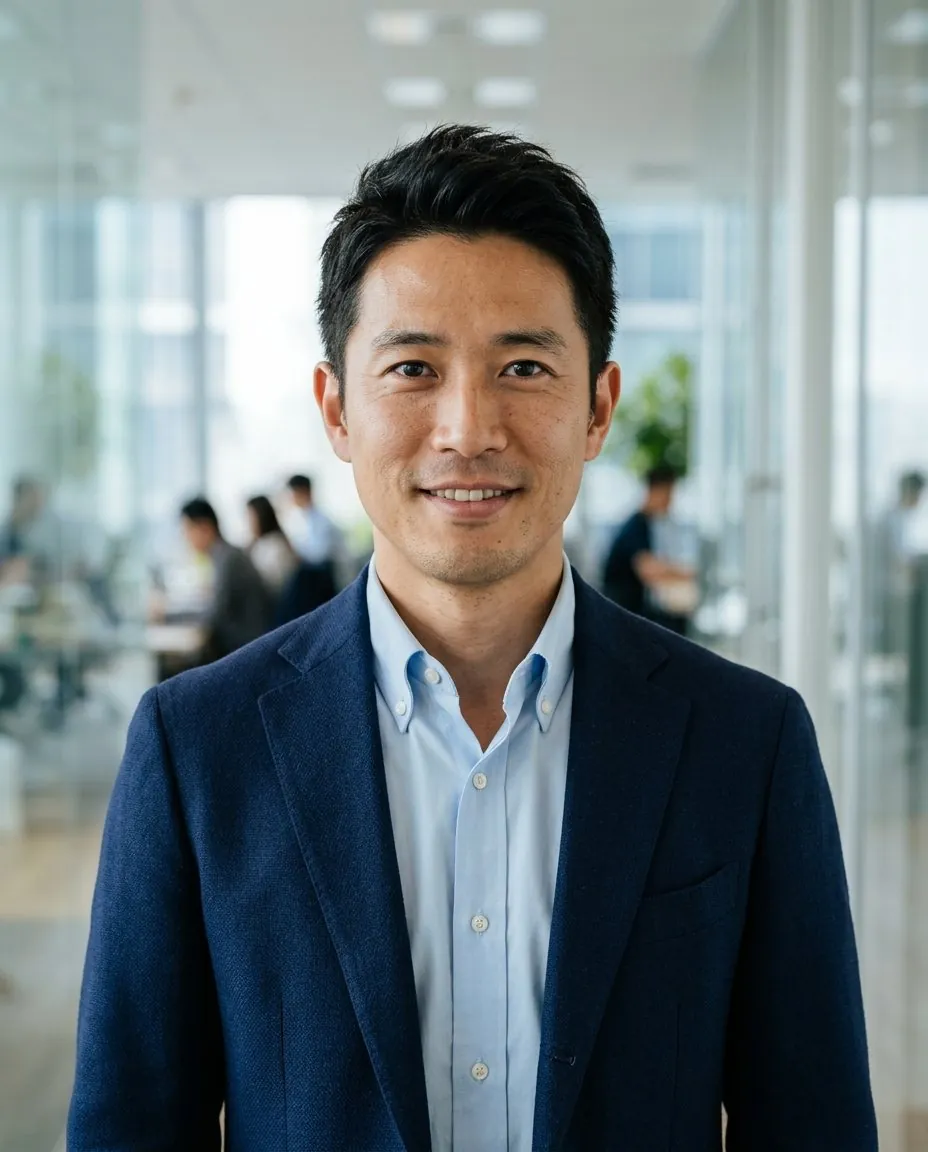
LinkedIn profile photo of a man in his 40s, navy blazer, open-collar white shirt, softly blurred bright office, window light, friendly smile, head and shoulders --ar 4:5 --style raw --v 7
-
Midjourney executive prompt
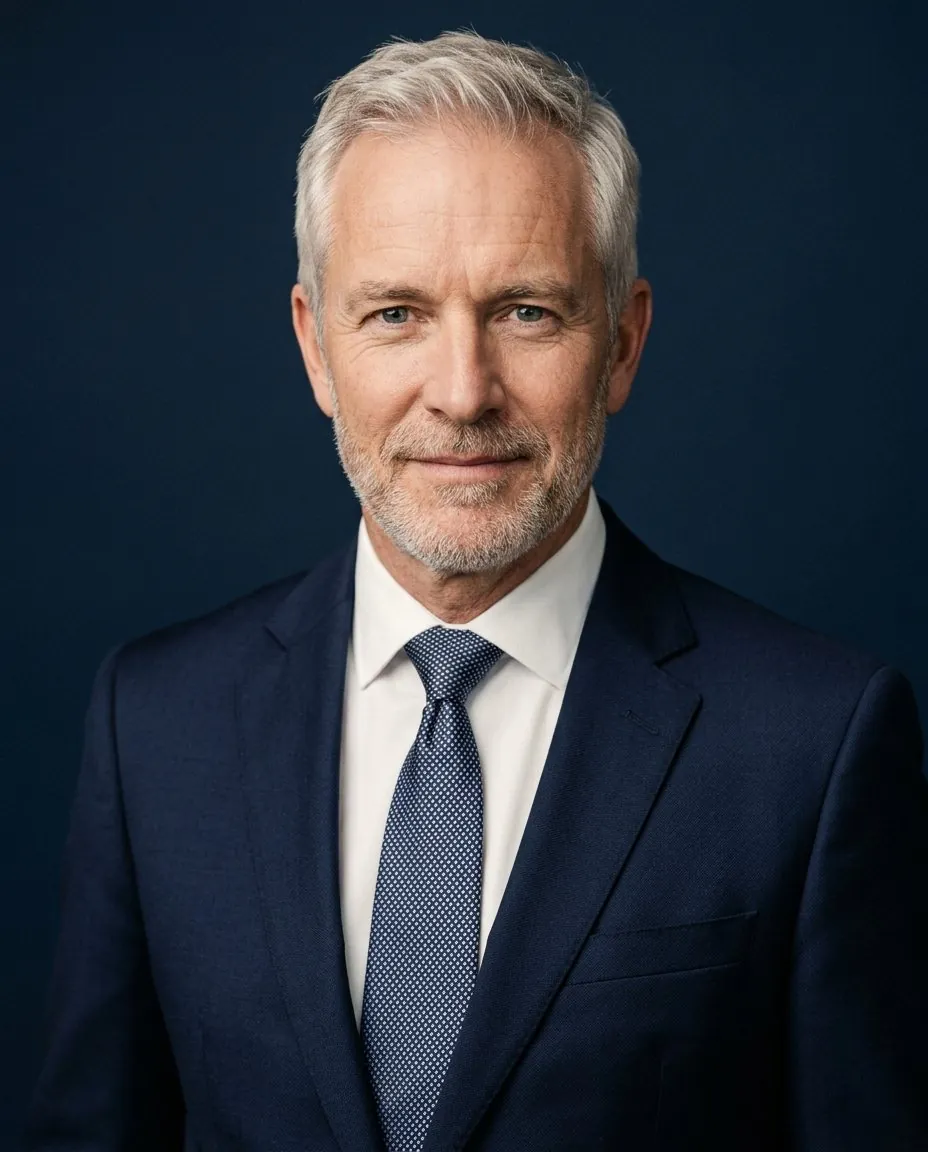
executive portrait of a senior woman, dark suit, deep navy backdrop, low-key lighting with soft rim light, composed expression, 85mm, editorial --ar 4:5 --style raw --v 7
-
Midjourney outdoor golden hour prompt
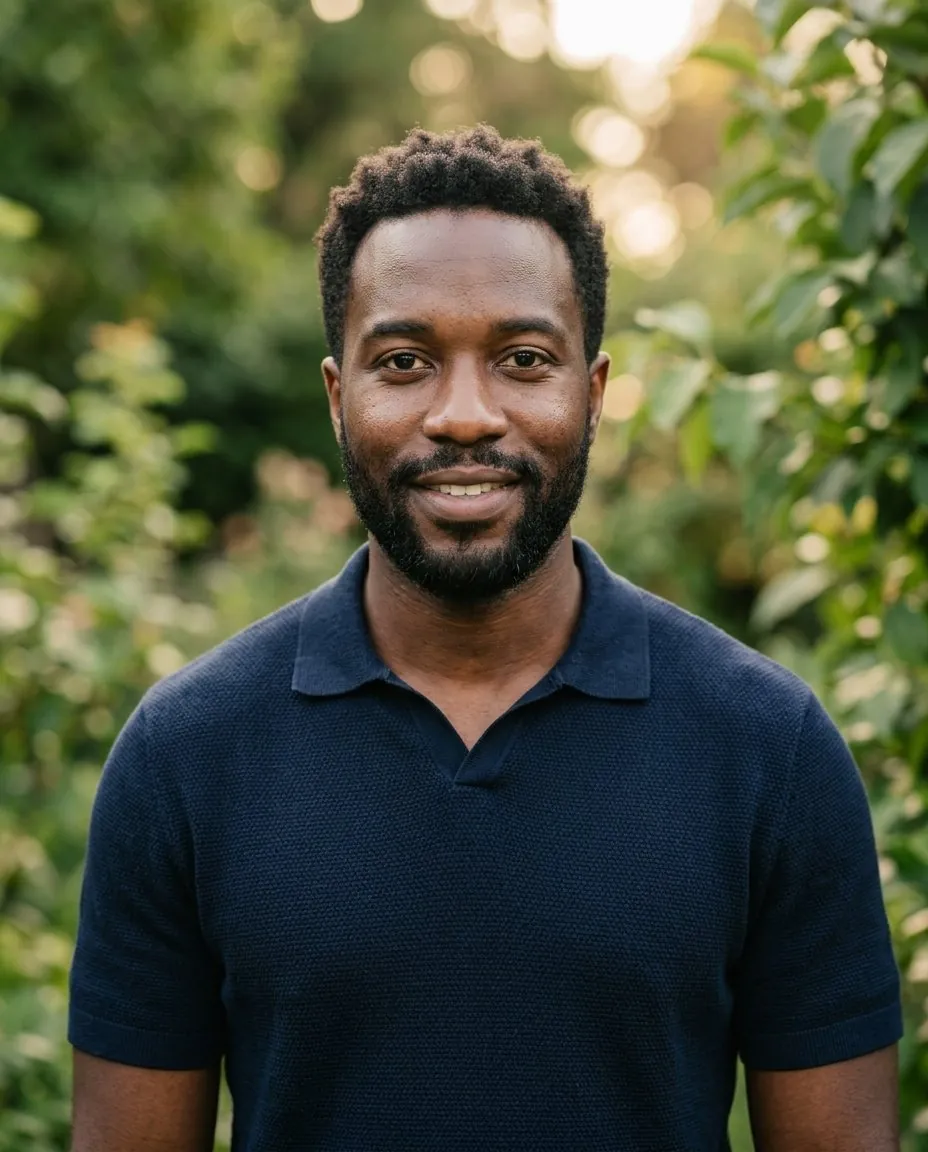
outdoor professional headshot, light knit sweater, park bokeh, golden hour backlight, warm natural smile, 85mm f/1.8 --ar 4:5 --style raw --v 7
-
Midjourney doctor prompt
headshot of a physician in a white coat with a stethoscope, light gray background, even soft light, reassuring smile, chest-up --ar 4:5 --style raw --v 7
-
Midjourney real estate agent prompt
real estate agent headshot, red blazer, sunny suburban street blurred behind, natural daylight, welcoming smile --ar 4:5 --style raw --v 7
-
Midjourney tech founder prompt
startup founder headshot, black crew-neck t-shirt, dark charcoal backdrop, single soft key light, calm confident look, minimal --ar 4:5 --style raw --v 7
-
Midjourney lawyer prompt
law firm partner headshot, three-piece suit, blurred wood-paneled law library, warm light, closed-mouth smile --ar 4:5 --style raw --v 7
-
Midjourney creative prompt
editorial headshot of a graphic designer, cobalt top, solid mustard yellow backdrop, bright even light, playful smile --ar 4:5 --style raw --v 7
-
Midjourney black and white prompt
black and white headshot, black turtleneck, mid-gray backdrop, Rembrandt lighting, thoughtful expression, fine film grain --ar 4:5 --style raw --v 7
We don’t show Midjourney results here because we can’t share outputs made in someone else’s account; each prompt uses the same five parts as the ChatGPT and Gemini versions, so the looks match the pictures above.
How to use these prompts in ChatGPT and Gemini
Copy a prompt, attach a clear photo of yourself, and ask ChatGPT or Gemini to turn that photo into a headshot in the described style. Both assistants can create images from text and accept photos you upload in the chat, though image features and limits depend on your plan and region.
- Start with one good photo. Face the camera in daylight, with no filters or sunglasses. The model can only keep the detail it can see.
- Paste the prompt and say what must not change. Replace [person] with "the person in this photo" and add: "Keep my face, hair and features exactly as they are. Only change the outfit, background and lighting."
- Fix one thing at a time. Ask for small edits, like "make the background lighter" or "a softer smile", instead of rewriting the whole prompt.
- Check the likeness at full size. Compare the result with your original photo. If your face drifts after several edits, start over from the original photo.
General chat assistants aren't built around your likeness, so expect a few tries. For a step-by-step walkthrough, see how to make an AI headshot.
Why prompts alone rarely look like you
A general image model has never seen your face, so a prompt gives you a professional-looking stranger. Headshot tools start from your own photo, then apply the style. In HeyAIHeadshot you pick a style instead of writing a prompt. More on realism.