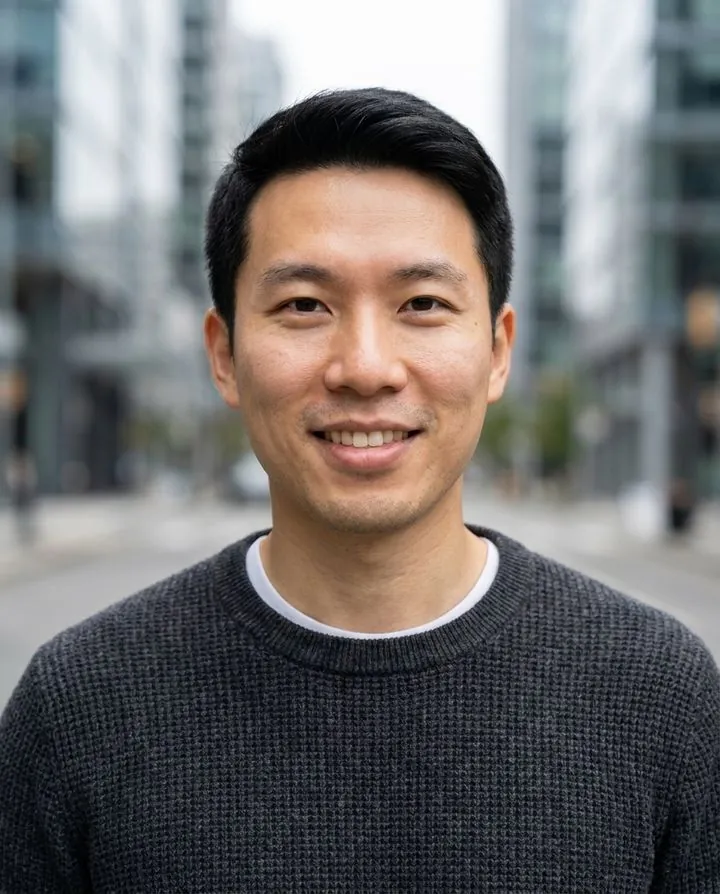
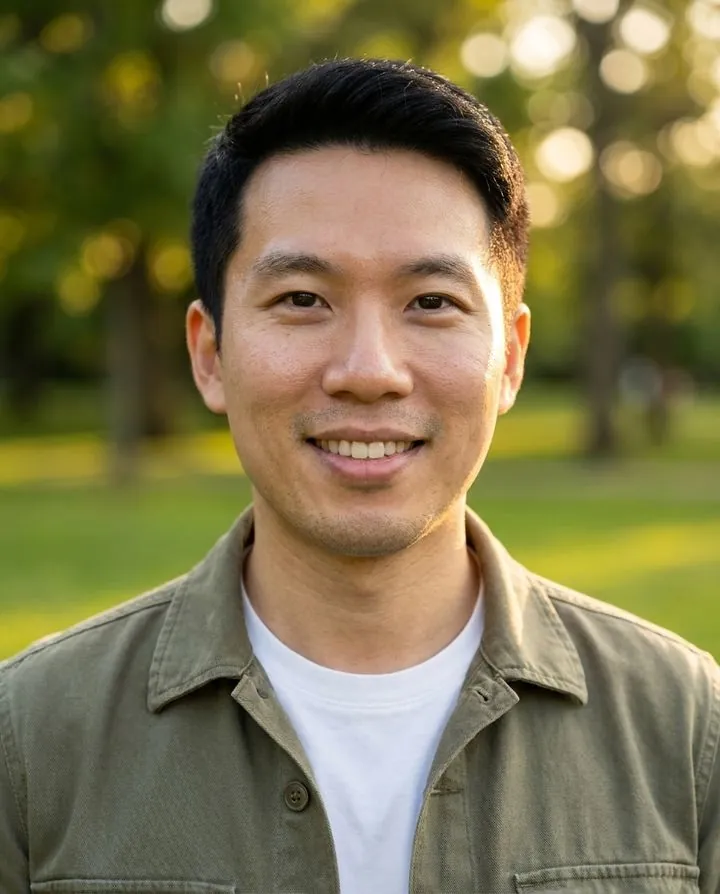
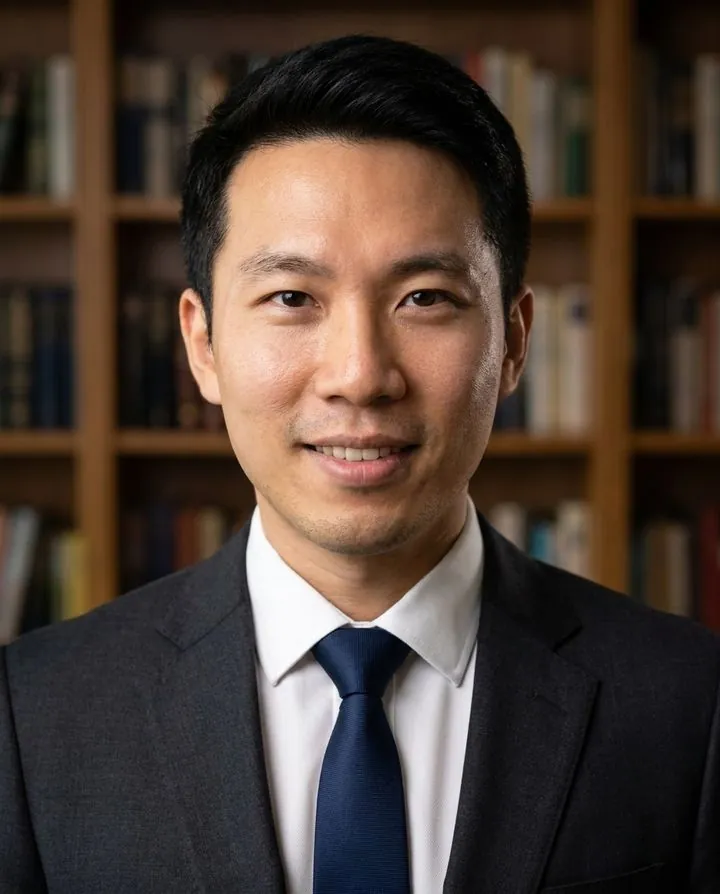
Yes, AI can make a portrait. It can turn a photo of you into a new portrait with different clothes, light and background; it can invent a portrait of a person who doesn't exist from a written description; and it can retouch or restyle a portrait you already have. The best results look like real studio photos. The weak spots are likeness, small details such as ears, teeth and glasses, and anything that needs a photographer's direction.
Three ways AI makes a portrait
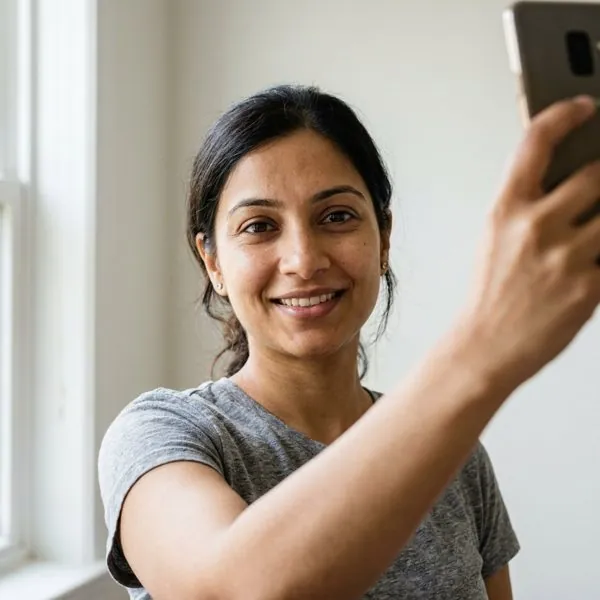
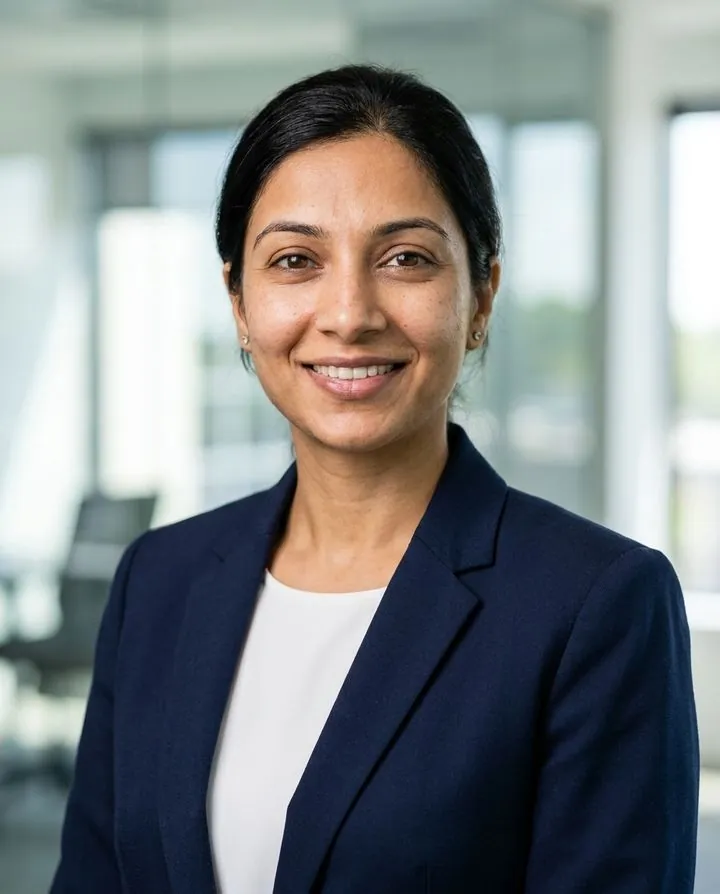
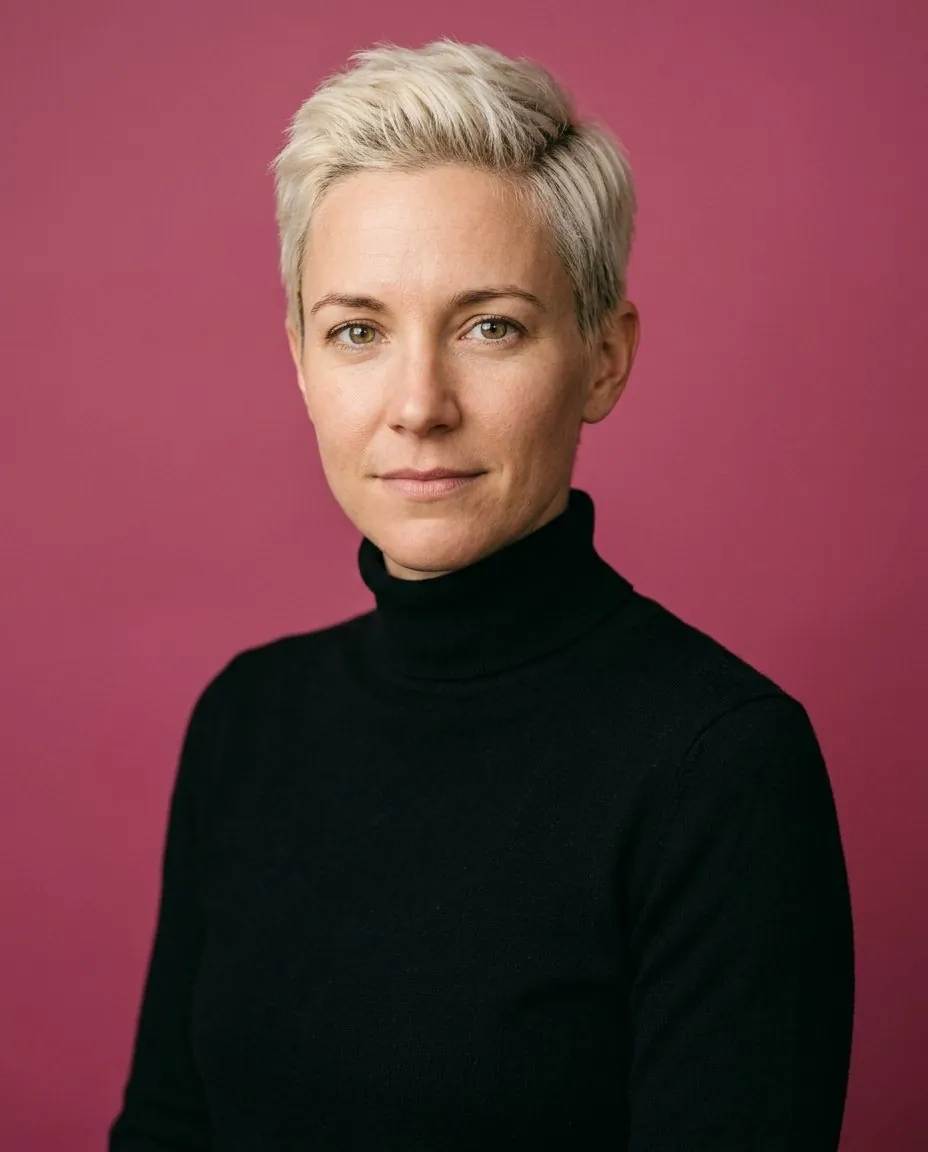
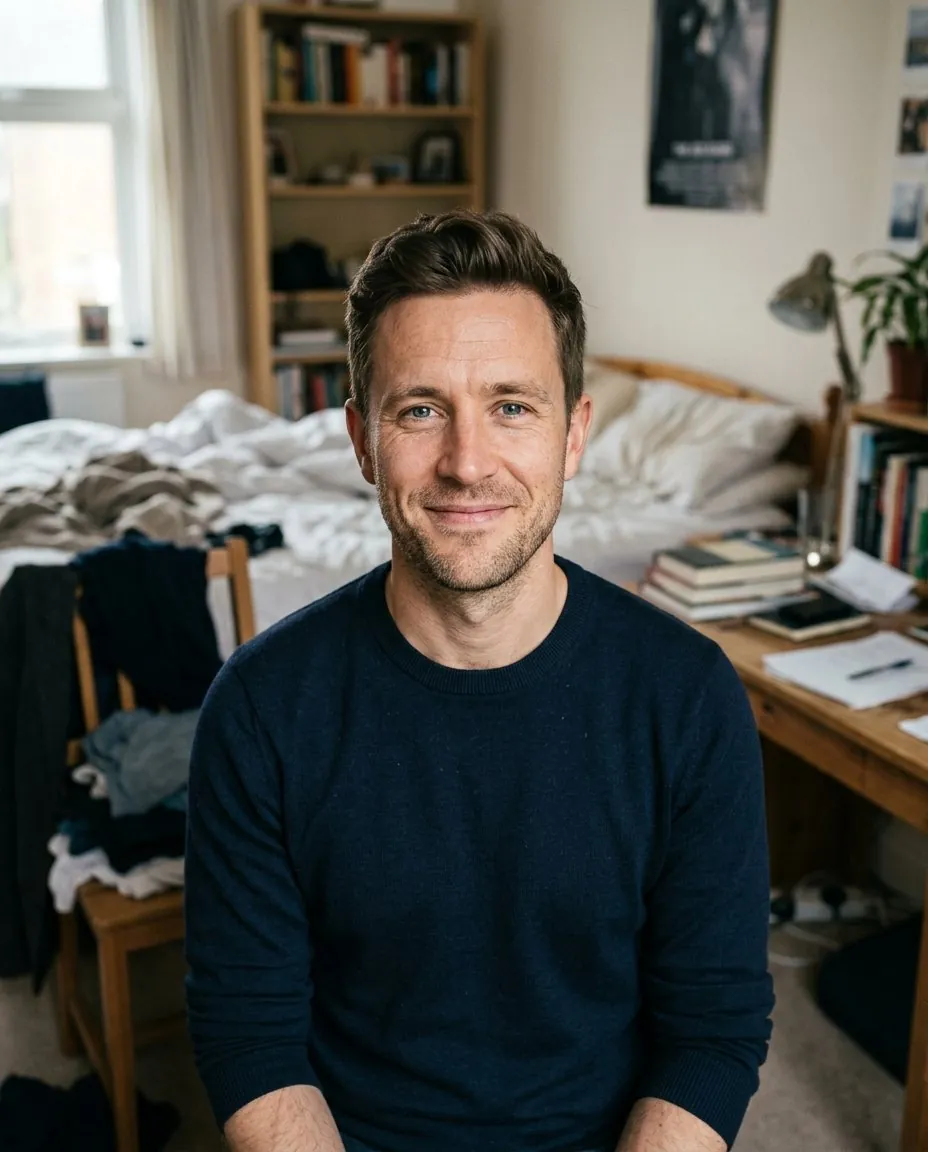
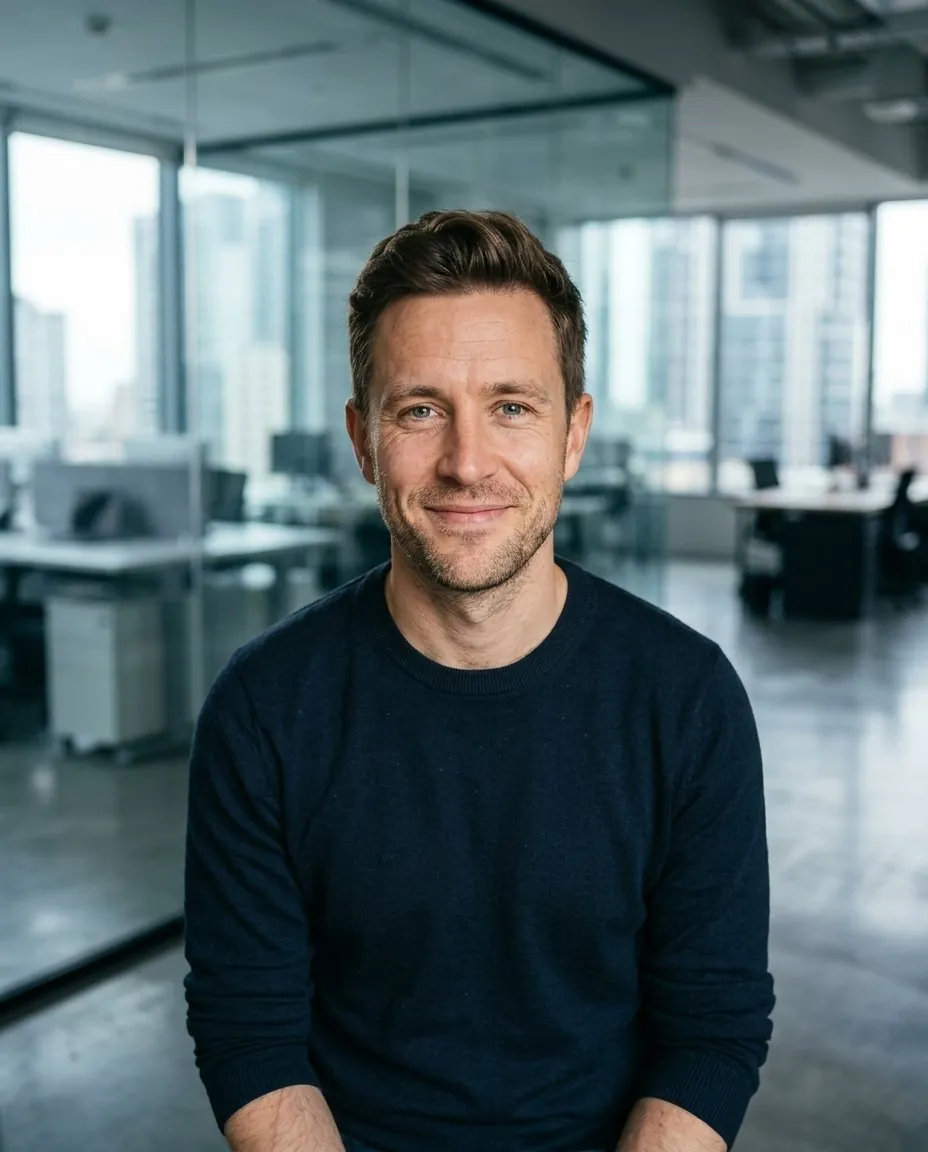
How AI turns your photo into a portrait
Early AI portrait apps, around 2022 and 2023, asked for 10 to 20 photos and spent up to an hour training a small custom model on your face. Current image models can do the same from a single good photo: they read your face from the reference image and paint a new picture to match a set of instructions.
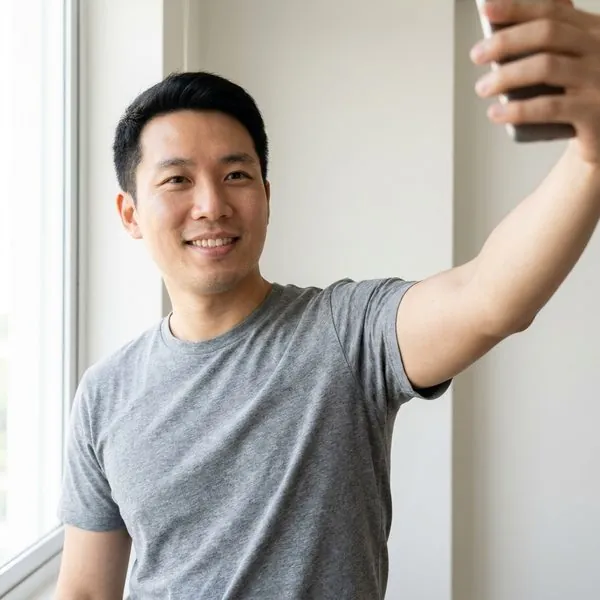 Your photoThe only source for your face
Keep the same person… navy suit… gray studio backdrop… 85mm, softbox… 4:5…InstructionsWhat to keep, what to change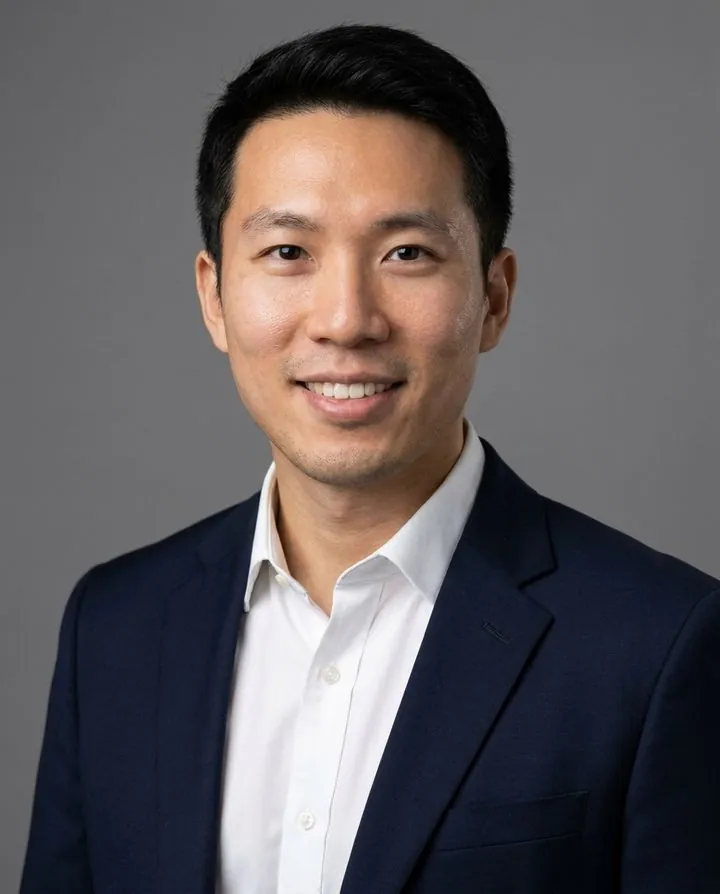 New portraitRendered in about a minute
The instructions do most of the work. When we built HeyAIHeadshot's generator, three things made the biggest difference:
- Locking the identity first. The prompt starts by listing what must not change, feature by feature: face shape, eyes, nose, lips, skin tone, hairline, hair, glasses, age and body. Only then does it describe the outfit and scene.
- Describing a real photo shoot. Lens, light setup, framing and color grading, the way a photographer would plan it, give far more natural results than words like "high quality".
- Choosing how much to retouch. We offer natural, polished and glam levels. Heavier retouching looks more glamorous but drifts further from the real you, so the default sits in the middle.
If you want to try this in a general assistant, our Gemini headshot prompt is a shortened version of the same approach.
Portrait styles AI can make
| Style | What it looks like | Good for |
|---|---|---|
| Studio headshot | Plain or textured backdrop, softbox light, head and shoulders | LinkedIn, résumés, company pages |
| Environmental portrait | Office, bookshelf, city street or park, softly blurred | Bios, websites, professional headshots |
| Lifestyle portrait | Café, outdoors, warm natural light, relaxed expression | Profile pictures, dating apps |
| Editorial or black and white | Dramatic light, strong contrast, magazine look | Creative portfolios, press |
| Painted or illustrated | Oil painting, watercolor, sketch, anime | Gifts, avatars, fun; not for places that expect a real photo |
HeyAIHeadshot makes the first three, realistic photo styles only. For painted or anime portraits, use an art-style generator.
What AI portraits still get wrong
AI portraits have improved fast, but they still fail in predictable ways. Check every result for these before you use it:
- Likeness drift. The face is attractive but not quite yours: a slimmer jaw, different eyes, a younger look. This is the most common problem and the one that matters most.
- Waxy skin. Too much smoothing makes skin look like plastic. Real skin has fine texture.
- Small details. Ears, teeth, glasses frames, earrings and hairlines are where errors hide. Zoom in.
- Invented features. Freckles, moles or wrinkles you don't have, or missing ones you do.
- Hands and text. Hands in frame, logos and lettering are still unreliable, which is why headshot tools keep them out.
- The moment. AI can't coach a genuine laugh or catch an expression only you make. It works from the expression in your photo.
The simplest test: show the portrait to someone who knows you without telling them it's AI. If they say "nice photo", use it. If they pause, try another. Our guide to making AI headshots look realistic explains how to avoid each of these.
AI portrait vs a photographer
| AI portrait | Photographer | |
|---|---|---|
| Cost | Free previews, then $9–$99 for a set | About $300 per session in the US (full breakdown) |
| Time | Minutes, from home | A booked session, then days to weeks for retouched files |
| Variety | Many outfits and backgrounds from one photo | Usually 1–2 looks per session |
| Likeness | Good from a clear photo; check every result | It's a real photo of you |
| Direction and emotion | Limited to the expression in your photo | Coaching, real moments, exact creative control |
| Best for | LinkedIn, résumés, profiles, team pages | Acting, print, campaigns, special occasions |
Is it OK to use an AI portrait?
For a portrait of yourself, generally yes. A few rules worth knowing:
- Only make portraits of yourself, or of someone who has clearly agreed. Making AI images of other people without consent can break platform rules and, in many places, the law.
- It should look like you. LinkedIn, dating apps and employers expect your photo to show your real likeness. A flattering AI portrait is fine; a different-looking person isn't.
- Don't use AI for official ID. Passport, visa and driving-license photos must be unedited photos taken to official rules.
- Copyright works differently. In the US, the Copyright Office's January 2025 report says material generated entirely by AI isn't protected by copyright without enough human authorship. That doesn't stop you using your portrait on your profiles; it means you may not be able to stop others from copying it.
How to make a realistic AI portrait of yourself
- Start with one good photo. Face the camera in daylight, eyes visible, no filter or sunglasses, recent.
- Pick where you'll use it. A purpose such as LinkedIn, résumé or dating sets the outfit, background and expression for you.
- Choose natural retouching, then compare each result with your photo and keep the one that looks most like you.
Sources: US Copyright Office, Copyright and Artificial Intelligence (Part 2: Copyrightability, January 29, 2025); summary by Jenner & Block. How-it-works notes are from building HeyAIHeadshot's generator, which uses Google's Gemini image models. Checked October 2026.